Windows 10 Pro for Workstations vs Pro: Is It Worth It?
Windows 10 Pro for Workstations vs Pro: 4 CPUs and 6 TB of memory instead of 2 and 2 TB, plus ReFS, persistent memory and SMB Direct. Who needs it.
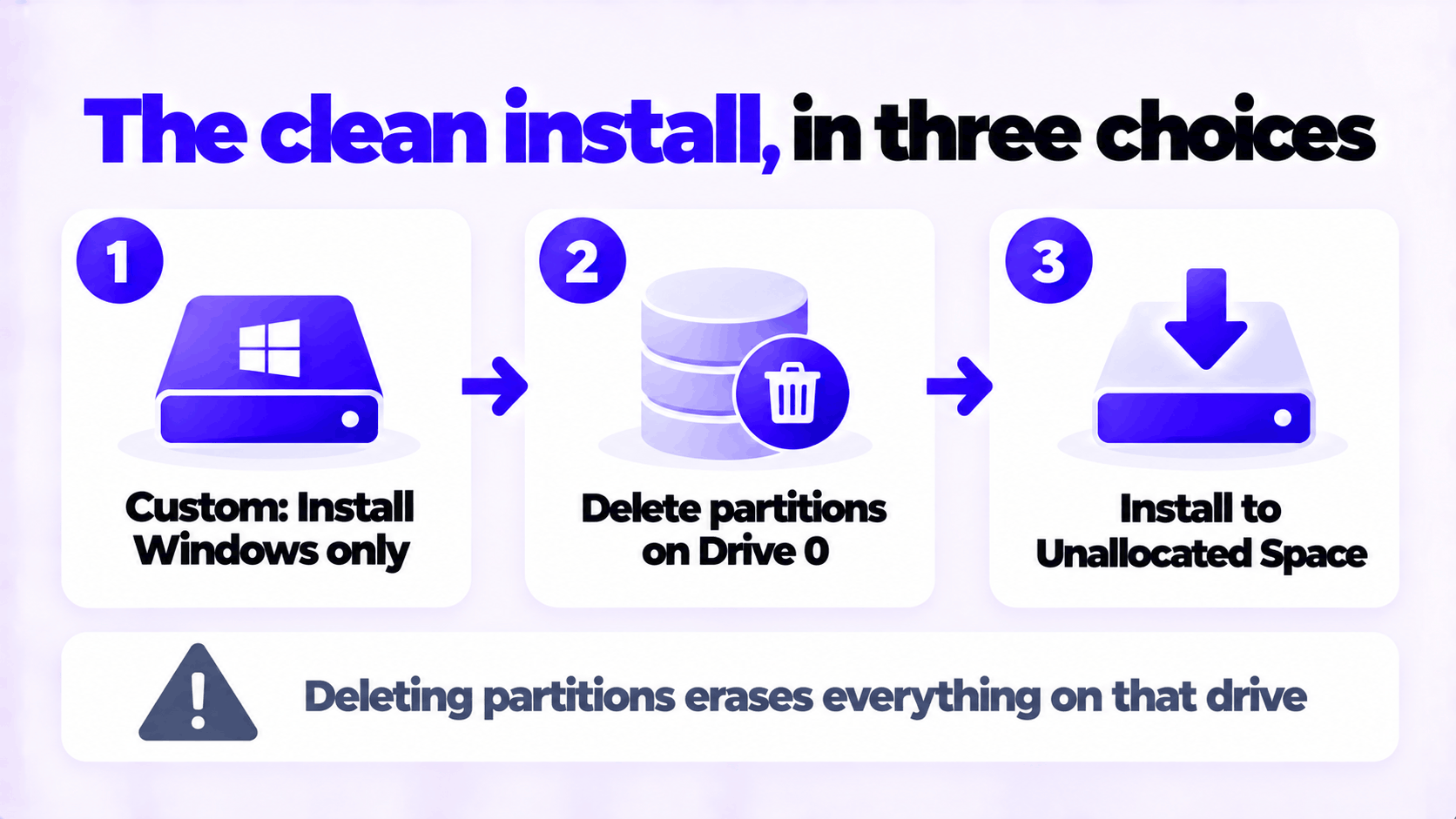
Short answer: To clean install Windows 10 Pro from a USB drive, create the drive with Microsoft’s Media Creation Tool, start the PC from it, choose Custom: Install Windows only (advanced), delete the partitions on the system drive, and install to the unallocated space. Select Windows 10 Pro when setup asks for the edition, and enter your key during setup or afterward in Settings. This erases everything on that drive, so back up first.
Applies to: Windows 10 Pro, version 22H2. Windows 10 reached end of support on October 14, 2025, and no longer receives free security updates. If the PC can run Windows 11, install that instead.
Table of Contents
Decide whether Windows 10 is the right choice. Microsoft’s own download page for Windows 10 now carries the notice that after October 14, 2025 it no longer receives free software updates, technical support or security fixes. A clean installation today gives you a tidy copy of an operating system that is no longer patched. It makes sense for a PC that cannot run Windows 11, or one that stays offline. For anything else, see how to upgrade Windows 10 to Windows 11 or create a Windows 11 bootable USB.
Then gather what you need:
Minimum hardware for 64-bit Windows 10 is a 1 GHz processor, 2 GB of memory and 32 GB of storage. In practice it needs 8 GB of memory and an SSD to be pleasant to use.
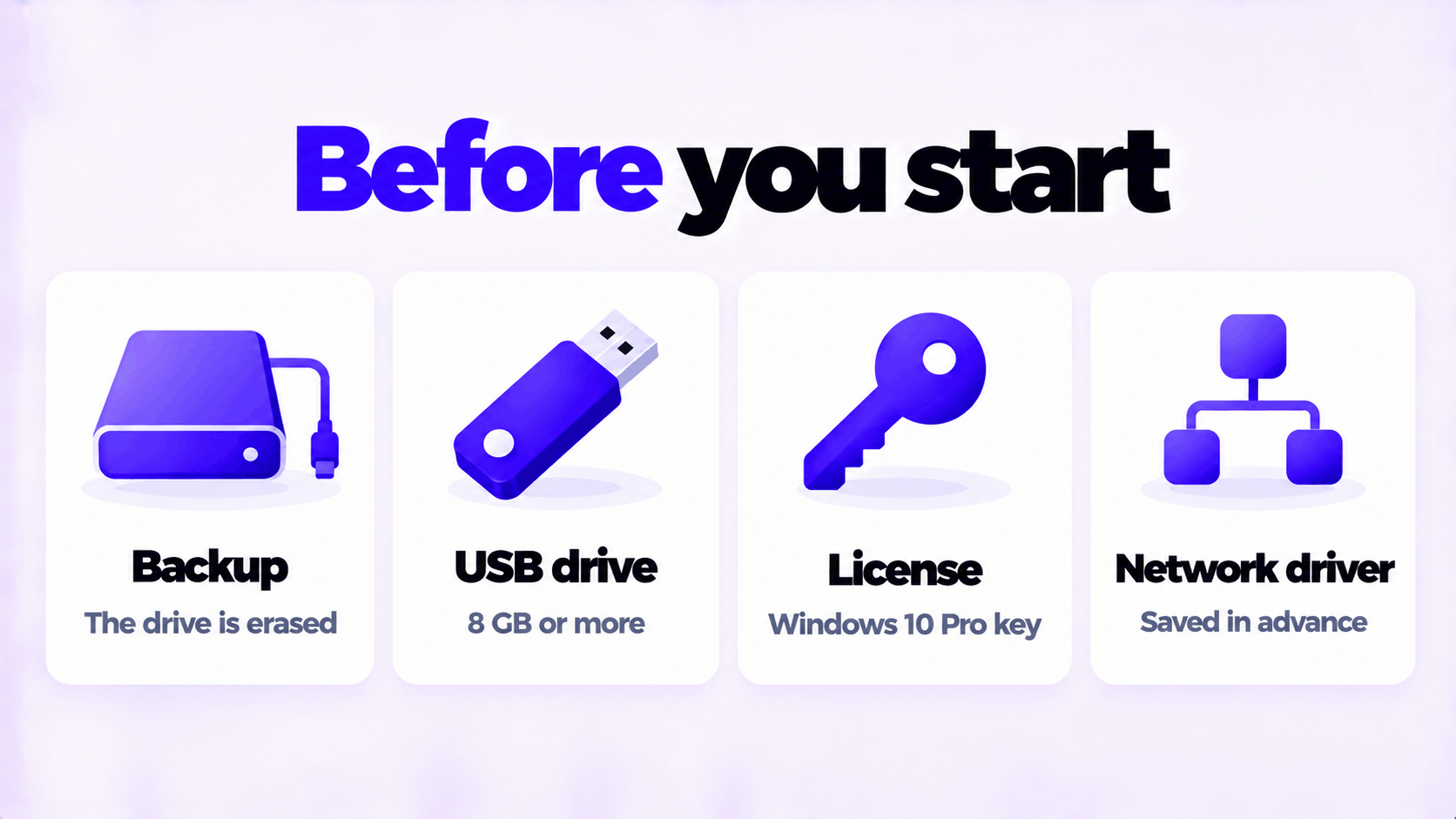
The “Windows 10” edition in step 5 contains both Home and Pro. You choose between them during installation.
Using the one-time boot menu is better than changing the boot order in the firmware settings. If you do change the order, set it back afterward, or the PC will start setup again when it restarts.
Leave Secure Boot on. Microsoft’s installer works with it.
Read step 6 twice before you do it. If the PC has more than one drive, each appears as Drive 0, Drive 1 and so on. Only delete partitions on the drive Windows is going on. If you are not sure which is which, shut down, unplug the other drives, and start again. Deleted partitions cannot be brought back from this screen.
On laptops and prebuilt PCs with a Home key stored in the firmware, setup may skip steps 2 and 3 and install Home automatically. If that happens, finish setup and then enter your Pro key in Settings to upgrade: see how to upgrade Windows 10 Home to Pro.
When the files are copied, the PC restarts into the setup screens. If it starts the installer again instead, unplug the USB drive and restart.
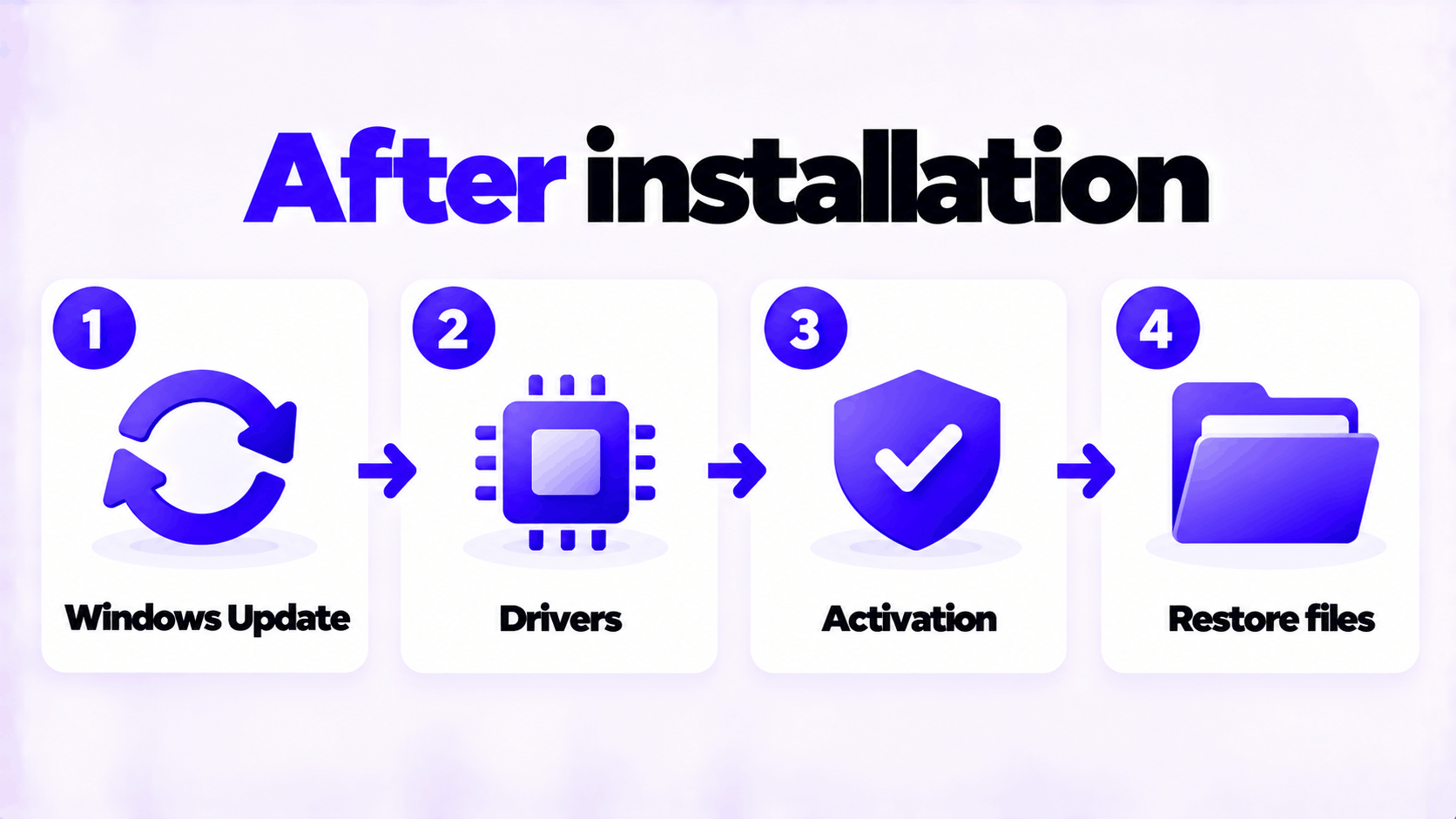
If activation fails, the error code tells you why: see what to do when a product key didn’t work.
| Problem | Likely cause | What to do |
|---|---|---|
| The PC ignores the USB drive | Fast startup skipped the boot menu, or the wrong key | Shut down fully and try again. Try the other keys. |
| “Windows cannot be installed to this disk. The selected disk is of the GPT partition style” | The USB drive was started in Legacy mode on a drive set up for UEFI | Restart and pick the boot entry that begins with UEFI |
| “The selected disk has an MBR partition table” | The reverse: started in UEFI mode on an older MBR drive | Delete all partitions on that drive in step 6. Setup converts it. |
| No drives are listed | A storage driver is missing | Download the storage driver from the PC maker, put it on a USB drive, and select Load driver |
| Setup installed Home, not Pro | A Home key is stored in the PC’s firmware | Finish setup, then enter the Pro key in Settings |
| Setup starts again after the first restart | The PC is still starting from the USB drive | Unplug the drive and restart |
| No internet after installation | The network driver is missing | Install the driver you saved beforehand |
If you need a license, this is the one we sell: Windows 10 Pro OEM key for 1 PC.
Stuck on a step?
Send us the step and the exact error message. Our support team answers every day, 8 am to 9 pm New York time.
Every day, 8 am to 9 pm New York timeWindows 10 Pro for Workstations vs Pro: 4 CPUs and 6 TB of memory instead of 2 and 2 TB, plus ReFS, persistent memory and SMB Direct. Who needs it.
How to install Windows 11 without a Microsoft account in 2026: the Pro option that still works, switching to a local account, and what was removed.
How to downgrade Windows 11 to Windows 10: Go back within 10 days and keep your files, or clean install after that. Plus why to think twice in 2026.