How to Clean Install Windows 10 Pro From a USB Drive
How to clean install Windows 10 Pro from a USB drive: create the installer, boot from it, delete the old partitions, install and activate. Step by step.
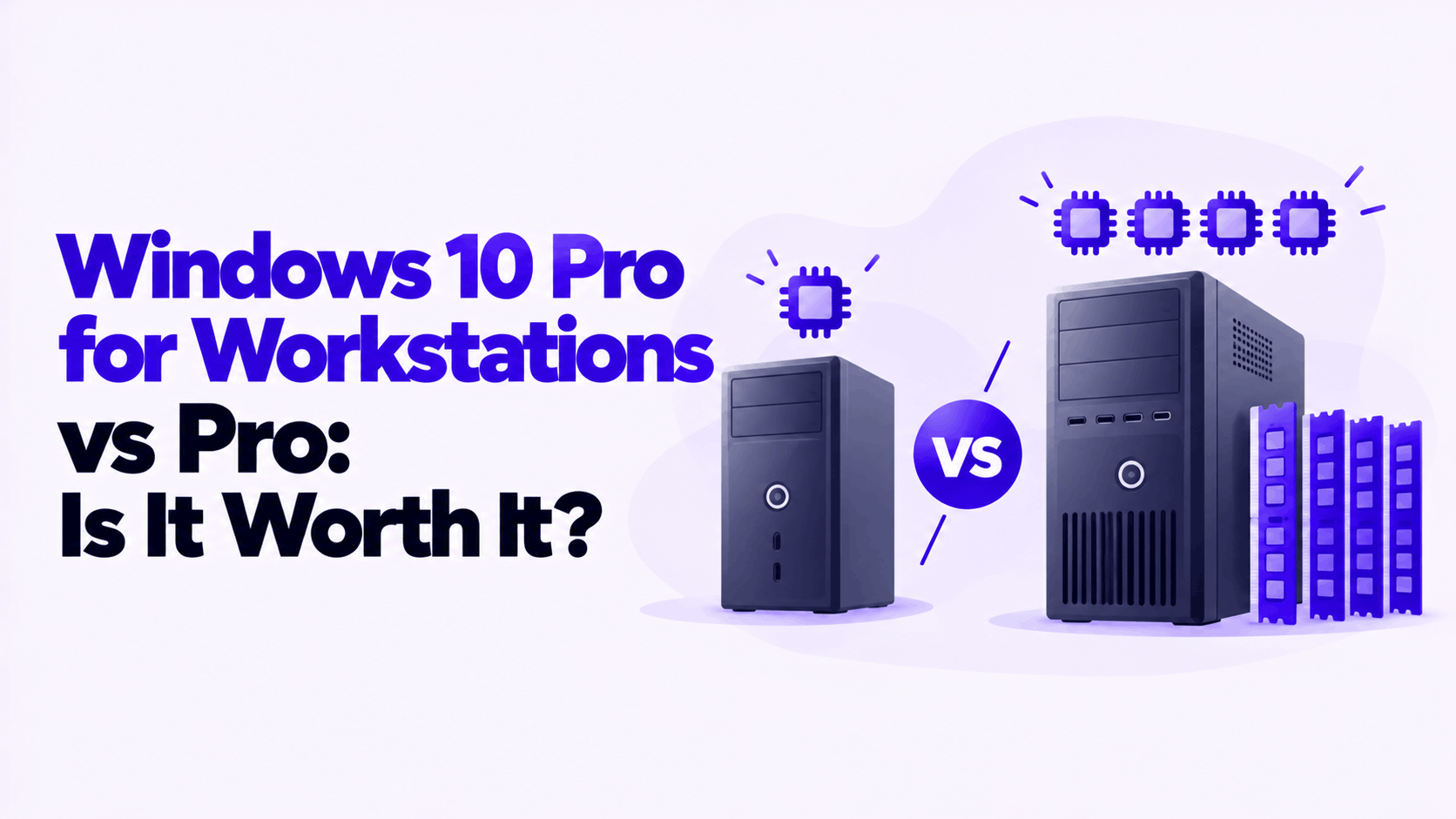
Short answer: In a Windows 10 Pro for Workstations vs Pro comparison, the Workstations edition adds four things: support for 4 processors instead of 2, 6 TB of memory instead of 2 TB, the ability to create ReFS storage volumes, and support for persistent memory and SMB Direct networking. Everything else is the same. On a PC with one processor and ordinary memory, there is no speed difference, and standard Pro is the right choice.
Applies to: Windows 10 Pro and Windows 10 Pro for Workstations. Windows 11 has the same two editions with the same memory limits. Windows 10 reached end of support on October 14, 2025.
Table of Contents
| Feature | Windows 10 Pro | Windows 10 Pro for Workstations |
|---|---|---|
| Physical processors (sockets) | 2 | 4 |
| Maximum memory | 2 TB | 6 TB |
| ReFS | Can use existing ReFS volumes, cannot create new ones | Can create and use ReFS volumes |
| Persistent memory (NVDIMM-N) | No | Yes |
| SMB Direct (RDMA networking) | No | Yes |
| BitLocker, Hyper-V, Remote Desktop, Group Policy | Yes | Yes |
| Minimum hardware requirements | The same for both | |
| Speed in games and everyday apps | The same for both | |
Each row in the top half only matters if you own the hardware it refers to. That is the whole decision, and the sections below explain what each one needs.
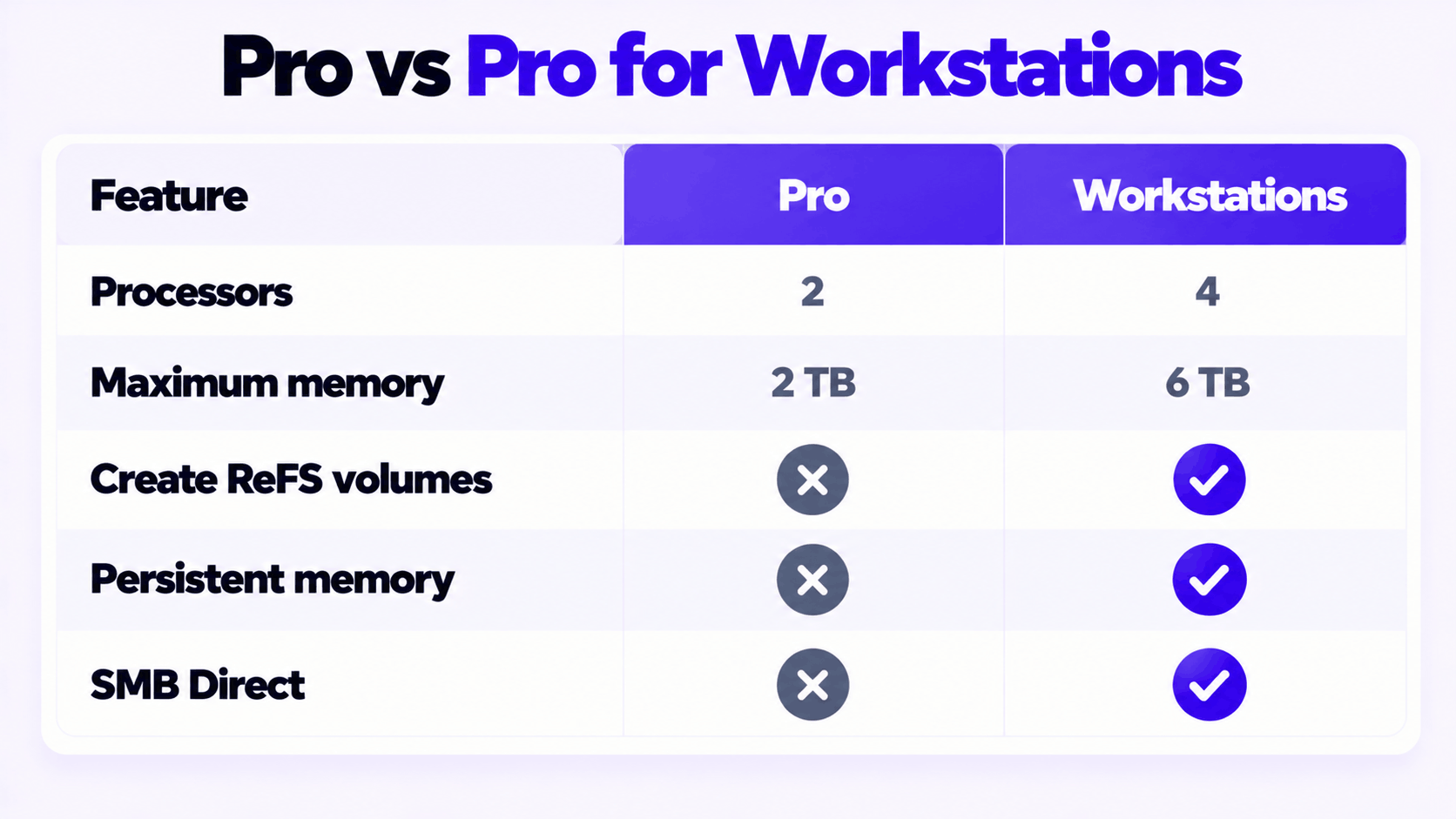
When Microsoft introduced the edition, it described the change as support for up to 4 CPUs, previously limited to 2, and up to 6 TB of memory, previously limited to 2 TB. Its memory limits table confirms the second figure: 2 TB for Windows 10 Pro, 6 TB for Pro for Workstations.
Two points keep these numbers in proportion:
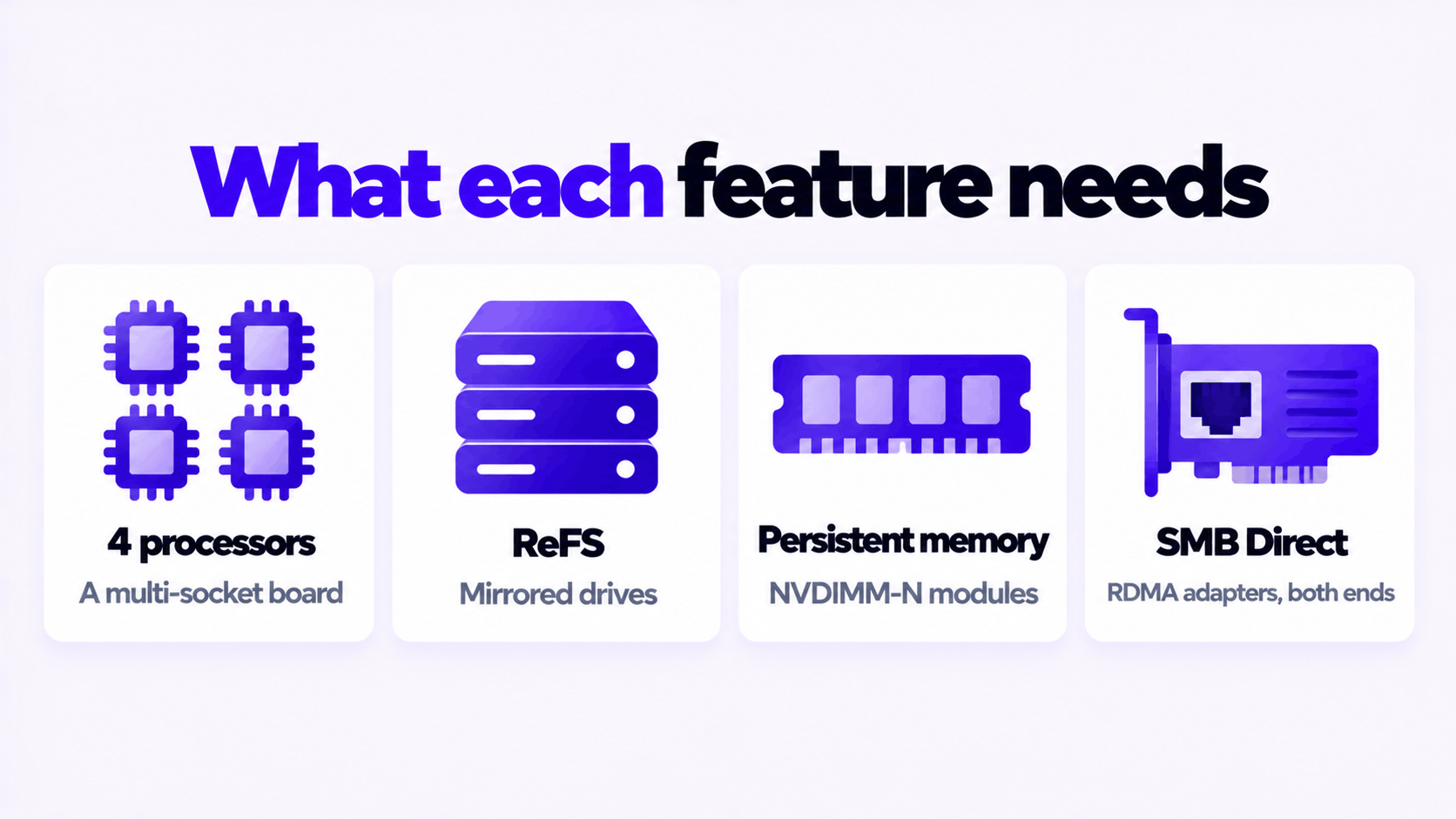
Microsoft notes that these configurations need server-grade processors such as Intel Xeon. If your PC has one consumer processor, including a Ryzen 9 or a Core i9, standard Pro already uses all of it.
ReFS, the Resilient File System, is built to protect data on large storage arrays. Microsoft describes the Workstations edition as combining ReFS with Storage Spaces: data is kept on multiple mirrored drives, and when ReFS detects that one copy has become corrupt, it repairs it from another.
What that means in practice:
If you are not building a multi-drive storage pool for large project files, this feature does nothing for you.
Persistent memory modules (NVDIMM-N) sit in memory slots and work at memory speed, but keep their contents when the power goes off. Microsoft says the Workstations edition supports them for the fastest data storage a workstation can have, with files still there after a power loss.
The hardware requirements are specific: NVDIMM-N modules, a chipset that supports them, and compatible firmware. These are found in servers and a small number of high-end workstations. No ordinary desktop or laptop has them.
SMB Direct speeds up file transfers over a network by using network adapters with Remote Direct Memory Access (RDMA). Microsoft lists the benefits as higher throughput, very low latency and lower processor use during transfers.
It needs RDMA-capable adapters at both ends: in the workstation and in the server or storage device it talks to. A standard 1 GbE or 2.5 GbE port on a desktop motherboard is not RDMA-capable, and neither is a typical home NAS. This is a feature for studios and labs with 10 GbE or faster storage networks.
Processors and memory: press Ctrl + Shift + Esc to open Task Manager, select Performance, then CPU. The Sockets line shows the number of physical processors. Select Memory to see the installed amount.
Or run this in PowerShell:
Get-ComputerInfo | Select-Object WindowsProductName, CsNumberOfProcessors, CsTotalPhysicalMemoryWhich editions this installation can upgrade to: open Command Prompt as administrator and run:
DISM /Online /Get-TargetEditionsIf ProfessionalWorkstation is in the list, this copy of Windows can be upgraded in place with a product key.
| Your setup | Edition |
|---|---|
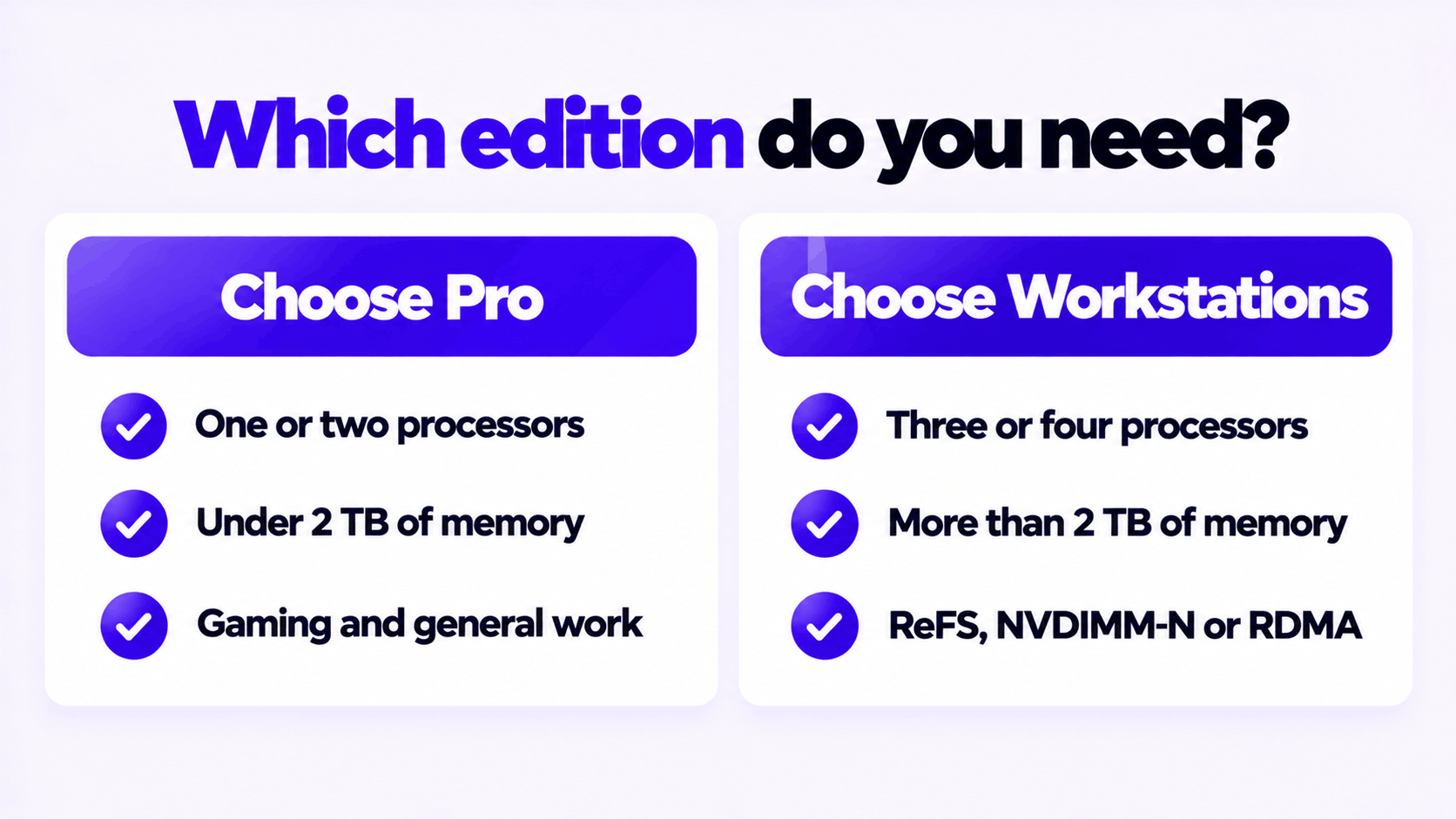
| One processor, up to 256 GB of memory, gaming or general work | Pro |
| One high-core-count processor for rendering, compiling or video editing | Pro |
| Two processors, under 2 TB of memory | Pro, unless you need one of the three features below |
| Three or four processors, or more than 2 TB of memory | Pro for Workstations |
| A mirrored Storage Spaces pool you want formatted as ReFS | Pro for Workstations |
| NVDIMM-N persistent memory installed | Pro for Workstations |
| RDMA network adapters and an RDMA-capable file server | Pro for Workstations |
If none of the last four rows describes your PC, the Workstations edition gives you nothing that Pro does not, and it will not make the PC faster.
One more consideration: Windows 10 is out of support and no longer receives security updates in either edition. A workstation with hardware of this class almost certainly meets the Windows 11 requirements, where the same edition exists with the same limits. For a new build, choose Windows 11.
Moving from Pro to Pro for Workstations is an in-place edition upgrade. Your files and apps stay where they are, and Microsoft’s edition upgrade table lists it as supported with no restart required.
From Windows 10 Home, the same method works but does require a restart. One thing to know afterward: Microsoft does not offer offline activation by Installation ID for the Workstations edition, so the PC has to be online to activate.
The keys we sell for each: Windows 10 Pro for Workstations and Windows 10 Pro. If a key is refused, see what to do when a product key didn’t work.
Stuck on a step?
Send us the step and the exact error message. Our support team answers every day, 8 am to 9 pm New York time.
Every day, 8 am to 9 pm New York timeHow to clean install Windows 10 Pro from a USB drive: create the installer, boot from it, delete the old partitions, install and activate. Step by step.
How to downgrade Windows 11 to Windows 10: Go back within 10 days and keep your files, or clean install after that. Plus why to think twice in 2026.
Windows 10 OEM vs retail license: which one can move to a new PC, who supports it, what Microsoft’s license terms say, and which to buy in 2026.