How to Upgrade Windows 10 to Windows 11 Without Losing Data
How to upgrade Windows 10 to Windows 11 for free and keep your files and apps: requirements, three upgrade methods, and what happens to your license.
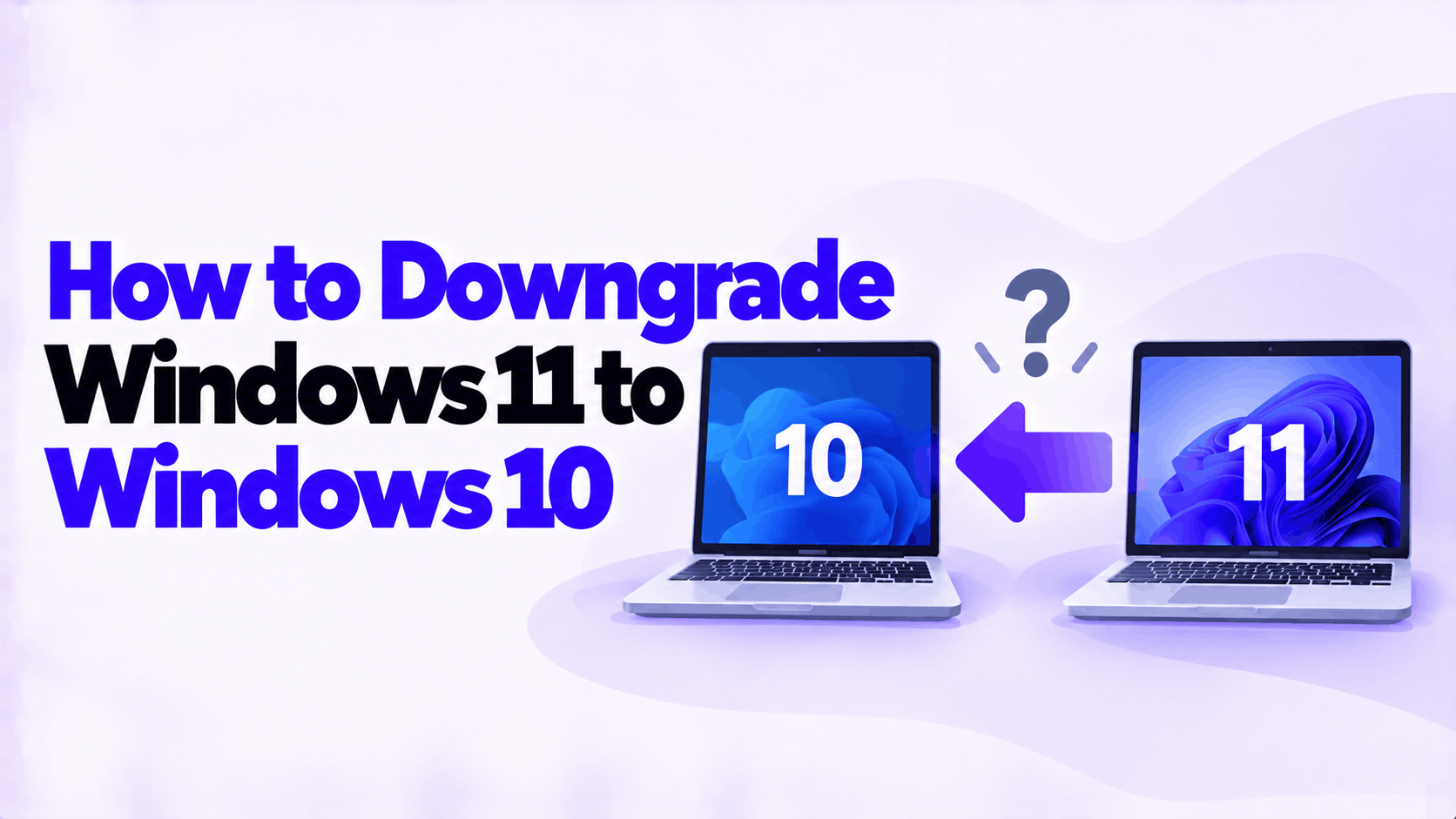
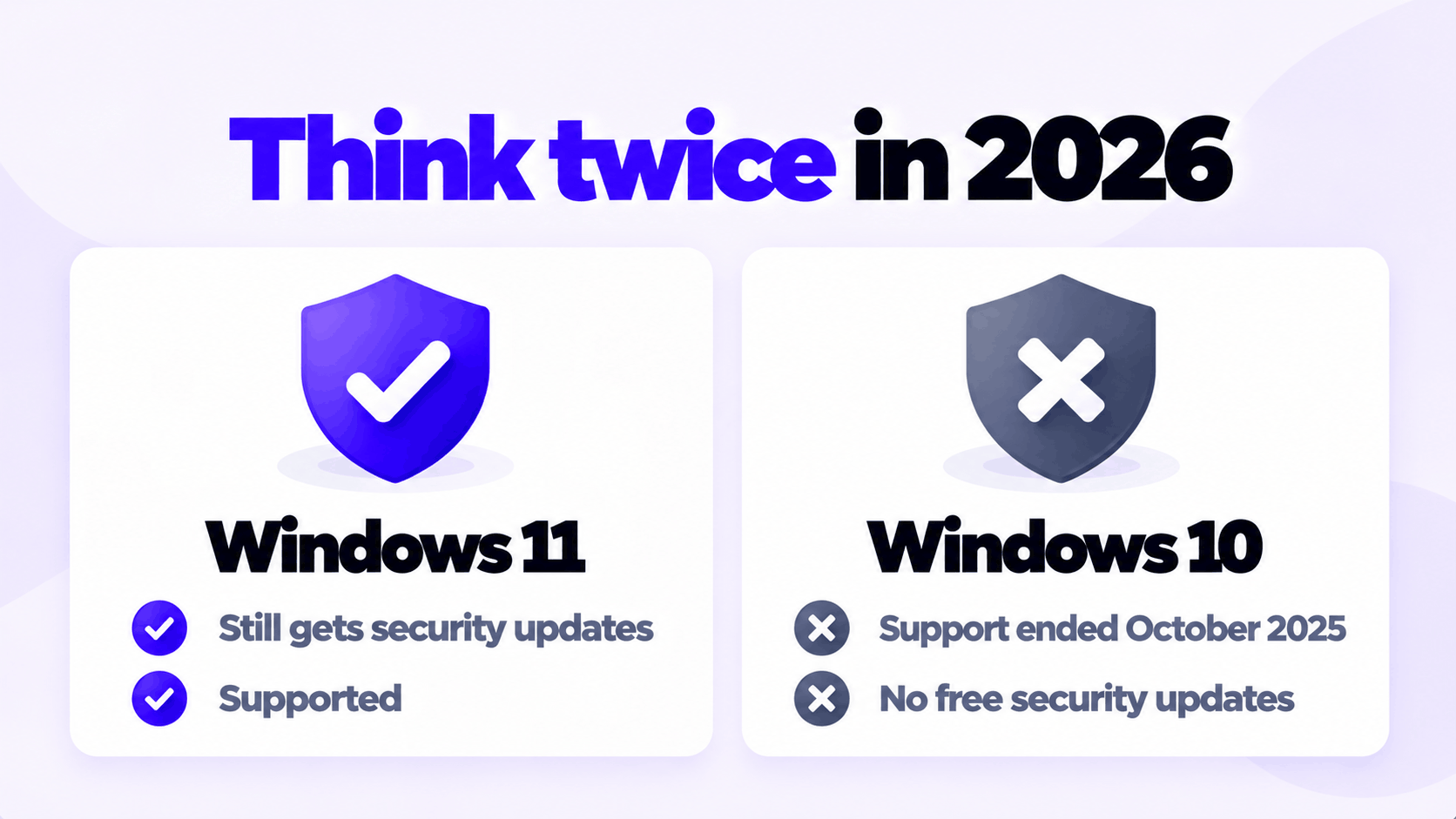
Short answer: You can downgrade Windows 11 to Windows 10 in two ways. Within 10 days of upgrading, open Settings > System > Recovery and select Go back, which keeps your files. After 10 days, or on a PC that came with Windows 11, the only route is a clean installation of Windows 10 from a USB drive, which erases the drive. Before doing either, know that Windows 10 reached end of support on October 14, 2025 and no longer gets free security updates.
Applies to: Windows 11 Home and Pro, going back to Windows 10 version 22H2.
Table of Contents
For most people the answer is now no. Microsoft stopped releasing free security updates, fixes and support for Windows 10 Home and Pro on October 14, 2025. Going back means trading a supported system for an unsupported one.
| Your reason | Is going back a good answer? |
|---|---|
| A program or device you depend on does not work on Windows 11 | Possibly, if there is no update for it and no alternative. Keep that PC off sensitive tasks. |
| You upgraded an unsupported PC and it is unstable | Yes. Microsoft itself recommends rolling such a PC back. |
| You dislike the Start menu or taskbar | No. Those can be adjusted, and they are not worth losing security updates over. |
| Windows 11 feels slower | Rarely. On the same hardware the difference is small. Check drivers and startup apps first. |
| A game stutters | No. Update the graphics driver first. |
If you still want to go back, the two methods follow. If you are unsure, read the last section first.
| Your situation | Method | Files kept? |
|---|---|---|
| Upgraded from Windows 10 in the last 10 days | Go back | Yes |
| Upgraded more than 10 days ago | Clean install | No |
| The PC came with Windows 11 | Clean install | No |
| You did a clean install of Windows 11 | Clean install | No |
To check, open Settings > System > Recovery. If Go back is there and can be selected, Method 1 is available. Microsoft states that it is offered for only 10 days after an upgrade, after which the files it needs are removed.
Back up your files first anyway. The rollback keeps them, but any change this large deserves a backup. Make sure you know the password you used on Windows 10, because you will need it to sign in.
The PC restarts and restores Windows 10. Keep a laptop plugged in until it finishes.
What comes back and what does not:
Once back on Windows 10, Windows Update will offer Windows 11 again. To stay on Windows 10, select Stay on Windows 10 for now when the offer appears.
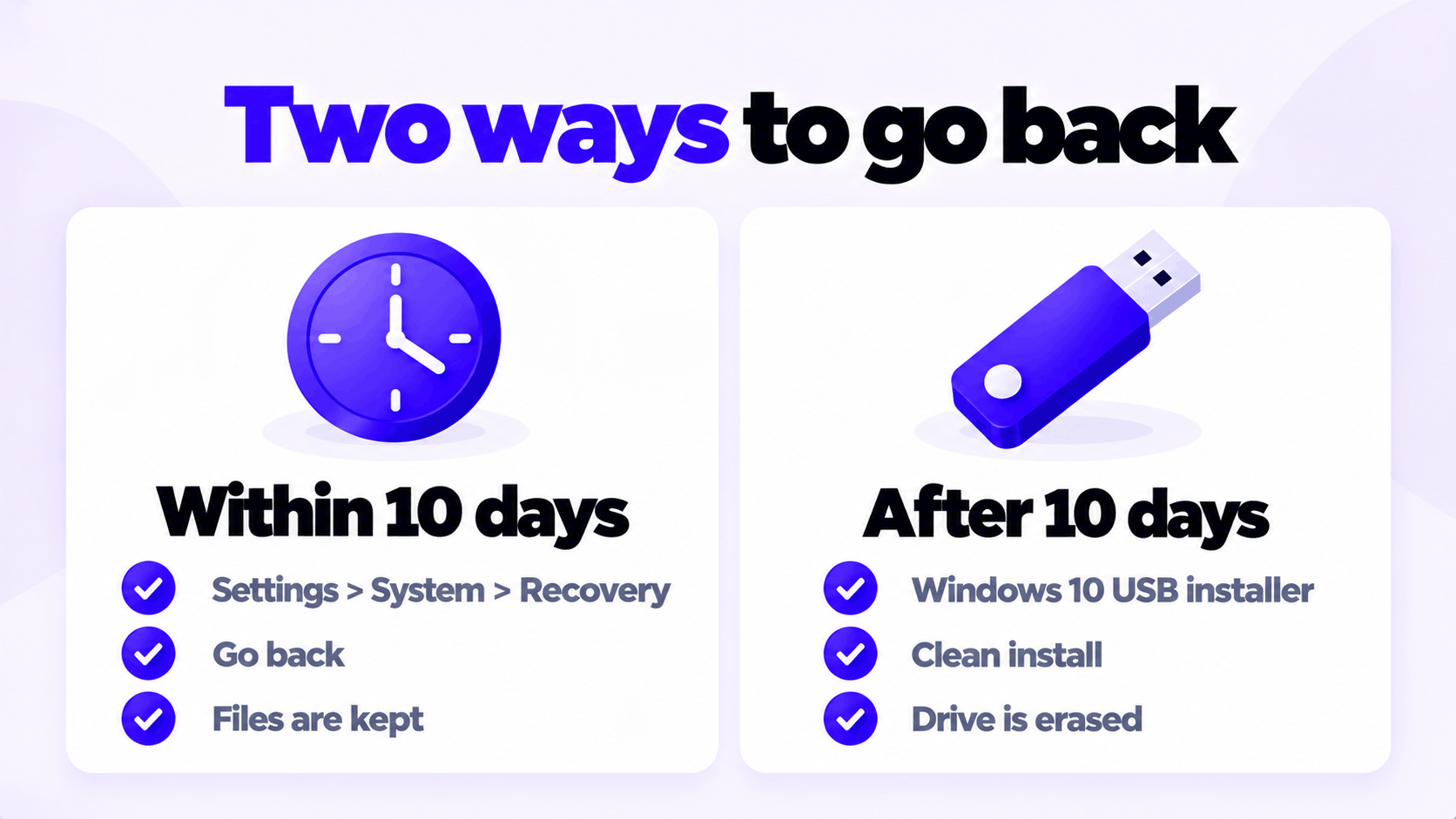
This erases the system drive completely. There is no way to do it and keep your programs.
Each of these steps is set out in full, including the warnings about deleting partitions, in how to clean install Windows 10 Pro from a USB drive.
Usually not. A PC that is activated with Windows 11 generally activates Windows 10 of the same edition as well, without a new key.
| Situation | What to do during Windows 10 setup |
|---|---|
| The PC was upgraded from an activated Windows 10 | Select I don’t have a product key. It reactivates online with its existing digital license. |
| The PC came with Windows 11 from the manufacturer | Select I don’t have a product key if asked. Setup normally reads the key stored in the firmware. |
| You activated Windows 11 with a key you bought | Enter that same key. If setup refuses it, skip it and enter it in Settings afterward. |
| You want a different edition than you have now | You need a key for that edition |
After installation, check Settings > Update & Security > Activation. If Windows 10 does not activate by any of these routes, that is when a Windows 10 key is needed. Do not buy one before you have tried.
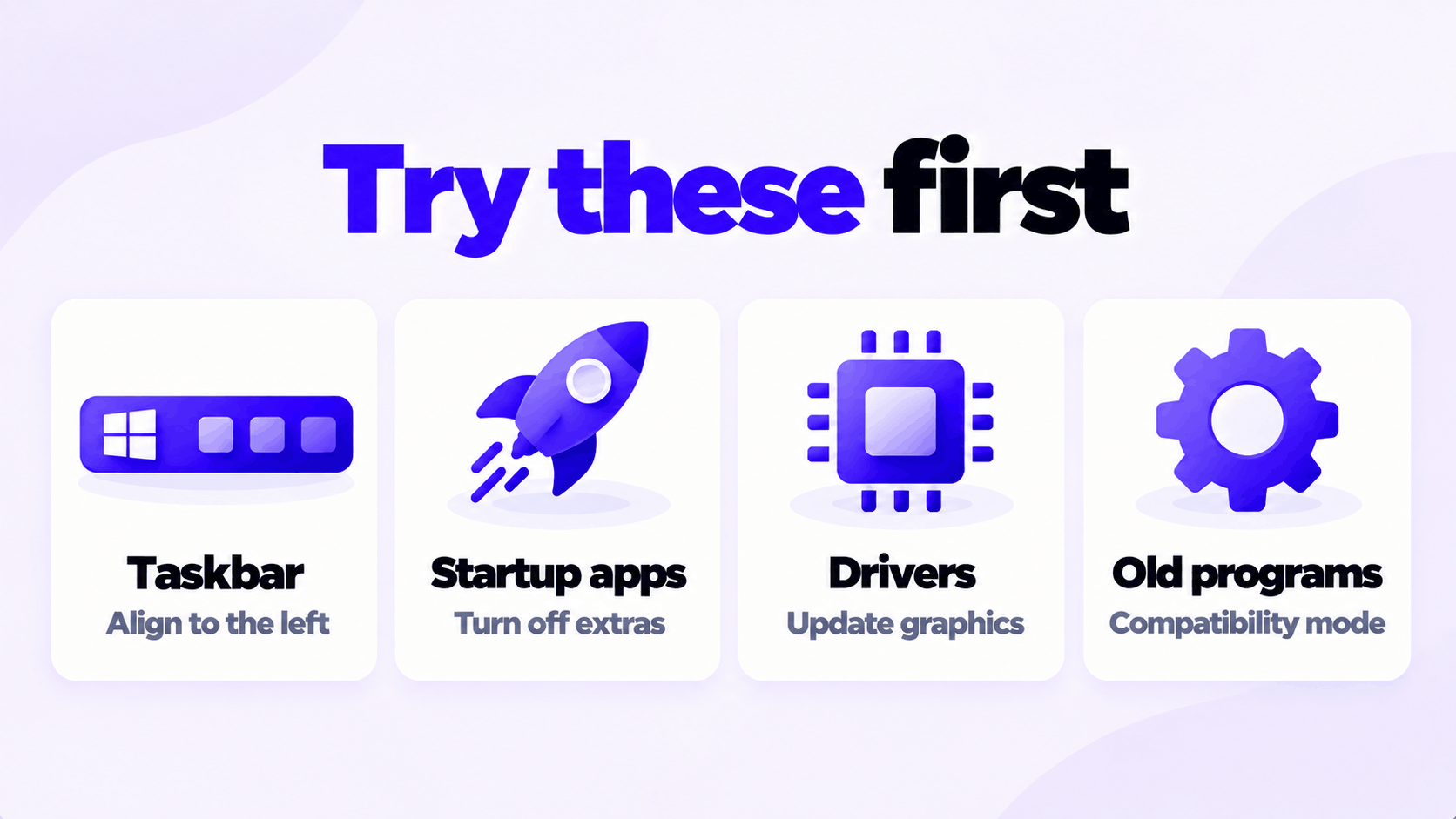
Most complaints that lead people to downgrade have a smaller fix. Try these first; each takes a few minutes.
| Complaint | Try this |
|---|---|
| Taskbar icons in the center | Settings > Personalization > Taskbar > Taskbar behaviors > Taskbar alignment > Left |
| The short right-click menu | Select Show more options, or press Shift + F10, for the full menu |
| Slow startup | Settings > Apps > Startup, and turn off what you do not need |
| Poor game performance | Install the current graphics driver from the manufacturer |
| An old program will not run | Right-click it, select Properties > Compatibility, and try an earlier Windows mode |
| Something broke after a recent update | Settings > Windows Update > Update history > Uninstall updates |
If the PC is going to stay on Windows 11, make sure it is activated: see how to activate Windows 11 Pro with an OEM product key.
Keys we sell, each for one PC: Windows 11 Pro and Windows 10 Pro.
Stuck on a step?
Send us the step and the exact error message. Our support team answers every day, 8 am to 9 pm New York time.
Every day, 8 am to 9 pm New York timeHow to upgrade Windows 10 to Windows 11 for free and keep your files and apps: requirements, three upgrade methods, and what happens to your license.
How to install Windows 11 without a Microsoft account in 2026: the Pro option that still works, switching to a local account, and what was removed.
How to create a Windows 11 bootable USB with Microsoft’s Media Creation Tool or from an ISO with Rufus, then start a PC from it. Free, step by step.