How to Install Windows 11 Without a Microsoft Account
How to install Windows 11 without a Microsoft account in 2026: the Pro option that still works, switching to a local account, and what was removed.
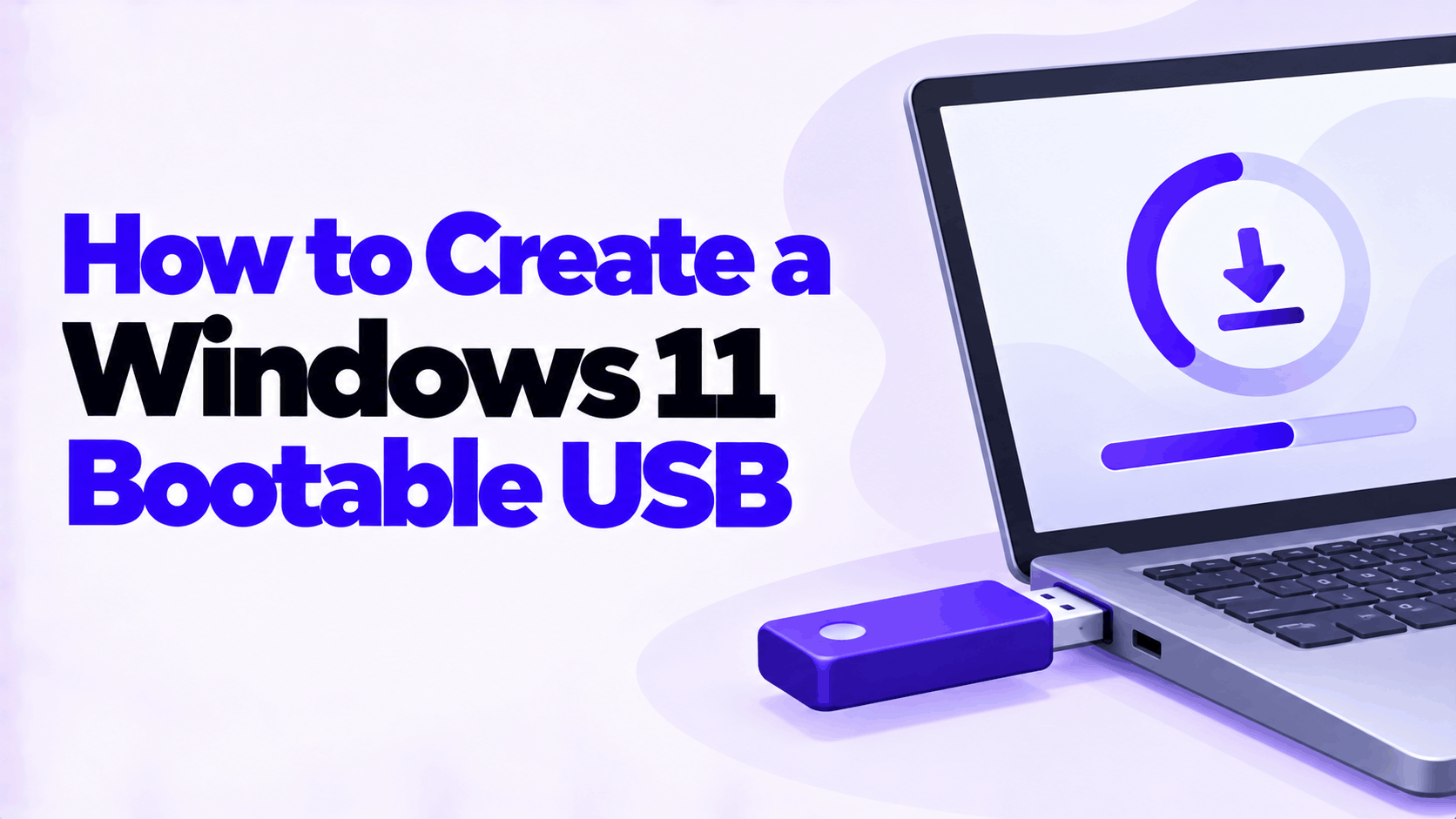
Short answer: The simplest way to make a Windows 11 bootable USB is Microsoft’s free Media Creation Tool. Download it from Microsoft’s Download Windows 11 page, run it, choose USB flash drive, and it downloads Windows 11 and writes it to the drive in one go. You need a blank USB drive of at least 8 GB, and everything on it is erased. If you already have a Windows 11 ISO file, or the tool fails, use Rufus to write the ISO to the drive instead.
Applies to: Windows 11 Home and Pro, 64-bit. You can create the drive on a PC running Windows 10 or Windows 11.
Table of Contents
You do not need a product key to create the drive. One download contains every edition, and the key you enter during or after installation decides which one is unlocked.
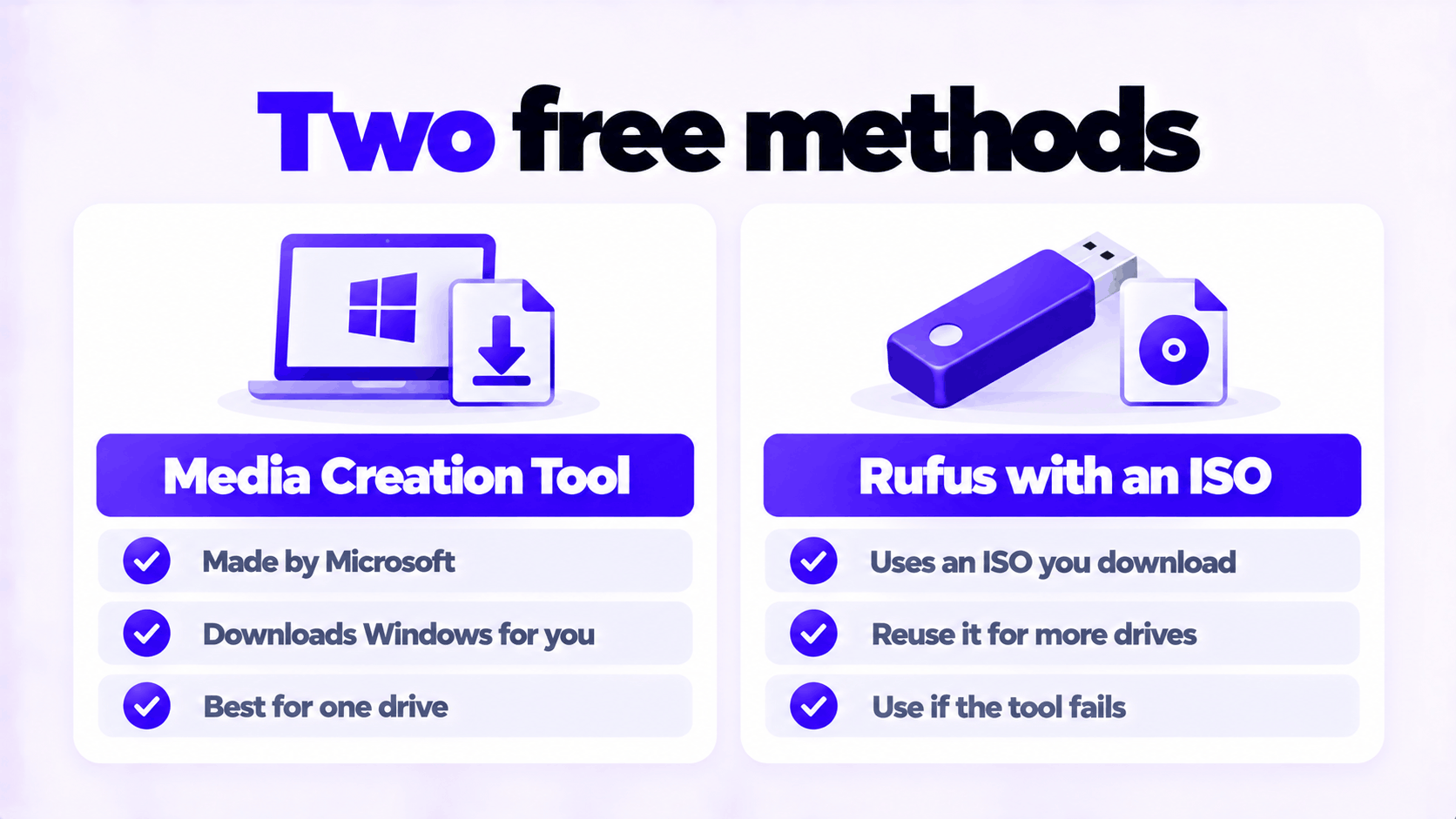
| Media Creation Tool | Rufus with an ISO | |
|---|---|---|
| Made by | Microsoft | An independent open-source project |
| Downloads Windows for you | Yes | No. You download the ISO first. |
| Choices to make | Language and drive | Partition scheme and several options |
| Reuse the download for more drives | No, it downloads again each time | Yes, keep the ISO |
| Best for | Most people, one drive | Several drives, an ISO you already have, or when the tool fails |
How long this takes depends almost entirely on your connection and the speed of the USB drive. An old USB 2.0 stick can take an hour; a USB 3.0 drive is much quicker.
First, get the ISO from Microsoft.
To confirm the download is intact, Microsoft publishes a SHA256 hash for each language on that page. Run this in PowerShell and compare the result with the published value:
Get-FileHash C:\Users\YourName\Downloads\Win11_English_x64.isoThen write it with Rufus.
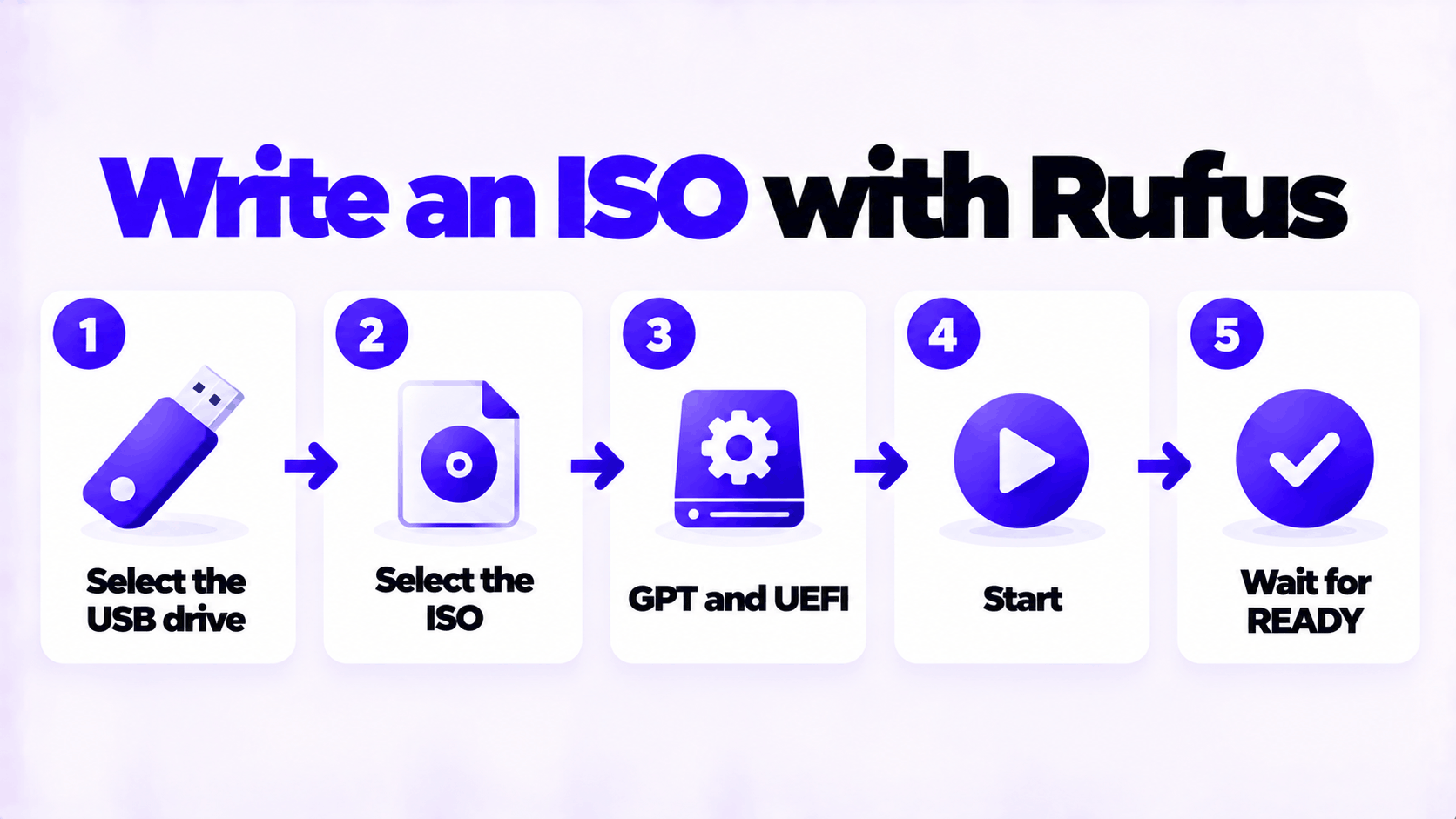
The options in step 6 include removing the TPM 2.0 and Secure Boot requirement and removing the Microsoft account requirement. Both produce an installation Microsoft does not support in the usual way. Read installing Windows 11 without TPM 2.0 and installing Windows 11 without a Microsoft account before you tick either.
A clean installation erases the drive you install to. Back up the target PC’s files before you start.
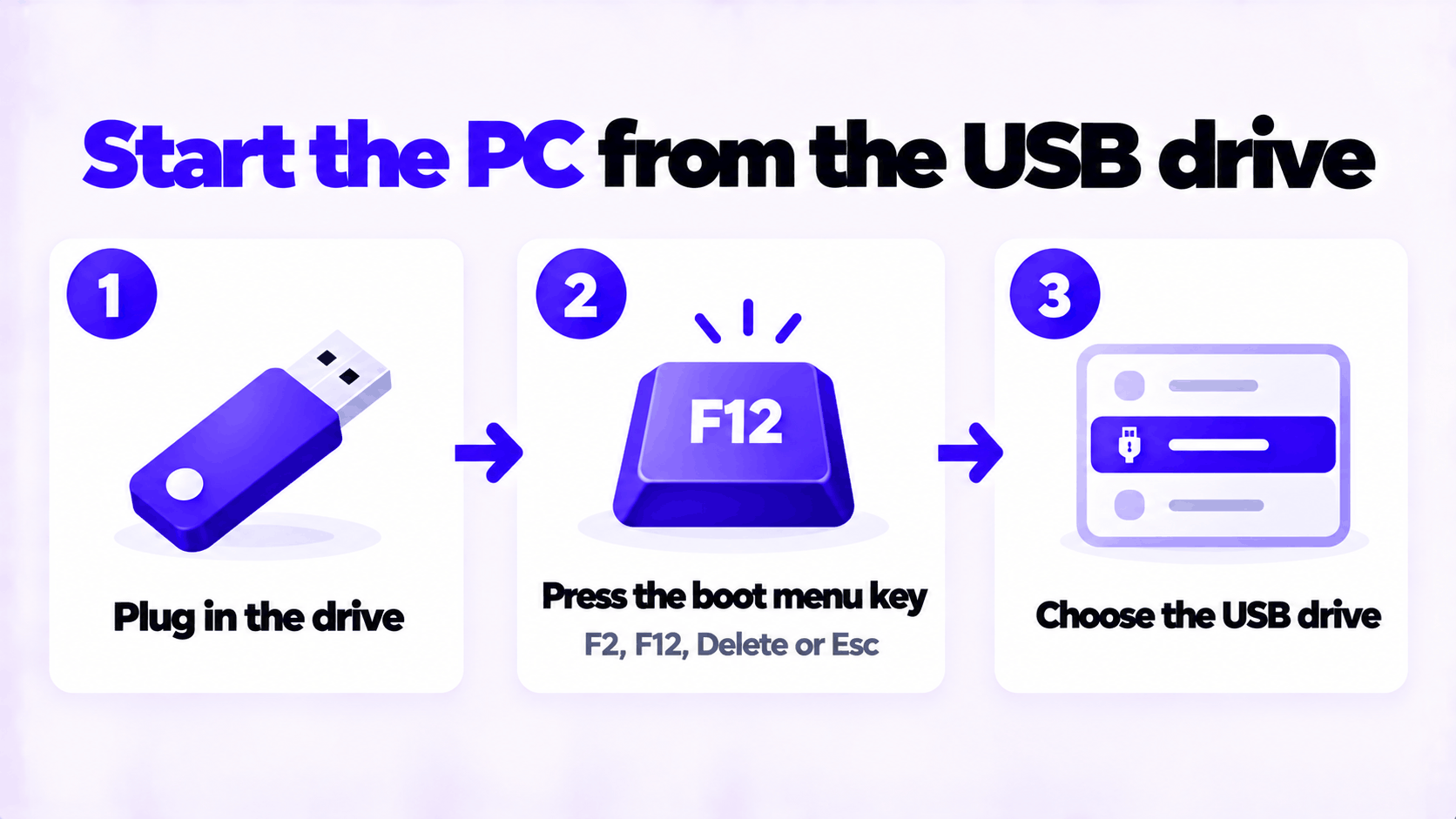
If you changed the boot order in the firmware settings instead of using the boot menu, change it back afterward, or the PC will start setup again on the next restart.
After installation, activate Windows: see how to activate Windows 11 Pro with an OEM product key. If the PC previously ran an activated copy of the same edition, select I don’t have a product key during setup and it will activate by itself once online.
| Problem | Likely cause | What to do |
|---|---|---|
| The PC starts the old Windows instead of the USB drive | Fast startup skipped the boot menu | Shut down fully, not restart, and try the key again. Microsoft gives the same advice. |
| The USB drive is not in the boot menu | Secure Boot or boot mode | Microsoft says you may need to disable Secure Boot temporarily. Also check the firmware is in UEFI mode, not Legacy or CSM. |
| The Media Creation Tool stops with an error | A failing USB drive, too little free space on drive C:, or security software | Try a different USB drive and port. If it fails again, use Method 2. |
| “This PC can’t run Windows 11” during setup | The target PC does not meet the requirements | Check TPM and Secure Boot in the firmware settings first |
| Setup cannot see the internal drive | A storage driver is missing | Download the storage driver from the PC maker, put it on the USB drive, and use Load driver |
| The drive shows as only a few megabytes afterward | It is still partitioned as installation media | Format it in File Explorer, or delete its partitions in Disk Management, to use it normally again |
Keep the drive once it works. Windows 11 gets a new version each year, so recreate it when a new release arrives and you will have current media ready for a repair or reinstall.
Stuck on a step?
Send us the step and the exact error message. Our support team answers every day, 8 am to 9 pm New York time.
Every day, 8 am to 9 pm New York timeHow to install Windows 11 without a Microsoft account in 2026: the Pro option that still works, switching to a local account, and what was removed.
How to downgrade Windows 11 to Windows 10: Go back within 10 days and keep your files, or clean install after that. Plus why to think twice in 2026.
How to clean install Windows 10 Pro from a USB drive: create the installer, boot from it, delete the old partitions, install and activate. Step by step.