
Buy genuine Windows product keys for Windows 11 and Windows 10
Egodget sells Windows product keys for Windows 11 Home and Pro, Windows 10 Home, Pro and Pro for Workstations, and Windows 7 Professional. Every Windows key is an OEM license for one PC, activated online. Your key arrives by email within 1 to 12 hours, with a replacement guarantee and 90 days of support.
- OEM license, 1 PC
- Key by email in 1 to 12 hours
- Replacement key if activation fails
- 90 days of support
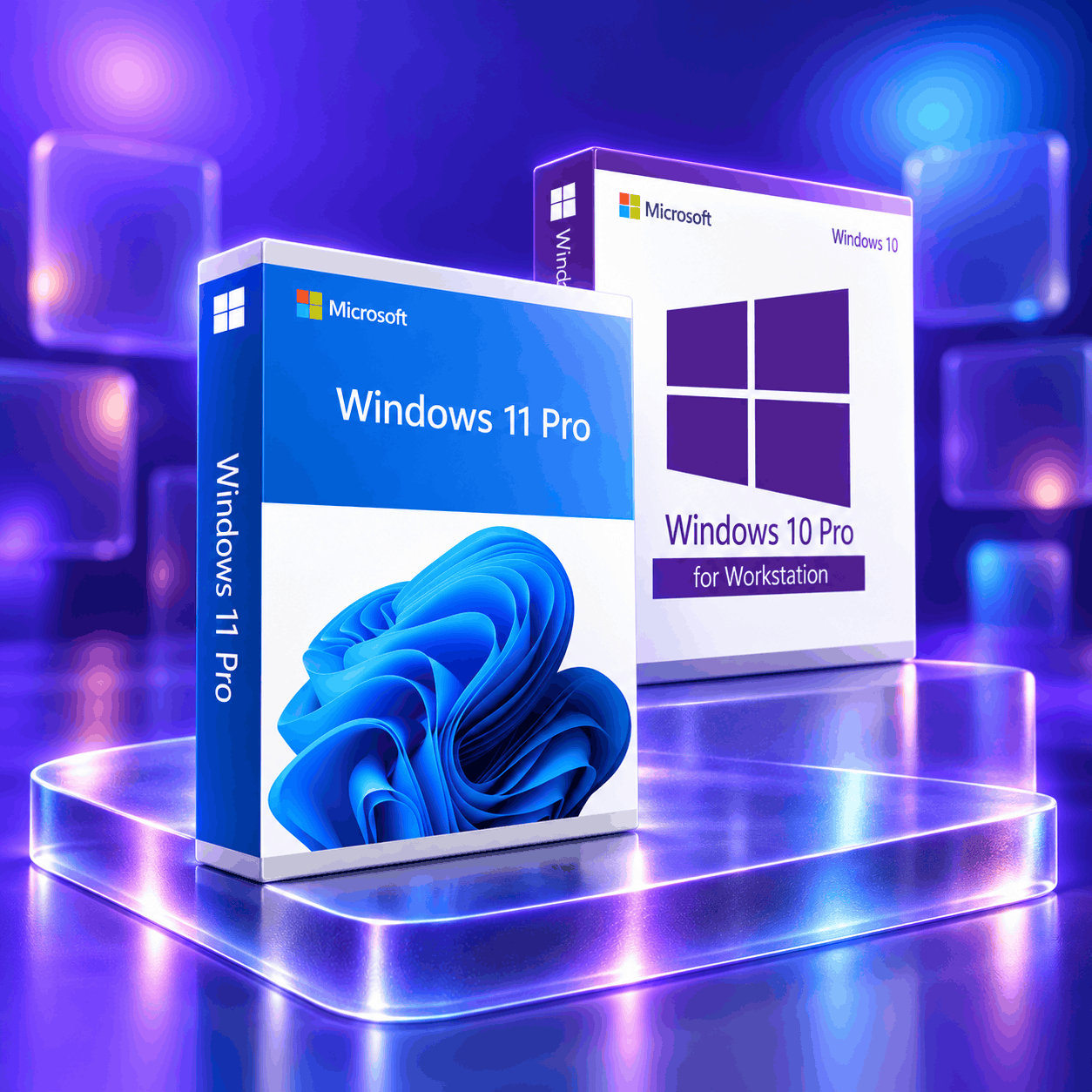
Windows 11, Windows 10 and Windows 7 product keys
Six Windows keys, each for one PC and one edition. The key must match the edition installed on your PC: a Pro key activates Pro, a Home key activates Home.
Which Windows edition do you need?
Choose Windows 11 Home for everyday use and Windows 11 Pro if you need BitLocker encryption, Remote Desktop or Hyper-V. Windows 10 is for PCs that cannot run Windows 11: Microsoft ended its support on October 14, 2025. Windows 7 has been out of support since January 14, 2020 and suits only old software or hardware.
What will you use it for?
| Edition | Best for | What it includes | Microsoft support | View key |
|---|---|---|---|---|
| Windows 11 Home | Best forEveryday use at home: browsing, study, office work, games | What it includesTPM 2.0 security, DirectX 12, automatic updates | Microsoft supportSupported | View key |
| Windows 11 Pro | Best forWork, business and remote access | What it includesEverything in Home, plus BitLocker encryption, Remote Desktop and Hyper-V | Microsoft supportSupported | View key |
| Windows 10 Home | Best forEveryday use on a PC that cannot run Windows 11 | What it includesMicrosoft Edge and the standard Windows 10 features; 32-bit and 64-bit | Microsoft supportEnded October 14, 2025 | View key |
| Windows 10 Pro | Best forBusiness features on a PC that cannot run Windows 11 | What it includesBitLocker encryption, Remote Desktop, Group Policy and Hyper-V; 32-bit and 64-bit | Microsoft supportEnded October 14, 2025 | View key |
| Windows 10 Pro for Workstations | Best forServer-grade workstations with heavy workloads | What it includesReFS file system, SMB Direct, non-volatile memory, up to 6 TB of RAM | Microsoft supportEnded October 14, 2025 | View key |
| Windows 7 Professional | Best forOld software or hardware that needs Windows 7 | What it includesRemote Desktop host, Windows XP Mode, domain join; 32-bit and 64-bit | Microsoft supportEnded January 14, 2020 | View key |
About Windows 10 and Windows 7: both still install and activate, but Microsoft no longer sends them free security updates. If your PC meets the Windows 11 requirements, Windows 11 is the safer choice.
How to activate a Windows OEM key
A Windows OEM key is activated online, on the PC where Windows is installed. After activation the license stays with that PC: reinstalling Windows on the same PC reuses it, but it cannot be moved to another PC or to a new motherboard.
Install the right edition
Download Windows with the official Microsoft link in your order email and install the same edition as your key: Home or Pro.
Enter the key
Open Settings, then System, then Activation, choose "Change product key" and type the 25 characters of your key.
Stay online until it confirms
Windows checks the key with Microsoft and shows "Windows is activated". If you see an error code, send it to us: we replace the key.
Step-by-step guides
Questions about Windows product keys
What is a Windows OEM key, and can I move it to a new PC?
A Windows OEM key is a license for one PC. It is activated online and then stays with that PC: you can reinstall Windows on the same PC, but you cannot move the license to another PC or keep it after replacing the motherboard. For a new PC or a new motherboard you need a new key.
Do I need a new key to upgrade from Windows 10 to Windows 11?
Usually not. If your PC runs an activated copy of Windows 10 and meets the Windows 11 requirements, Microsoft offers the upgrade to the same edition of Windows 11 at no cost. You need a Windows 11 key for a new PC, for a PC that was never activated, or to go from Home to Pro.
Is it still worth buying a Windows 10 key in 2026?
Only if your PC cannot run Windows 11. Windows 10 keys still activate, but Microsoft ended support for Windows 10 on October 14, 2025, so it no longer receives free security updates. If your PC has TPM 2.0 and a supported processor, buy a Windows 11 key instead.
Do these keys work for both 32-bit and 64-bit Windows?
Windows 10 and Windows 7 keys work for both 32-bit and 64-bit installations of the same edition. Windows 11 exists only in 64-bit, so a Windows 11 key is always for a 64-bit installation.
Where do I download Windows after buying a key?
From Microsoft. Your order email contains the key and the official Microsoft download link for your edition. You can also create a USB installer with Microsoft’s own tool. Never download Windows from an unofficial site.
What if my Windows key shows an activation error?
First check that the installed edition matches your key: a Pro key does not activate Home. If it matches and you still see an error code, send us the code by email or WhatsApp with your order number. We send a replacement key first, and a full refund if no replacement works.
Need Office or a server license too?
Egodget also sells Office keys for PC and Mac, and Windows Server and SQL Server keys, with the same delivery time and guarantee.