
By Egodget Tech Team
•
Updated: October 2026
How to Fix Windows Activation Error 0xC004F074
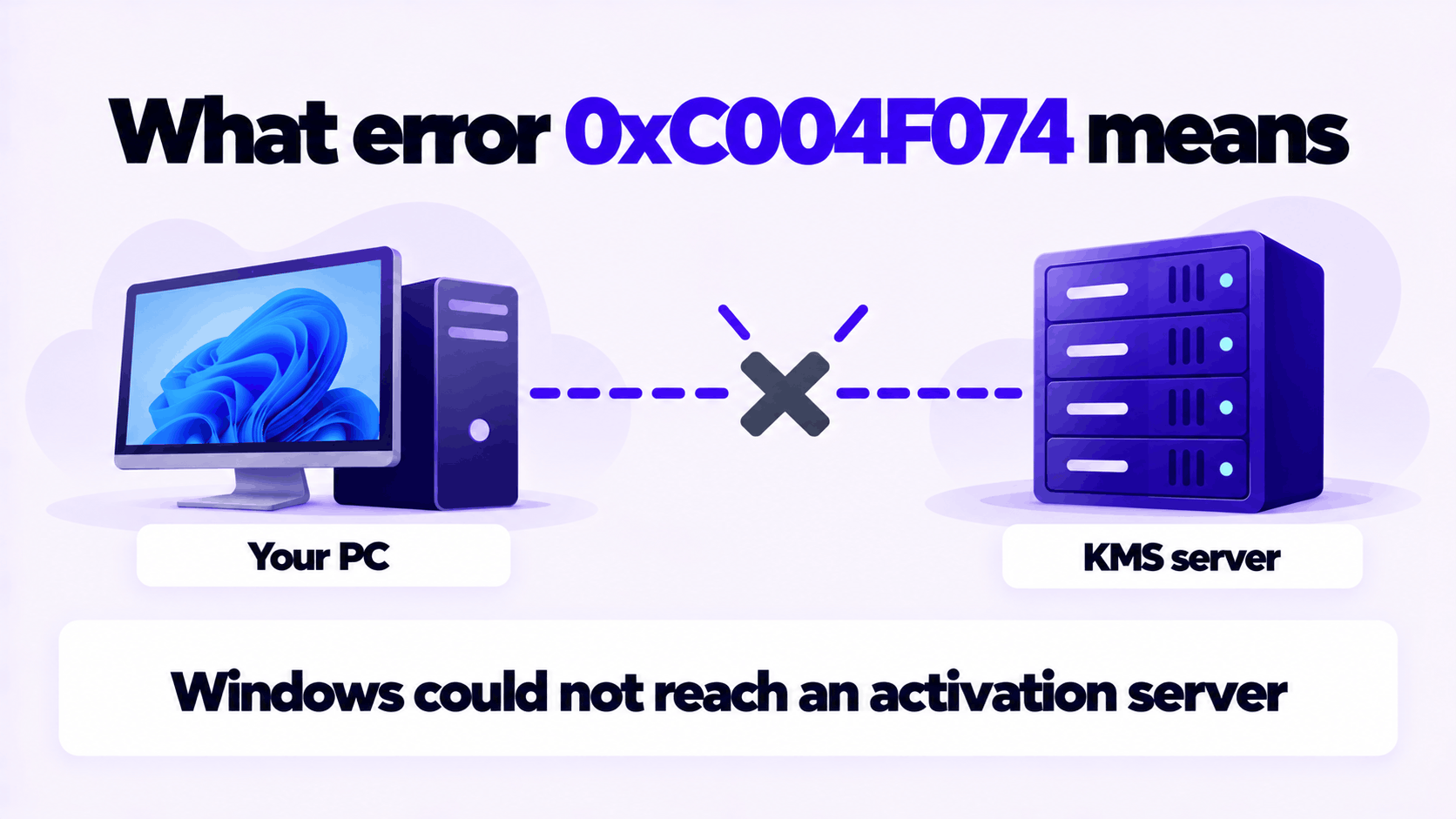
Short answer: Activation error 0xC004F074 means Windows tried to activate against a Key Management Service (KMS) server and could not reach one. KMS is the system organizations use to activate their own PCs. On a work or school PC, the fix is to reconnect to the organization’s network and check the clock. On a PC you own, there is no KMS server to reach, so the fix is to replace the volume key with a normal product key for your edition.
Applies to: Windows 10 and Windows 11, all editions, and Windows Server. Windows 10 reached end of support on October 14, 2025.
Table of Contents
What activation error 0xC004F074 means
Microsoft documents two versions of the message:
Error: 0xC004F074 The Software Licensing Service reported that the product could not be activated. No Key Management Service (KMS) could be contacted.0xC004F074 The Key Management Server (KMS) is unavailableBoth say the same thing. This copy of Windows has a volume license key installed, the kind that activates by checking in with a KMS server on an organization’s own network, and that check-in failed.
It is not a damaged-file error and it is not caused by replacing hardware. A PC with a retail or OEM key never contacts a KMS server, so it never shows this code. Microsoft’s consumer help page describes the same cause in plainer words: you are trying to activate a work device and are not connected to your workplace’s network.
Work PC or your own PC?
The fix depends entirely on who owns the PC. If you are not sure how it is licensed, open Command Prompt and run:
slmgr.vbs /dlvA pop-up shows the license details. A Description ending in VOLUME_KMSCLIENT channel confirms KMS activation.
| Your situation | What is going on | Go to |
|---|---|---|
| A PC issued by your employer or school | It cannot reach the organization’s KMS server | Fix on a work or school PC |
| A PC you own, bought second-hand or refurbished | It still carries a volume key from a previous owner or the refurbisher | Fix on your own PC |
| A PC you own, activated with a tool from the internet | The tool pointed Windows at an unofficial KMS server that is gone | Fix on your own PC |
| A PC you own, with a key you bought | The key you were sold is a volume key | Fix on your own PC, and contact the seller |
Fix on your own PC
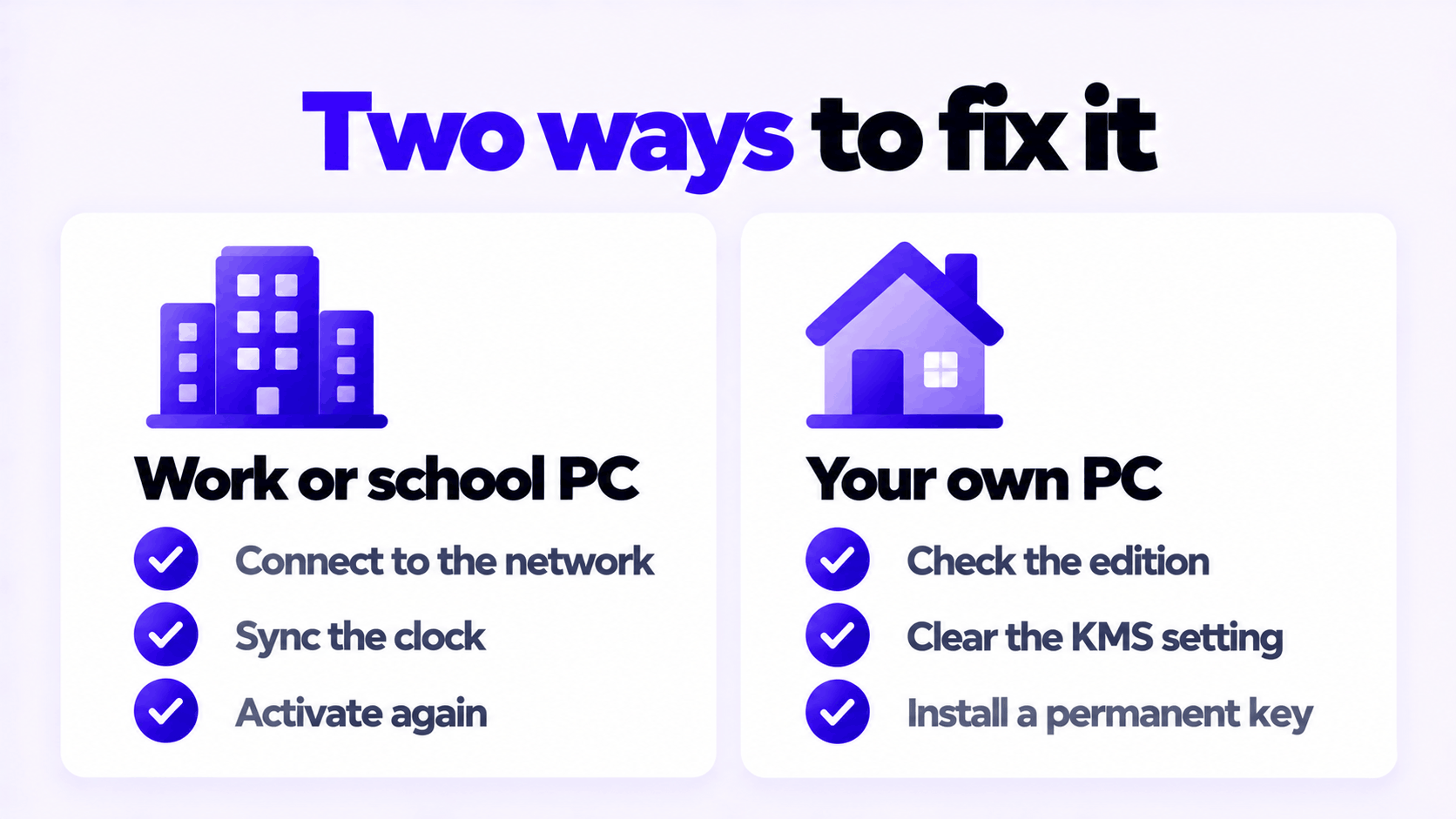
There is no server for your PC to reach, so network fixes will not help. Replace the key.
- Check the edition. Open Settings > System > About and read Edition. Your new key must match it.
- Clear any KMS server setting. Open Command Prompt as administrator and run:
slmgr.vbs /ckms- Install the new key and activate. In the same window, replacing the placeholder with your key:
slmgr.vbs /ipk XXXXX-XXXXX-XXXXX-XXXXX-XXXXX
slmgr.vbs /ato- Confirm. Run
slmgr.vbs /xpr. It should say the machine is permanently activated.
You can also enter the key in Settings: System > Activation > Change product key on Windows 11, or Update & Security > Activation on Windows 10.
If the edition is Enterprise or Education, a Home or Pro key will not activate it. Back up your files, do a clean installation of Home or Pro, and activate that.
If an activator tool was used, scan the PC with Microsoft Defender. Those tools are a common way for malware to get in.
Fix on a work or school PC
Do not enter a personal product key on a PC your organization manages. Work through these checks, which follow Microsoft’s troubleshooting article for this error.
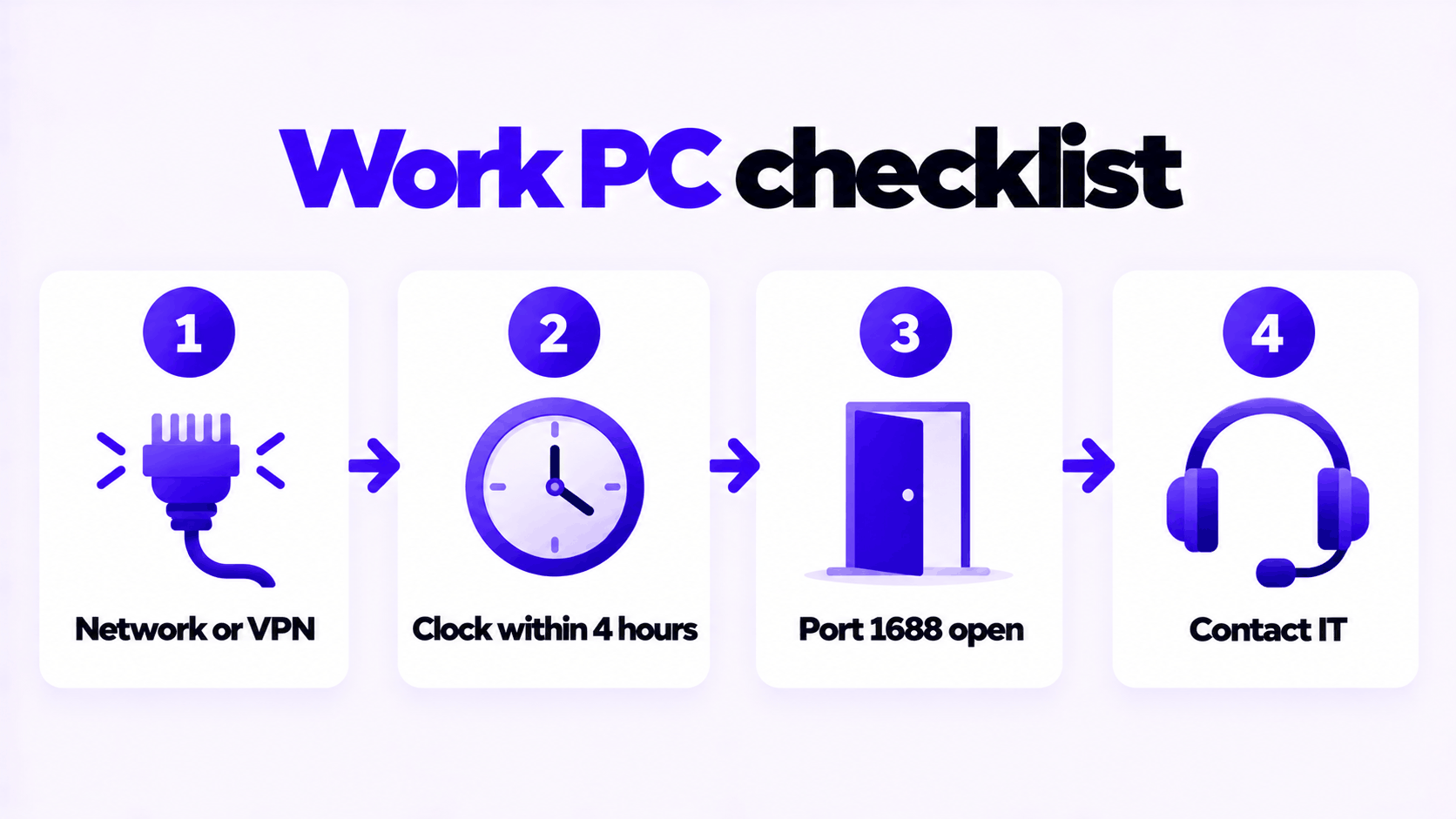
1. Connect to the organization’s network. Plug into the office network or connect the company VPN. Most cases end here: the PC has simply been away too long.
2. Check the clock. Microsoft lists a time difference of more than 4 hours between the PC and the KMS server as a cause. Open an administrator Command Prompt and run:
w32tm /resyncThe comparison is made in UTC, so a wrong time zone does not cause this error. A wrong date or a clock that is hours off does.
3. Try activation again.
slmgr.vbs /ato4. Test the connection to the KMS server. KMS uses TCP port 1688. If your IT department has given you the server’s name, test it in PowerShell:
Test-NetConnection -ComputerName KMS-SERVER-NAME -Port 1688If TcpTestSucceeded is False, the port is blocked between you and the server, by a firewall or because the VPN is not connected.
5. Contact IT if the steps above do not work. Tell them the error code and the result of the port test. The remaining causes are on the server side.
For IT administrators
Microsoft’s article lists these causes on the server side:
| Cause | Check |
|---|---|
The Software Protection service (sppsvc) on the KMS host has stopped |
Start the service on the KMS host |
| TCP port 1688 is blocked | Open 1688 between clients and the host, then test with Test-NetConnection |
| The DNS record for the KMS host is wrong or out of date | In DNS Manager, open the _tcp folder for the domain, find the _VLMCS SRV record, and confirm it and the host’s A record point to the right server |
| Client and host clocks differ by more than 4 hours | Sync both to the same NTP source or to Active Directory |
| Version mismatch with a very old KMS host | Update or replace a KMS host running Windows Server 2008 or earlier |
On the client, the Application event log records each attempt as event ID 12288 from Microsoft-Windows-Security-SPP. To see which server a client is trying, query the SRV record:
nslookup -type=srv _vlmcs._tcpFull details are in Microsoft’s article, Error 0xC004F074 when you try to activate Windows.
Fixes that do not help
These are often suggested for this error. None addresses the cause.
| Suggested fix | Why it does not work |
|---|---|
| Switching DNS to 8.8.8.8 or another public server | A company’s KMS server is listed in the company’s internal DNS. Public DNS cannot find it, so this makes a work PC worse. |
sfc /scannow or DISM repair |
The error is about reaching a server. System files are not involved. |
| Changing the time zone | Time is compared in UTC. Only the actual clock matters. |
| Calling the phone activation number | Microsoft has moved that process online, and it does not apply to KMS activation. |
slmgr /rearm |
It resets the activation timers. It does not activate anything. |
Removing the key with /upk before installing a new one |
Not needed. /ipk replaces the installed key. |
Related: if the PC shows “Your Windows license will expire soon” instead of an error code, the cause is the same. See how to fix an expiring Windows license. If a key you enter is refused, see what to do when a product key didn’t work.
Permanent keys we sell for a PC you own: Windows 11 Pro and Windows 10 Pro.
Need a Permanent Windows 11 Pro Key?
One key for one PC. If it does not activate, we replace it or refund it.
Email Delivery in 1 to 12 Hours • 90-Day Money-Back Guarantee