
How to Fix Windows 11 Activation Error 0xc004c003 (Once and for All)

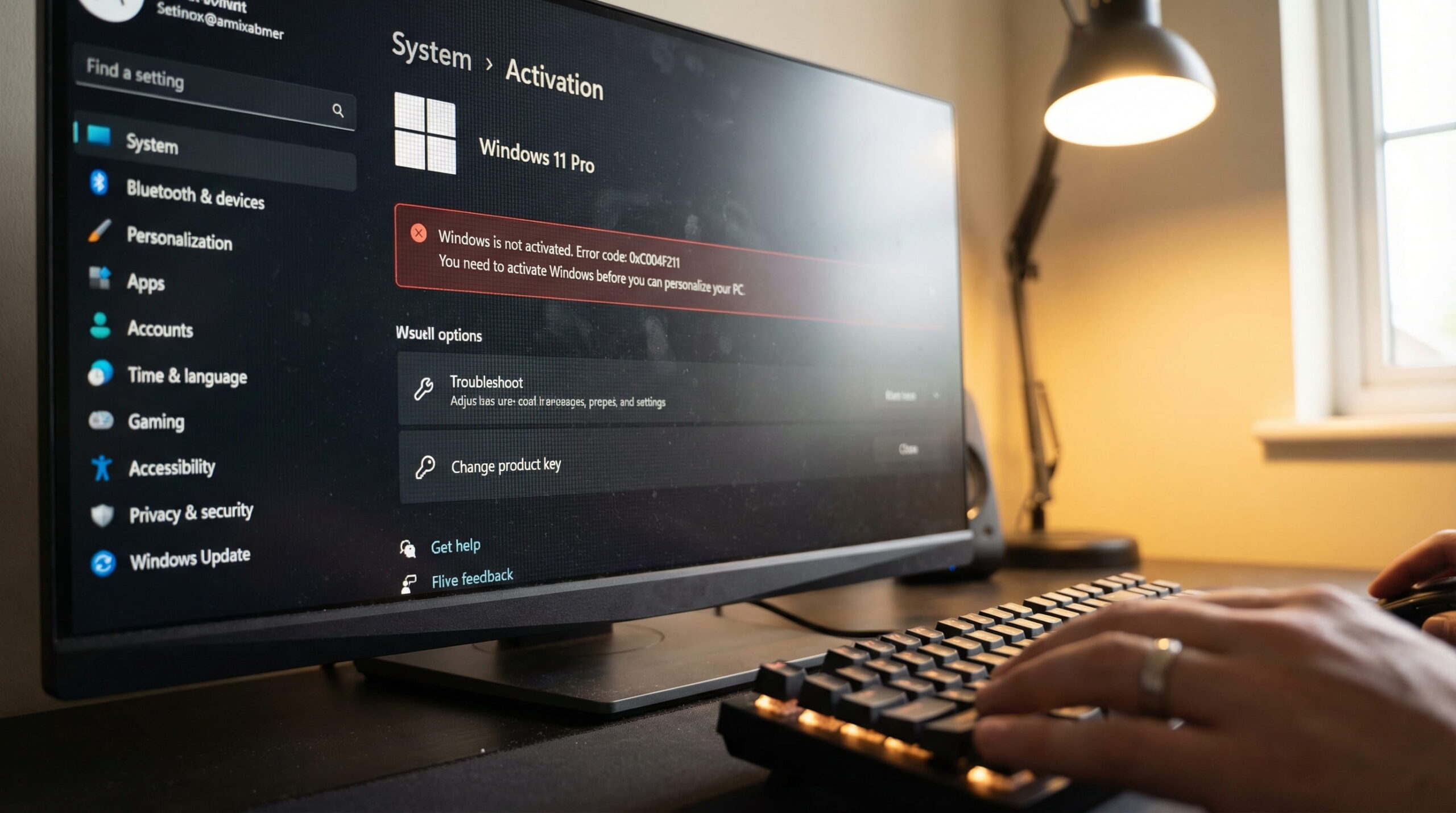
You boot up your PC, and there it is. That ugly, semi-transparent "Activate Windows" watermark is stamped in the bottom right corner of your screen. Your product key just got revoked. You dig into your system settings and get slapped with a wall of red text. If you are staring at this right now, I am going to show you exactly how to fix windows 11 activation error 0xc004c003 without losing your mind.
What Does Error Code 0xC004C003 Actually Mean?
Let's be honest. Microsoft doesn't just hand out error codes for fun. Before learning how to fix windows 11 activation error 0xc004c003, you need to know why it happened. Error 0xC004C003 is their system's way of saying: "We checked the digital signature on this product key, and it is invalid, blocked, or already in use somewhere else."
You can check Microsoft's official documentation, but your operating system literally phoned home to the Microsoft activation servers, and the servers rejected your machine. The key you are using has been blacklisted.
The Harsh Reality: Why Your Product Key Just Got Blocked
Keys don't just magically break. If your Windows 11 was activated yesterday and is broken today, you likely fell victim to one of two things.
You Bought a Cheap Volume License (MAK/KMS)
If you paid two bucks for a key on eBay or a random forum, you bought a volume license. Here's the deal. A volume key is meant for a corporate IT department activating 500 office computers. It is not for your personal gaming rig.
Shady sellers buy these corporate keys and resell them thousands of times. Eventually, Microsoft audits the key, realizes it is being abused globally, and nukes it. When they pull the plug, your PC deactivates instantly.
The Key Was Used on Another Motherboard (OEM Transfer)
Did you just upgrade your motherboard or CPU? If you originally bought a pre-built PC from Dell or HP, it came with an OEM key. OEM keys are permanently glued to the original motherboard's hardware ID. You cannot transfer them to a new build. When Microsoft sees the new motherboard, they throw the 0xC004C003 error.
3 Quick Checks Before You Trash Your Current Key
Before we replace anything, let's make sure it is not just a temporary server glitch. Try these three quick IT fixes.
1. Run the Windows Activation Troubleshooter
If you're wondering how to fix windows 11 activation error 0xc004c003 quickly, this is your first stop. Go to Settings > System > Activation. Click the "Troubleshoot" button. Sometimes, the Microsoft servers just timed out during a routine check. This forces a manual ping to their servers. If it fails, move to step two.
2. Force a Slmgr Command Prompt Reset
We are going to clear your local activation registry. Hit your Windows key, type cmd, right-click it, and select Run as administrator.
Type exactly this: slmgr.vbs /rearm and hit Enter. Restart your PC. If the watermark comes back, your key is officially dead. At that point, figuring out how to fix windows 11 activation error 0xc004c003 means getting a legitimate license.
3. Double-Check Your Windows 11 Version
You cannot use a Windows 11 Home key to activate Windows 11 Pro. Look at your System settings. If you installed Pro but bought a Home key, you will get this exact error. You need a key that matches your installation.
The Permanent Fix: Stop Renting Gray-Market Keys
Look, you can keep buying $3 gray-market keys every few months. You can keep dealing with blocked updates, security risks, and that annoying watermark popping up in the middle of a movie or a game. It is a massive waste of time.
If you really want to know how to fix windows 11 activation error 0xc004c003 for good, you need to buy a genuine, lifetime OEM license. You link it to your motherboard once, and you are done forever.