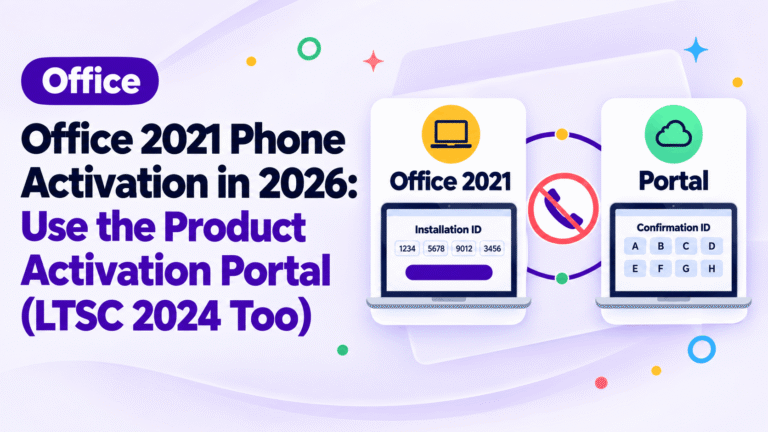
Office 2021 Phone Activation in 2026: Use the Product Activation Portal (LTSC 2024 Too)
Learn the Office 2021 phone activation process using the official portal. Follow our easy 4-step guide to get your confirmation ID offline.
Drafted with AI assistance and reviewed by our support team. Illustrations are AI-generated.
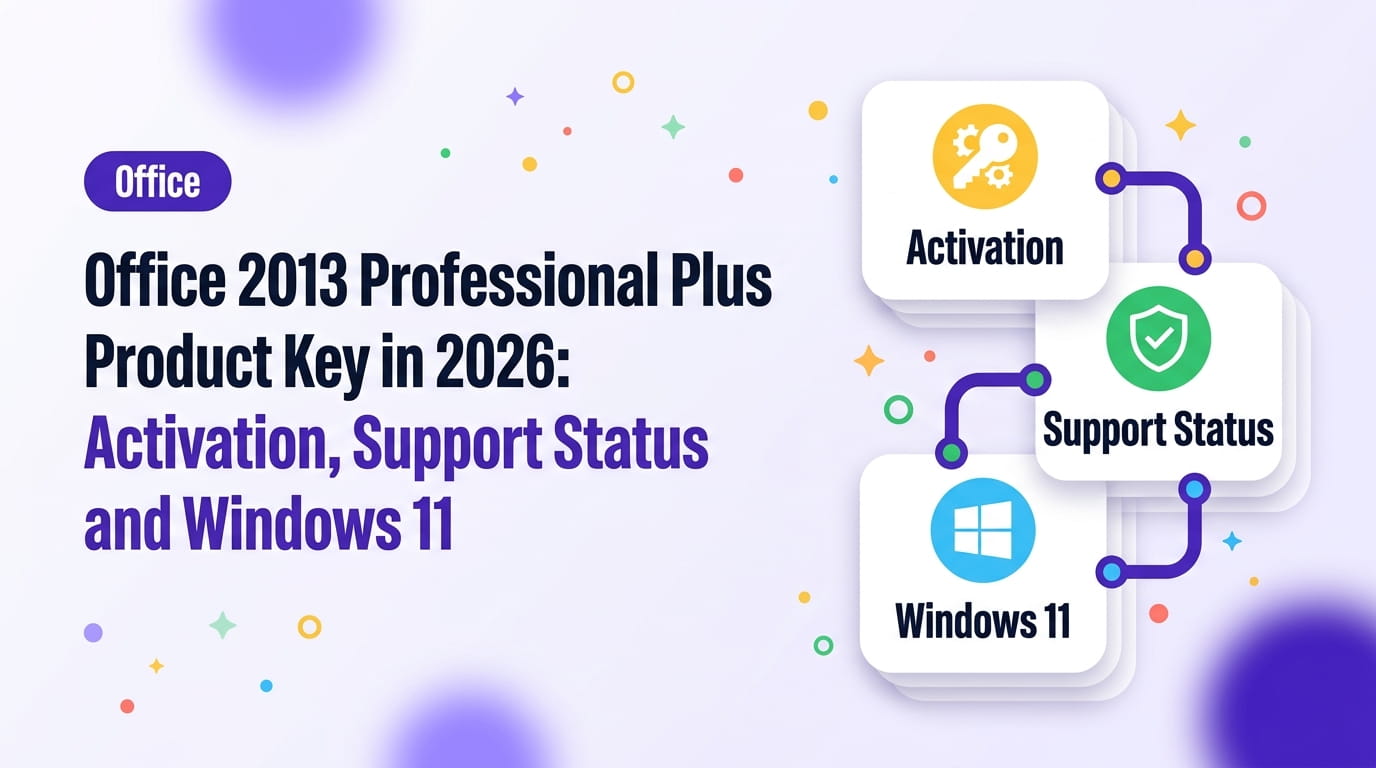
Short answer You can still use an Office 2013 Professional Plus product key to activate the software on Windows 11, though Microsoft ended all support for this version in 2023. While the suite remains functional, it no longer receives security updates, leaving your data vulnerable to modern threats.
Applies to: Office 2013 Professional Plus, Windows 11
You are looking for an Office 2013 Professional Plus product key because you need to reinstall or activate this specific version on your computer.
Using an unsupported version of Office carries risks, as you will not receive security patches for known vulnerabilities. This guide explains how to activate your software and why you should consider migrating to a current version.
Do you need to keep using this legacy suite, or is it time to upgrade?
Key takeaways
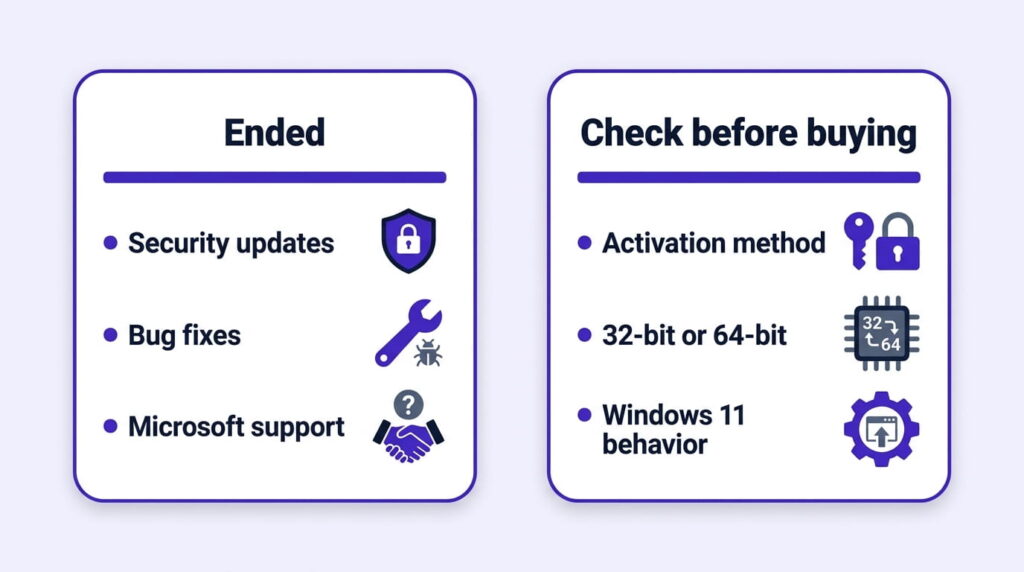
Microsoft’s lifecycle page lists April 11, 2023, as the date Office 2013 reached its end of support. This means no further security updates, bug fixes, or technical support are available for the suite.
Using software without security updates increases the risk of malware and data loss. If you handle sensitive files, you should plan to upgrade from Office 2013 to a supported version like Office 2021 as soon as possible.
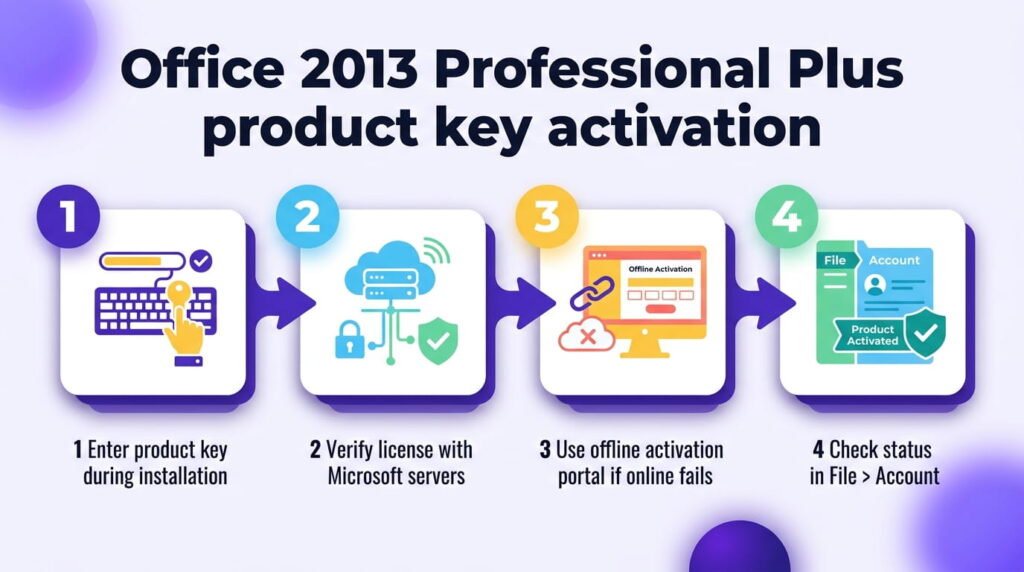
You can activate your software using a genuine license key through the standard installation process. If you need a key, you can obtain a Microsoft Office 2013 Professional Plus License Key for your machine.
Once you enter the key during installation, the software attempts to communicate with Microsoft servers to verify the license. If online activation fails, you may need to use the offline activation portal, similar to the process described in our guide on Office 2021 phone activation.
After activation, you can verify your status by opening any Office application and navigating to File > Account. This screen displays your product information and activation status.
Office 2013 installs and runs on Windows 11 without requiring special compatibility modes. While the interface may look dated compared to newer versions, the core functionality of Word, Excel, and PowerPoint remains intact.
If you encounter issues, you can check whether your key is OEM or Retail to ensure you are using the correct installation media. While the suite functions, be aware that some cloud-based features or modern add-ins may not work as expected due to the age of the software.
Yes, you can still use Office 2013 to create and edit documents. However, because it no longer receives security updates, it is not recommended for use with sensitive data or on networks exposed to the internet.
No, Office 2013 is no longer supported. Microsoft's lifecycle page confirms that all support, including security updates and technical assistance, ended on April 11, 2023.
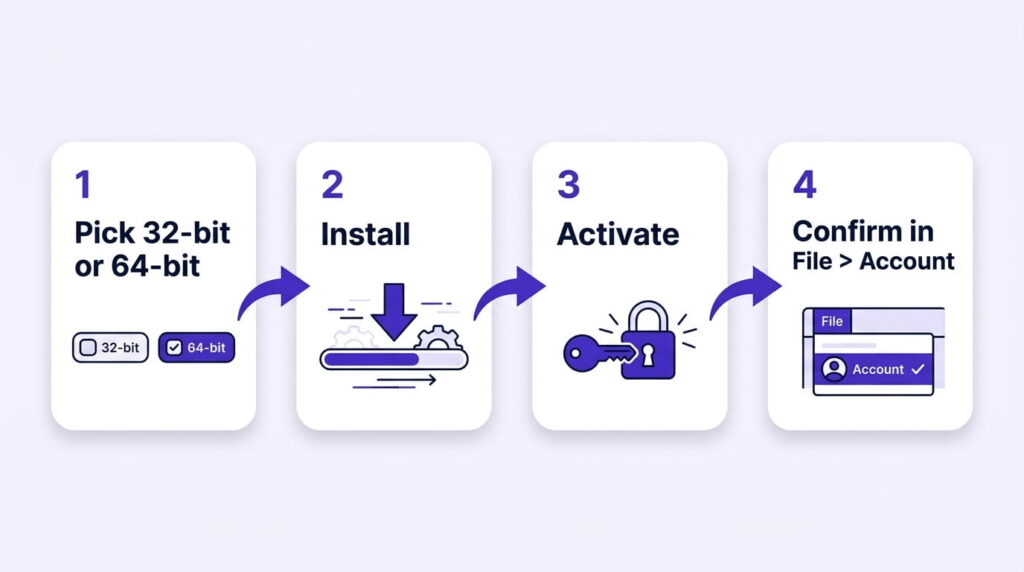
To reinstall, run your original Office 2013 installer. When prompted, enter your product key. If the software does not activate automatically, use the activation wizard to complete the process via the Microsoft Product Activation Portal.
Yes, Office 2013 is compatible with Windows 11. You can install and run the applications normally, although you will not receive any further updates for the software from Microsoft.
Office 2013 remains functional for basic tasks on Windows 11, but the lack of security updates makes it a risk for modern computing. If you require a secure environment, upgrade to a current version of Office.
Stuck on a step?
Send us the step and the exact error message. Our support team answers every day, 8 am to 9 pm New York time.
Every day, 8 am to 9 pm New York timeLearn the Office 2021 phone activation process using the official portal. Follow our easy 4-step guide to get your confirmation ID offline.
How to upgrade Windows 10 Home to Pro with a product key, without reinstalling: the exact Settings steps, what Pro adds, and fixes if the key is refused.
Windows 11 product key didn’t work? Read the error code, retype the key, check the installed edition and connection, then use slmgr. Six checks in order.