
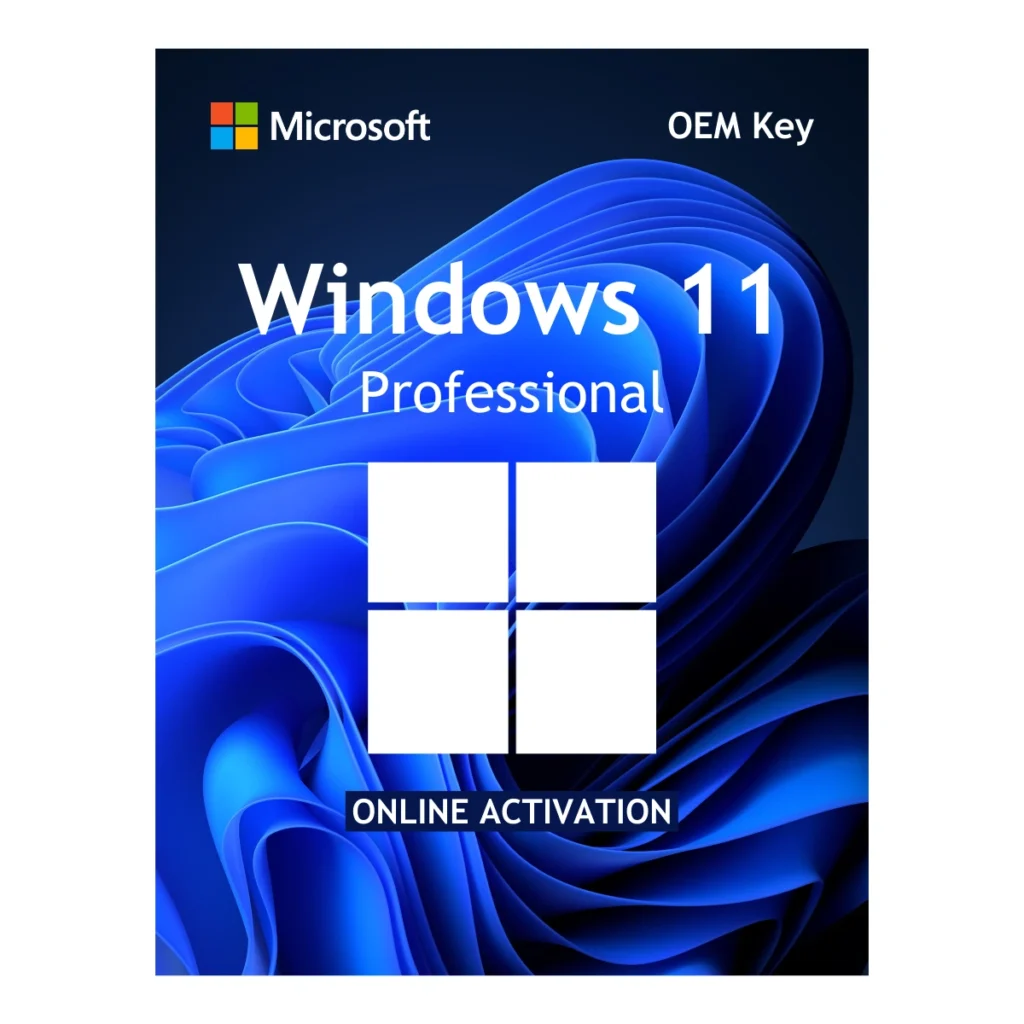
Microsoft Windows 11 Pro OEM Key - 1 PC Global Lifetime License
5.0 (7 Verified Reviews)Microsoft Windows 11 Pro OEM key for 1 PC with global lifetime activation. Includes BitLocker encryption, Remote Desktop, Hyper-V, and all Pro features. Supports TPM 2.0 security. Genuine license key delivered by email within 24 hours with official Microsoft download link. Online activation. No subscription required.

- License delivered by email within 1 business day
- Verified Microsoft Partner
- 90-Day Money Back Guarantee
- 100% Lifetime Valid License
OEM Lifetime License
This key securely binds to your motherboard. Pay once and enjoy a permanent, lifetime activation with zero recurring subscription fees.
Global Version
Zero geographical restrictions. Buy with confidence knowing you can install and activate your software anywhere in the world.
100% Online Activation
Fast, frictionless setup. Connect to the internet, enter your product key, and activate instantly directly through Microsoft's official servers.
Official Download
We provide a secure, direct link to download the official setup image directly from Microsoft's Content Delivery Network.
Overview: Microsoft Windows 11 Pro OEM Key – 1 PC Global Lifetime License
Microsoft Windows 11 Pro OEM Key gives modern professionals, gamers, and businesses a highly secure and powerful operating system with no recurring subscription fees. When you purchase this genuine OEM license from Egodget, your activation binds permanently to your motherboard — one payment, lifetime use.
Windows 11 Pro delivers a redesigned experience built for productivity. The centered Start menu, Snap Layouts, and fluid animations make multitasking faster and more intuitive. Whether you are performing a clean installation on a new custom-built PC or upgrading directly from Windows 11 Home to Pro, this key connects directly to Microsoft’s official activation servers and verifies instantly.
Why Upgrade to Our Genuine Microsoft Windows 11 Pro OEM Key?
Windows 11 Home handles everyday tasks, but Windows 11 Pro unlocks the critical tools required by remote workers, IT professionals, and power users. Here is exactly what your license activates:
- BitLocker Device Encryption: Protect every file on your drive. If your laptop is lost or stolen, BitLocker keeps your data completely inaccessible to anyone without your credentials — a non-negotiable security layer for professionals.
- Remote Desktop Protocol (RDP): Work from anywhere. The Pro license lets your PC act as a Remote Desktop host, allowing you to securely access your office machine from any device anywhere in the world.
- Hyper-V & Windows Sandbox: Test software safely. Create isolated virtual machines with Hyper-V or run untrusted applications inside Windows Sandbox without risking your main system.
- DirectX 12 Ultimate & DirectStorage: Built for modern gaming. Windows 11 Pro fully supports DirectX 12 Ultimate, Auto HDR, and DirectStorage — unlocking the full performance potential of your GPU and NVMe SSD.
- Group Policy & Advanced Management: Essential for business deployments. Pro gives you full Group Policy access, domain join capability, and Azure Active Directory integration for enterprise-grade device management.
Minimum System Requirements for Windows 11 Pro
Before purchasing your Microsoft Windows 11 Pro Product Key, confirm your hardware meets Microsoft’s strict modern security requirements:
- Processor: 1 GHz or faster with 2 or more cores on a compatible 64-bit processor or System on a Chip (SoC).
- Memory (RAM): 4 GB minimum — 8 GB or more is strongly recommended for smooth multitasking.
- Storage: 64 GB or larger storage device. An NVMe SSD is highly recommended for best performance.
- System Firmware: UEFI with Secure Boot capability — required without exception.
- TPM Module: Trusted Platform Module (TPM) version 2.0 is strictly required by Microsoft.
- Graphics Card: DirectX 12 compatible graphics card or integrated GPU with a WDDM 2.0 driver.
- Display: HD display greater than 9 inches diagonal, 720p resolution minimum.
- Internet Connection: Required for online activation through Microsoft’s official servers.
How to Install and Activate Your Windows 11 Pro Key
Once your payment clears, your license key and official download link are delivered to your email within 1 business day. Most orders arrive within a few hours.
Option 1 — Upgrade from Windows 11 Home to Pro:
This is the fastest method if Windows 11 Home is already installed. Go to Settings → System → Activation. Click Change Product Key and enter the 25-digit key you received from Egodget. Windows will unlock all Pro features instantly without deleting your files, apps, or settings.
Option 2 — Clean Installation on a New or Formatted PC:
Download the official Media Creation Tool directly from Microsoft at microsoft.com/software-download. Use it to create a bootable USB drive. Boot your PC from the USB, select Windows 11 Pro during setup, and enter your product key when prompted. The system activates automatically once connected to the internet.
Frequently Asked Questions
1. Is this a genuine Microsoft Windows 11 Pro key?
2. Can I use this key to upgrade from Windows 11 Home to Pro?
3. What is a Windows 11 Pro OEM license?
4. How long does delivery take?
5. What if my key does not activate?
Verified Customer Reviews
7 reviews for Microsoft Windows 11 Pro OEM Key – 1 PC Global Lifetime License
You must be logged in to post a review.
Complete Your Professional Setup
Pair your software with these essential Microsoft tools, backed by our verified guarantee.
Steve (verified owner) –
good price with online activation key and smouth i will shop more from this store
James (verified owner) –
i have recieved My product key thanks !
Jafar (verified owner) –
First key didn’t work, the second key worked. Thanks Egodget team ??
Anonymous (verified owner) –
No problems with product
Mohammed Rahman (verified owner) –
Excellent and on time delivery!
JOHN W. (verified owner) –
100% Working key. Activated Windows in a few minutes time. Work the money!
Jeremy W. (verified owner) –
The CD key worked with no issues.