
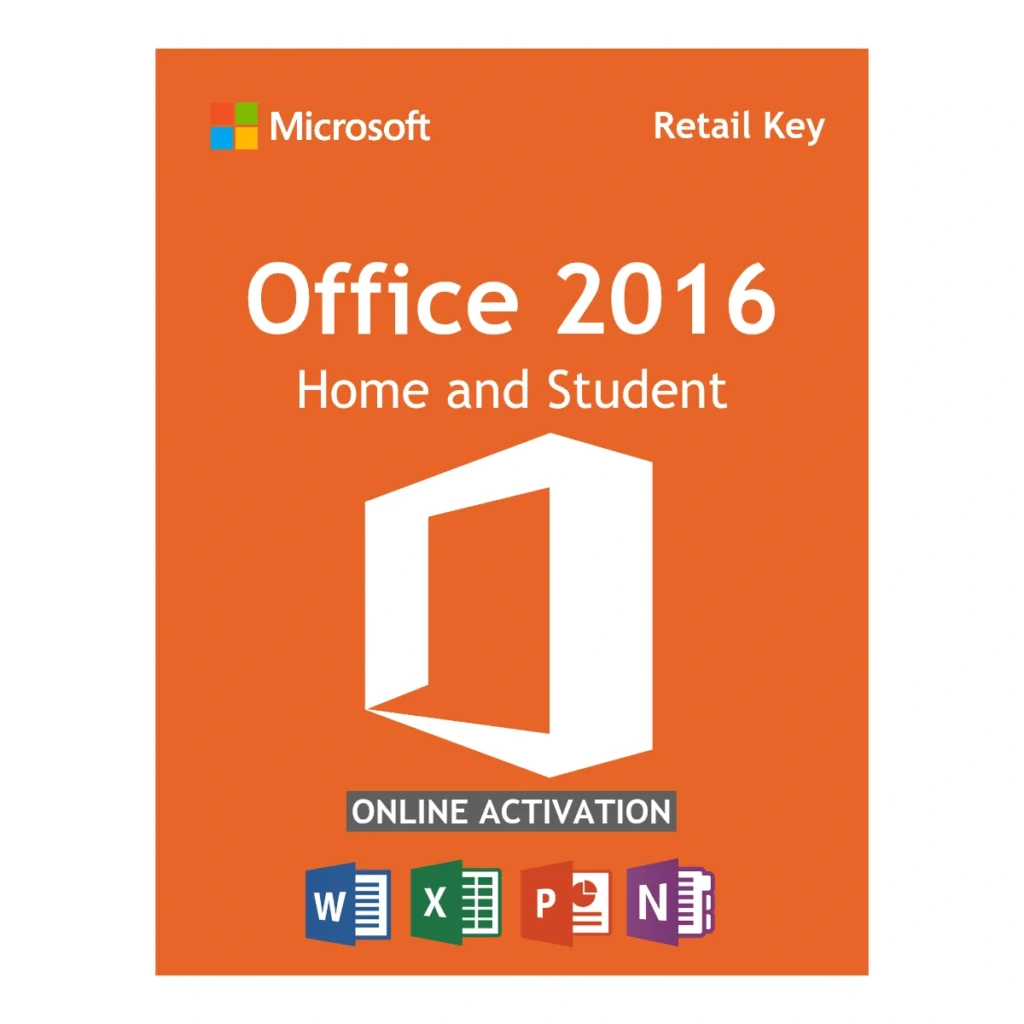
Microsoft Office 2016 Home and Student License Key – 1 PC Lifetime Activation
0.0 (0 Verified Reviews)Ideal for legacy systems — this genuine Microsoft Office 2016 Home and Student key binds to your Microsoft account for a lifetime. Includes Word, Excel, and PowerPoint for 1 PC. License delivered by email within 1 business day, official download included.

- License delivered by email within 1 business day
- Verified Microsoft Partner
- 90-Day Money Back Guarantee
- 100% Lifetime Valid License
Retail Lifetime License
Pay once. Use it forever. You secure your workflow permanently and skip the monthly Microsoft 365 subscriptions entirely.
Global Version
Zero geographical restrictions. Buy with confidence knowing you can install and activate your software anywhere in the world.
Secure Deployment
Fast, frictionless setup. Enter your unique product code directly into the setup wizard to activate through Microsoft's servers.
Official Download
We provide a secure, direct link to download the official setup image directly from Microsoft's Content Delivery Network.
Deployment Overview: Microsoft Office 2016 Home and Student Product Key
Microsoft Office 2016 Home and Student Product Key deployments offer the most stable, cost-effective strategy for students, home users, and small families looking to secure classic Microsoft productivity applications. While the software industry pushes users toward expensive, cloud-dependent Microsoft 365 subscriptions that expire annually, this classic suite remains highly sought after. By purchasing this specific digital code, you secure a 100% genuine Microsoft suite that you pay for only once.
This specific package provides a unique retail license for a single Windows PC. The greatest advantage of securing a Microsoft Office 2016 Home and Student Product Key is its account-binding capability. Once you redeem the code on Microsoft’s website, the software is permanently bound to your personal email address. If your computer crashes or you buy a new laptop years later, you can simply log into your Microsoft account and reinstall the software without having to purchase a new license.
Capabilities of your Office 2016 Home and Student suite
Why do thousands of users still choose to deploy this specific edition over newer versions like 2019 or 2021? The primary reason is legacy compatibility. Applying this Office 2016 Home and Student license guarantees flawless operation on older operating systems while still providing powerful desktop tools. It includes the following core applications:
- Microsoft Word 2016: Create, edit, and format professional documents, academic essays, and letters with advanced styling tools and spelling/grammar checking.
- Microsoft Excel 2016: Manage household budgets, analyze personal data, and organize information using familiar spreadsheets, pivot tables, and charting tools.
- Microsoft PowerPoint 2016: Design impactful slideshows and academic presentations with rich multimedia support, custom transitions, and animation effects.
- Microsoft OneNote 2016: Organize your life. Capture typed notes, hand-drawn sketches, family recipes, and web clippings in a searchable digital notebook.
- Cloud Syncing: While these are fully installed offline desktop apps, you can easily save your files to your free OneDrive account to access your documents from anywhere.
System Requirements for a Microsoft Office 2016 Home and Student Product Key
Before executing the deployment of your Microsoft Office 2016 Home and Student Product Key, verify that your computer hardware meets the following forgiving OS prerequisites:
- Operating System: Highly compatible with legacy systems. Runs flawlessly on Windows 7 Service Pack 1, Windows 8.1, Windows 10, and Windows 11. *Note: This key will not function on macOS.*
- Processor: 1 GHz or faster x86- or x64-bit processor with SSE2 instruction set.
- Memory (RAM): Minimum 2 GB of RAM (very lightweight on system resources compared to newer versions).
- Storage: A minimum of 3 GB of available hard-disk space is required for the installation.
- Graphics: DirectX 10 graphics card is required for hardware acceleration.
Download and Setup Instructions
Egodget guarantees a rapid delivery process. Once your order clears, your unique 25-digit Microsoft Office 2016 Home and Student Product Key will be securely dispatched to your inbox within 1 to 12 hours.
Activation Process via Office.com:
Because this is a retail license that binds to your personal account, you do not use a standard ISO download link. You must redeem the code through Microsoft’s official portal.
- Go to the official Microsoft setup portal: office.com/setup.
- Sign in with your existing personal Microsoft account (or create a new free account).
- Enter your Microsoft Office 2016 Home and Student Product Key into the provided fields without any spaces or hyphens.
- Select your country and preferred language.
- Once validated, the software is permanently bound to your account. Click “Download” to install the suite directly onto your PC.
Software FAQs
1. Is this a genuine Microsoft Office 2016 Home and Student Product Key?
Yes. This is a 100% genuine retail license intended for personal and educational use, validating directly through Microsoft’s official setup portal.
2. Can I move this license to a new computer later?
Yes. Because this specific license binds to your Microsoft Account (rather than your hardware motherboard), you can uninstall it from an old PC, log into your account on a new PC, and reinstall it without having to purchase a new key.
3. Does this suite include Microsoft Outlook?
No. The “Home & Student” edition is designed for essential tasks and does NOT include Microsoft Outlook, Access, or Publisher. If you need email management, please look at our “Home & Business” or “Professional Plus” editions.
4. Can I use this key on a Mac?
No. This software is engineered strictly for Windows environments. It will only install on PCs running Windows 7, 8.1, 10, or 11.
Verified Customer Reviews
Complete Your Professional Setup
Pair your software with these essential Microsoft tools, backed by our verified guarantee.
There are no reviews yet for this product.