


Overview
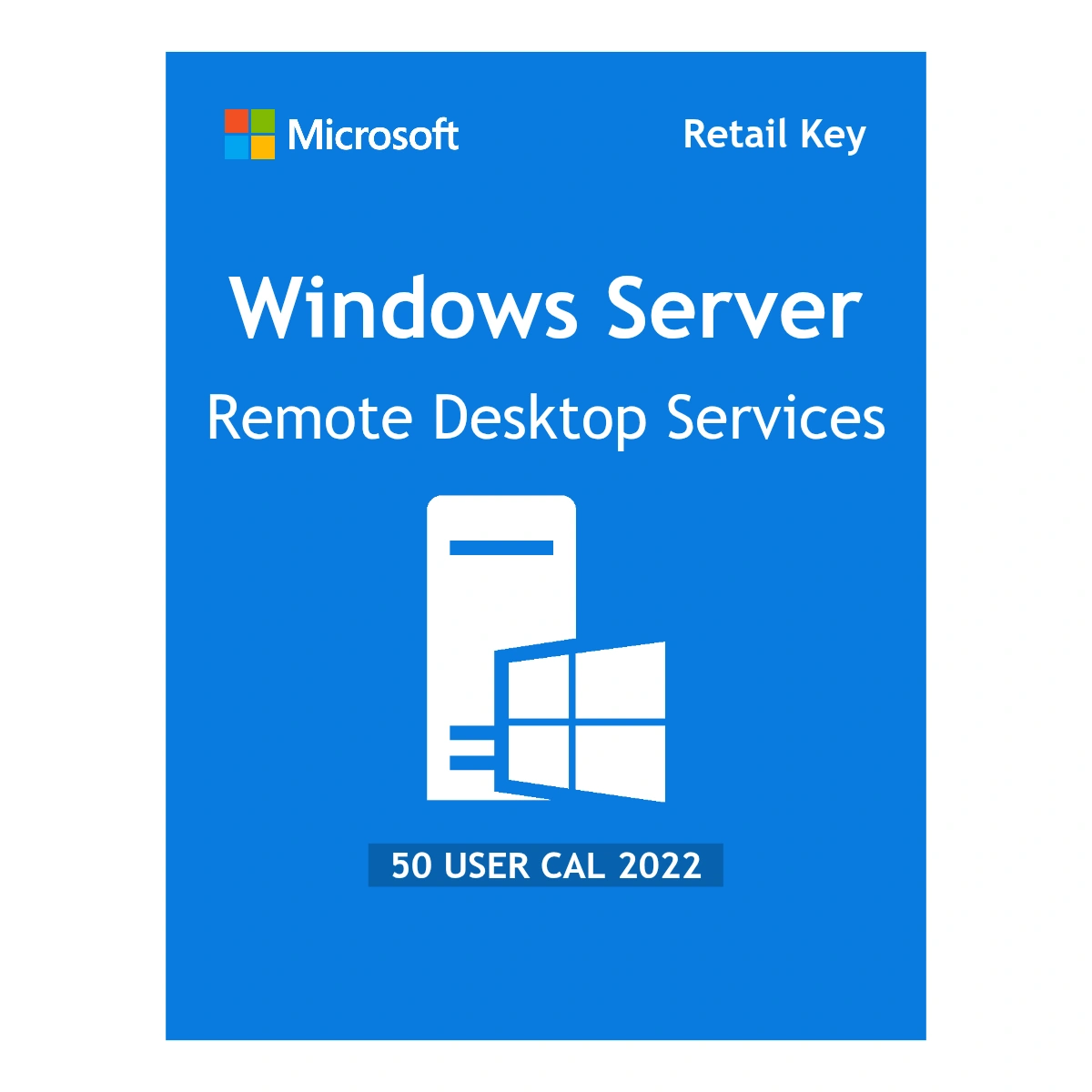
The Microsoft Windows Server 2022 RDS 50 User CALs package is a license add-on that legally authorizes 50 specific employees to access your server remotely. This is required if you are running Remote Desktop Services (RDS) to let staff log in to the server from home, or if you publish centralized apps for your team to use.
This is a “User” CAL (Client Access License) model. That means the license is tied to the person (Active Directory user), not the computer. This is ideal if your 50 users need to access the server from multiple places—like their office PC, a home laptop, or a tablet. This is a lifetime license with no monthly fees. You will receive the activation key and instructions via email, usually within 1–12 hours.
Main features
- 50 Named Users: Authorizes 50 distinct user accounts to connect to the RDS environment.
- Multi-Device Access: Because the license is attached to the user, they can connect from any device (Windows, Mac, iOS, or Android) without needing extra licenses.
- Server 2022 Compatibility: Designed for the latest Windows Server 2022 security features, but typically backward compatible with older session hosts if your licensing server is up to date.
- Lifetime Ownership: Pay once. These licenses do not expire and do not require renewal.
Who it’s for
- Companies with remote workers: If you have 50 staff members who need to log in to the office server from home.
- Shift-based organizations: Where the same person might use a desktop in the morning and a laptop in the evening.
- IT Administrators: Who need to expand their current RDS environment without buying a whole new server.
System requirements
Note: This is a license pack, not the operating system itself.
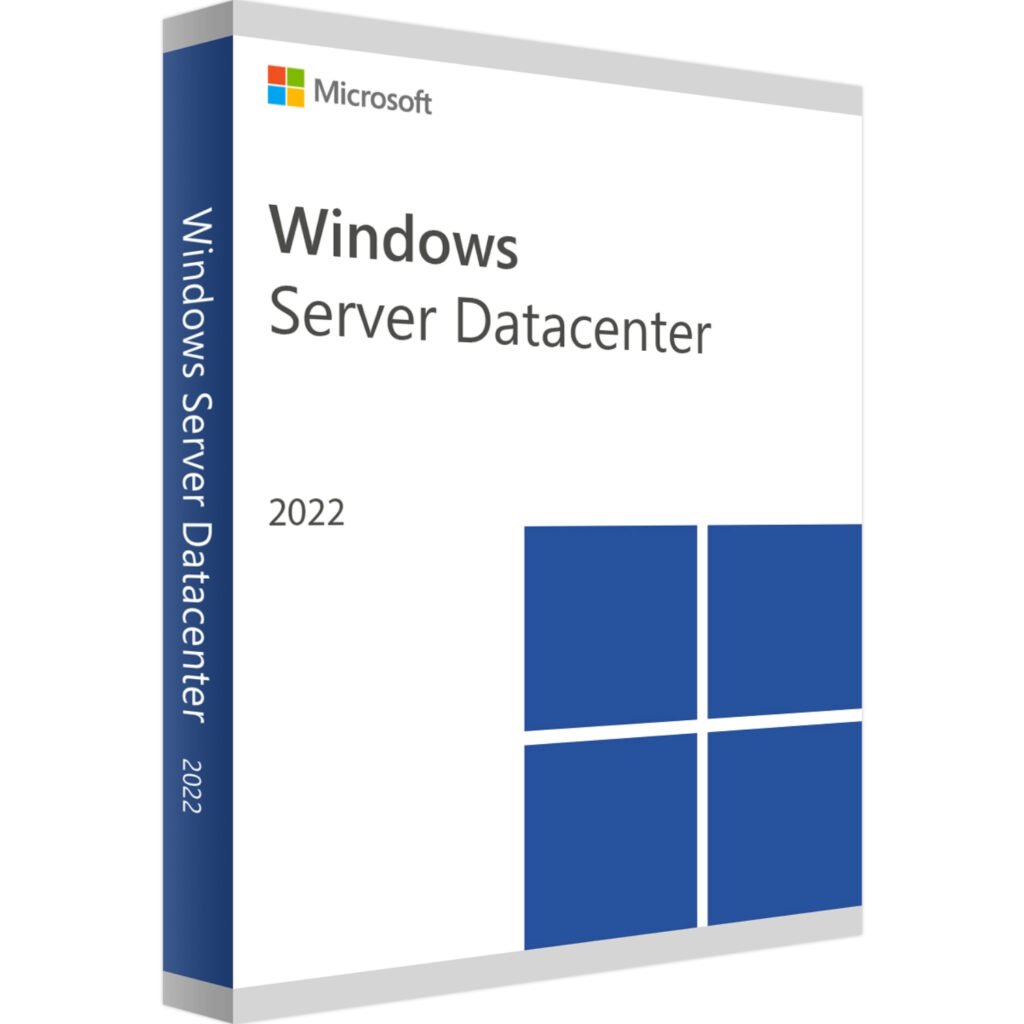
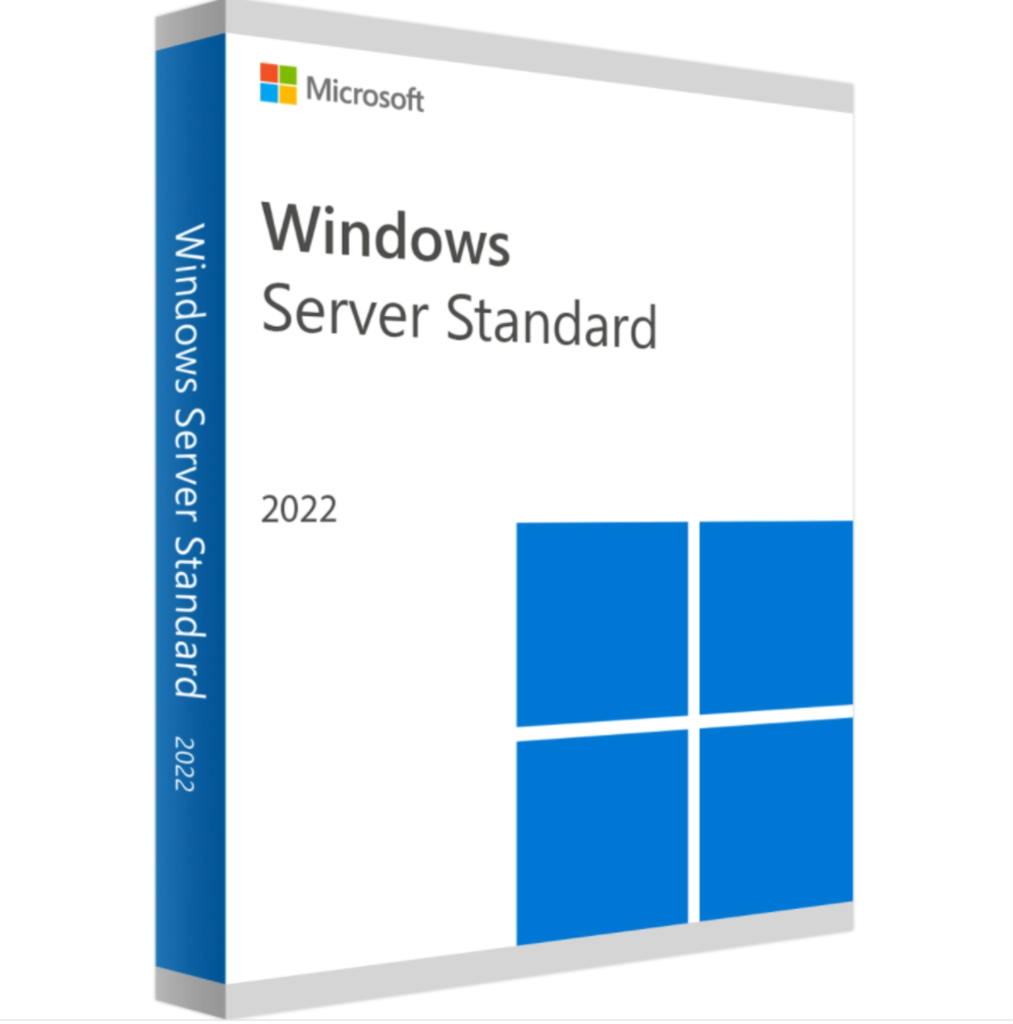
- Host OS: Microsoft Windows Server 2022 (Standard or Datacenter).
- Server Roles: The “Remote Desktop Services” role and “Remote Desktop Licensing” role must be installed.
- Domain: The server should ideally be part of an Active Directory domain for proper user tracking.
- Activation: Internet connection is required to validate the key with the Microsoft Clearinghouse.
License details
- License Type: RDS User CAL (Client Access License).
- Count: 50 Users.
- Scope: Valid for 1 server environment (or network, depending on configuration).
- Delivery: Digital license key (Retail/Volume depending on stock, verified for online activation).
Download and activation
There is no software to download for the CALs themselves; you simply unlock the capability on your existing server.
- Ensure your Windows Server 2022 is set up with the Remote Desktop Licensing role.
- Open the “Remote Desktop Licensing Manager” tool on your server.
- Right-click your server name and choose Install Licenses.
- Enter the 25-character product key we sent you by email.
- The wizard will confirm the addition of 50 User CALs to your pool.
Delivery and support
- We send the license key and a short guide to your email inbox within 1–12 hours.
- This is a digital-only purchase; no physical card or DVD is shipped.
- If you have trouble adding the key to the Licensing Manager, contact our support team.
- Includes a 90-day money-back guarantee if the key fails to validate.
Important notes
- Do not confuse with “Device” CALs: If you have 50 computers shared by 100 people (like a call center), you might need Device CALs instead. Buy this User pack only if you are licensing the people.
- Not for “Admin” access only: Windows Server allows 2 concurrent admin sessions for free. You only need to buy these CALs for regular users doing actual work on the server.
FAQ
Is this the full Windows Server 2022 software?
No. This is a license pack to add more users to a server you already own. You must have Windows Server 2022 installed first.
Can I use this on Windows Server 2019?
Technically, a 2022 License Server can manage licenses for 2019 session hosts. However, you cannot use a 2019 license on a 2022 server. It is best to match the year.
What happens if I don’t buy CALs?
Remote Desktop Services comes with a 120-day grace period. Once that ends, users will be blocked from connecting remotely until you install valid CALs like these.






Reviews
There are no reviews yet