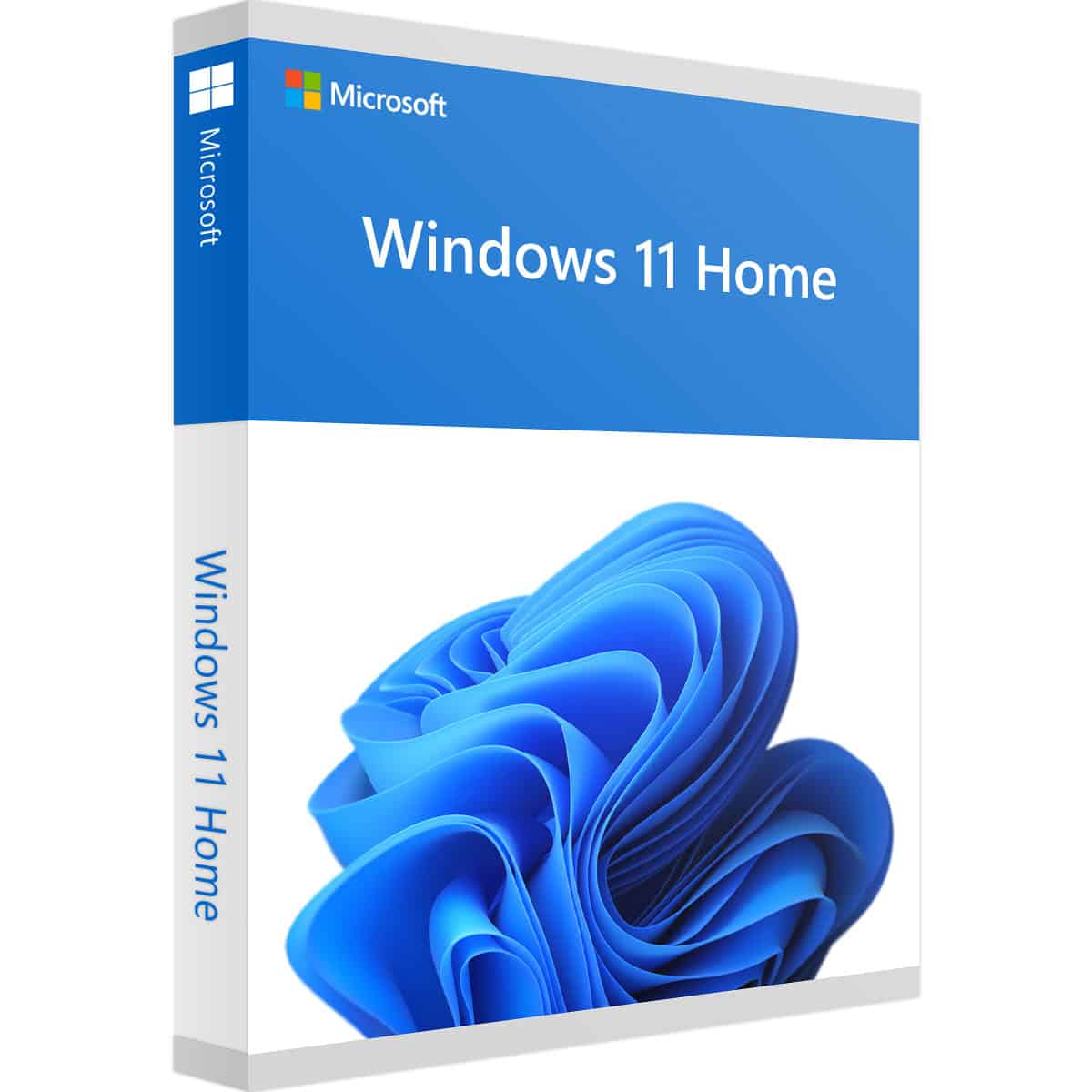
Microsoft Windows 11 Home Product Key Online Activation 1PC

- Instant Email Delivery (1-12 Hrs Max)
- Verified Microsoft Partner (ID: 7185d602...)
- 90-Day Money Back Guarantee
- 100% Lifetime Valid License
OEM Lifetime License
This key securely binds to your motherboard upon installation. Pay once and enjoy a permanent activation with zero subscription fees.
Global Version
Zero geographical restrictions. Buy with confidence knowing you can install and validate your new operating system anywhere in the world.
100% Online Activation
Fast, frictionless setup. Connect to the internet, enter your product code, and activate instantly directly through Microsoft's servers.
Strictly 64-Bit
Built for modern hardware. You will receive a genuine Windows 11 Home OEM license that is fully authorized for advanced 64-bit architectures.
Overview: Microsoft Windows 11 Home Product Key Online Activation 1PC
If you are building a custom gaming rig or upgrading a family desktop, you need a reliable and modern operating system foundation. When you buy Windows 11 Home key online, you guarantee that your new hardware will perform at its peak capabilities. By purchasing a Microsoft Windows 11 Home Product Key Online Activation 1PC from Egodget, you instantly deploy the most advanced consumer OS built by Microsoft.
This official Microsoft Windows 11 Home OEM license provides a permanent, one-time validation. Unlike volume licenses, this specific code binds directly to your computer's motherboard, guaranteeing that your operating system remains permanently activated even if you need to wipe your hard drive and reinstall the OS later. Whether you are a student, a gamer, or a system integrator, securing a cheap Windows 11 Home key ensures you receive all critical security patches and feature updates directly from the source.
Experience the Next Generation of Windows
Capabilities of your Microsoft Windows 11 Home installation
Why do millions of PC builders strictly require a genuine Windows 11 Home OEM license? Because it deploys an entirely rebuilt architecture designed for modern multi-core processors and ultra-fast NVMe SSDs. By utilizing your Microsoft Windows 11 Home Product Key Online Activation 1PC, your desktop gains the following assets:
- DirectStorage Optimization: A game-changer for PC gamers. This protocol allows compatible NVMe SSDs to bypass the CPU and feed graphics data directly to the GPU, drastically reducing load times and eliminating texture pop-in during heavy gameplay.
- Hardware-Level Security (TPM 2.0): The most secure consumer OS to date. The mandatory TPM 2.0 requirement means your cryptographic keys, user credentials, and biometric data are stored securely at the hardware level, protecting your system from advanced malware.
- Native Android App Support: Expand your digital ecosystem. With a verified Microsoft Windows 11 Home installation, you can download and run your favorite mobile applications natively on your desktop via the integrated Amazon Appstore.
- Centered Taskbar & Snap Layouts: Maximize your productivity. The redesigned interface places your start menu at the center for easy access, while Snap Layouts allow you to instantly organize multiple windows on ultra-wide monitors without manually resizing them.
Strict System Requirements for a Microsoft Windows 11 Home Product Key
Microsoft has implemented strict hardware guidelines for this generation. Before purchasing your Microsoft Windows 11 Home Product Key Online Activation 1PC, you must verify your custom PC meets these specifications to guarantee a stable Windows 11 Home 64-bit activation:
- Processor: 1 GHz or faster with 2 or more cores on a compatible 64-bit processor (Intel 8th Gen or newer, AMD Ryzen 2000 series or newer).
- Memory (RAM): 4 GB minimum (8 GB to 16 GB is highly recommended for modern gaming and multitasking).
- Storage Space: 64 GB or larger storage device (NVMe SSD recommended for DirectStorage features).
- System Firmware: UEFI architecture with Secure Boot strictly enabled.
- TPM Module: Trusted Platform Module (TPM) version 2.0 is mandatory.
- Connectivity: An active Internet connection and a Microsoft Account are strictly required to complete the initial setup and validation process.
How to Install and Activate
Egodget provides a secure and genuine Windows 11 Home key instant delivery protocol. Once your payment is verified, your unique 25-digit code will be delivered to your email inbox within 1 to 12 hours.
For a Clean Installation (Highly Recommended):
Because this is an OEM license designed for new hardware deployments, a clean installation is strongly advised. Download the official Media Creation Tool directly from the official Microsoft download page. Use this tool to build a bootable USB flash drive. Boot your new PC from the USB, follow the installation wizard, format your primary drive, and enter your Microsoft Windows 11 Home Product Key Online Activation 1PC when prompted.
To Activate an Existing Installation:
If you have already installed the OS but need to validate it, navigate to Settings > System > Activation. Click "Change Product Key" and input the Microsoft Windows 11 Home code you purchased. The system will connect to Microsoft and authorize your hardware instantly.
Frequently Asked Questions
1. Is this a genuine Microsoft Windows 11 Home Product Key?
2. Can I upgrade from Windows 10 Home using this key?
3. What does an OEM license mean?
4. What if the activation fails (e.g., Error 0xC004C003)?
Verified Customer Reviews
Complete Your Digital Setup
Pair your new Windows OS with these essential Microsoft software tools, backed by our verified guarantee.