
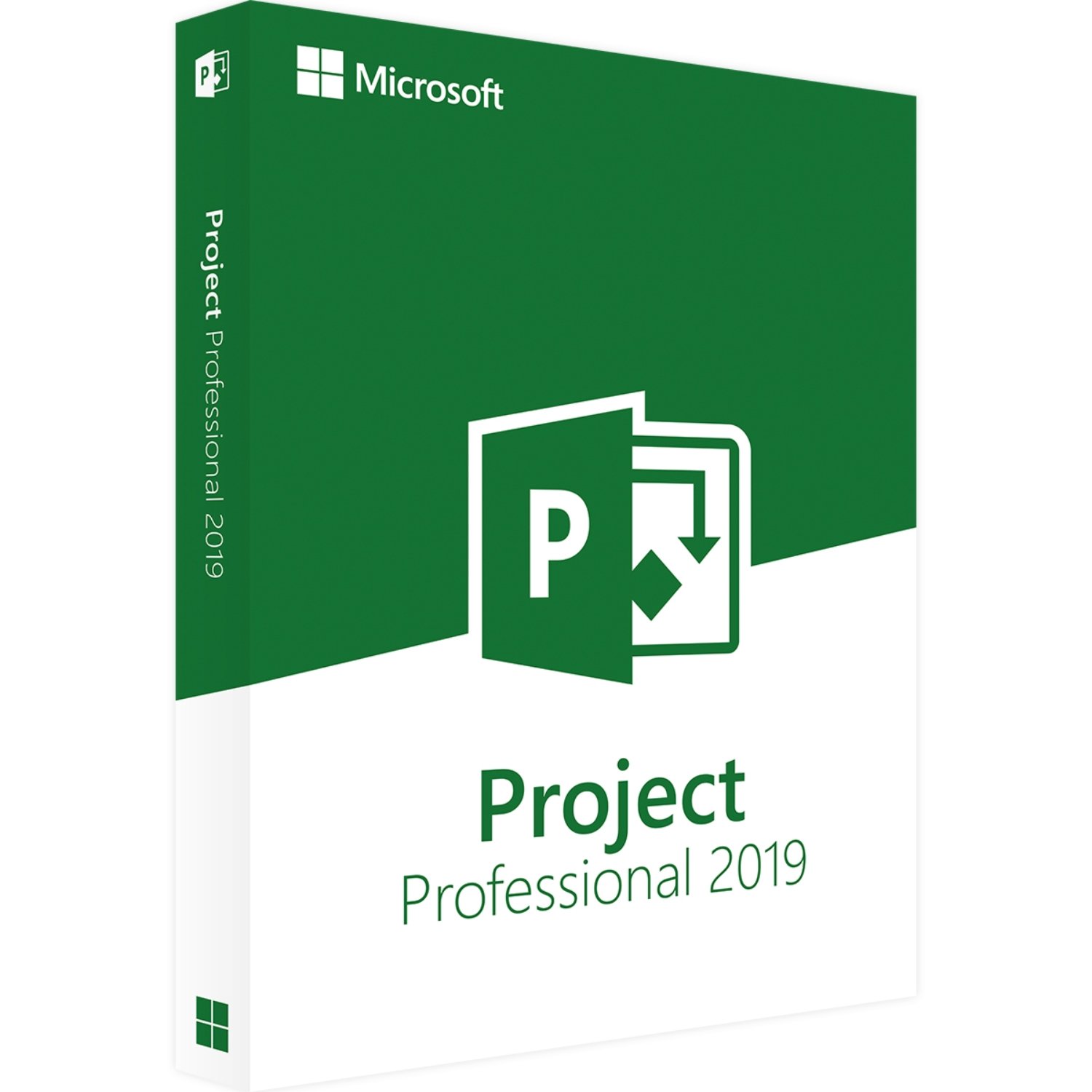

Microsoft Project 2019 Professional Product Key – overview
Get a genuine Microsoft Project 2019 Professional product key for one Windows PC (64-bit).
This lifetime license lets you install Project 2019 Professional, activate it online through Microsoft and keep using it on the same device without a subscription.
Your key and a clear setup guide are sent by email from Egodget within 1–12 hours, and every order is covered by a 90-day money-back guarantee if activation fails because of a key problem.
Main features of Microsoft Project 2019 Professional License
- Genuine license: Verified Microsoft Project 2019 Professional product key for a single Windows PC.
- Lifetime use: One-time payment with ongoing use on the same device, no monthly or yearly fees.
- Online activation: Activate directly through Microsoft’s activation servers using your internet connection.
- Built-in templates: Start new projects with ready-made templates for common project types.
- Task and schedule tools: Plan tasks, set dependencies and view your project on familiar Gantt charts.
- Resource planning: Assign people and other resources to tasks so you can see who is busy and who still has time available.
- Reporting: Use built-in reports and charts to follow progress, workload and key dates.
- Multi-language support: Works with several languages, including English, Spanish, French and German.
This Project 2019 Professional license suits project managers, team leads, engineers and anyone who wants to keep tasks, dates and responsibilities in one place.
What you can do with Project 2019 Professional
- Task management: Break work into clear tasks, assign owners and give each task a start and end date.
- Dependencies: Link tasks so you can see how one delay affects the rest of the plan.
- Milestones: Mark key dates such as launches, reviews or handovers.
- Resource view: Check which team members are overloaded and which ones still have room for new tasks.
- Custom views: Switch between Gantt charts, calendars and simple task lists depending on what you need to see.
System requirements
To use this Microsoft Project 2019 Professional product key, your computer should meet these basic conditions:
- Operating system: Windows 10 or Windows 11 (64-bit).
- Device type: Desktop or laptop capable of running current Office apps.
- Internet connection: Needed at least once for download, activation and updates.
- Microsoft account: May be required to link the license and manage your installation.
For full details, you can compare your PC with the official Project 2019 Professional system requirements on Microsoft’s website.
License details
- Scope: Microsoft Project 2019 Professional license for one Windows PC.
- Type: Perpetual license with lifetime use on the same device.
- Usage: One activation per key; if you need Project on more devices, you should buy extra licenses.
- Reinstallation: In many cases you can reinstall on the same PC, or on replacement hardware, by using the same Microsoft account and following Microsoft’s licensing rules.
- No subscription: Classic one-time purchase; no recurring subscription is included or required.
Download and activation
- Purchase: Place your order for the Microsoft Project 2019 Professional Product Key on Egodget.
- Receive your key: We send your product key and a short setup guide to your email within 1–12 hours. Please check your inbox and spam or promotions folder.
- Download Project: Go to the official Microsoft site, sign in with your Microsoft account and download Project 2019 Professional.
- Install: Run the installer and follow the on-screen steps to install Project on your PC.
- Activate: When asked, enter your Microsoft Project 2019 Professional product key and complete activation while online.
Delivery and support
- Digital delivery: This is a digital product; no DVD or USB stick is shipped.
- Email delivery time: Keys are usually sent within 1–12 hours after payment confirmation.
- 90-day guarantee: If activation fails because of a key validity issue, Egodget will help you fix it or refund you within 90 days, in line with our store policy.
- Support: You can contact Egodget by email for help with common activation or installation problems.
FAQ
Is this Microsoft Project 2019 Professional key genuine?
Yes. Each key we sell is checked to make sure it is a genuine Microsoft Project 2019 Professional license suitable for activation on one PC.
Can I use this key on more than one computer?
No. This license is for one PC at a time. If you need Project 2019 Professional on more devices, you should purchase extra keys.
Does this work on Windows 7 or Windows 8?
No. This product key is intended for Windows 10 and Windows 11 (64-bit). Older systems are not recommended for Project 2019 Professional.
Do I receive a physical package?
No. You receive a digital product only. The key and instructions are sent by email, and you download Project 2019 Professional directly from Microsoft.
What happens if activation fails?
First, make sure your PC is on the correct Windows version, that you typed the key exactly as shown and that your internet connection is working.
If it still does not activate, contact Egodget support with your order number and any error message so we can help you.
If the key is faulty, we replace it or refund you under our 90-day guarantee.




Thomas (verified owner) –
Our company has been using this program for many years now.
Ole Berger (verified owner) –
Got 4 licenses, was a bit of a nuisance to activate because of MS requirement for an MS account but got it working and all is good and works well.