


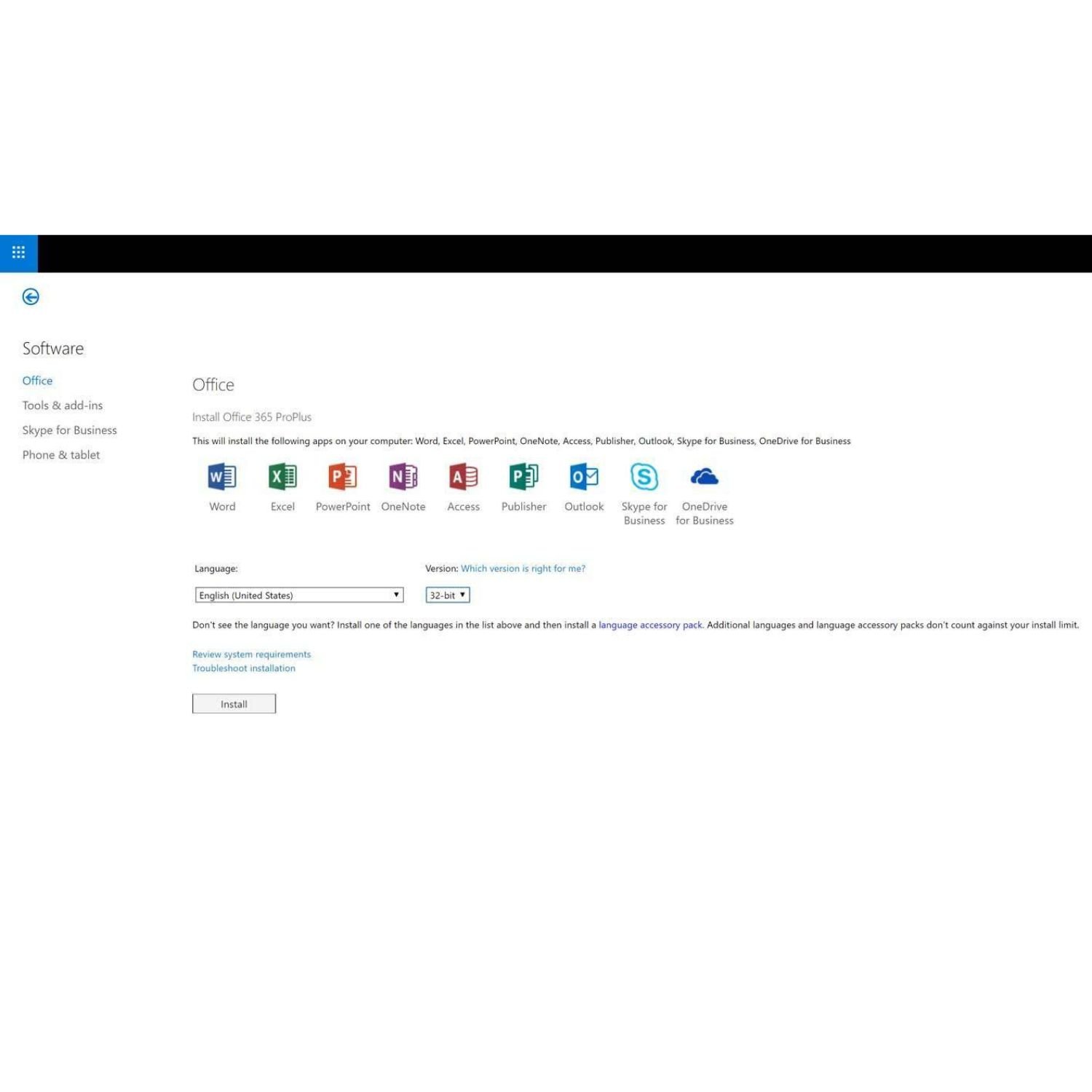

Microsoft Office 365 Pro Plus Account – 5 Users, 100GB OneDrive Overview
Microsoft Office 365 Pro Plus Account (5 users, 100GB) is a 1-year Microsoft 365 subscription you can use for work, study or home projects. You and your group can install the Office apps on PCs, Macs, phones and tablets, then sign in with the same account. After checkout, Egodget emails your login details and a clear setup guide so you can start quickly.
What you get with Our Microsoft Office 365 Pro Plus Account
-
Office 365 Pro Plus subscription for up to 5 users (one account with seats for five people or devices, depending on how you use it).
-
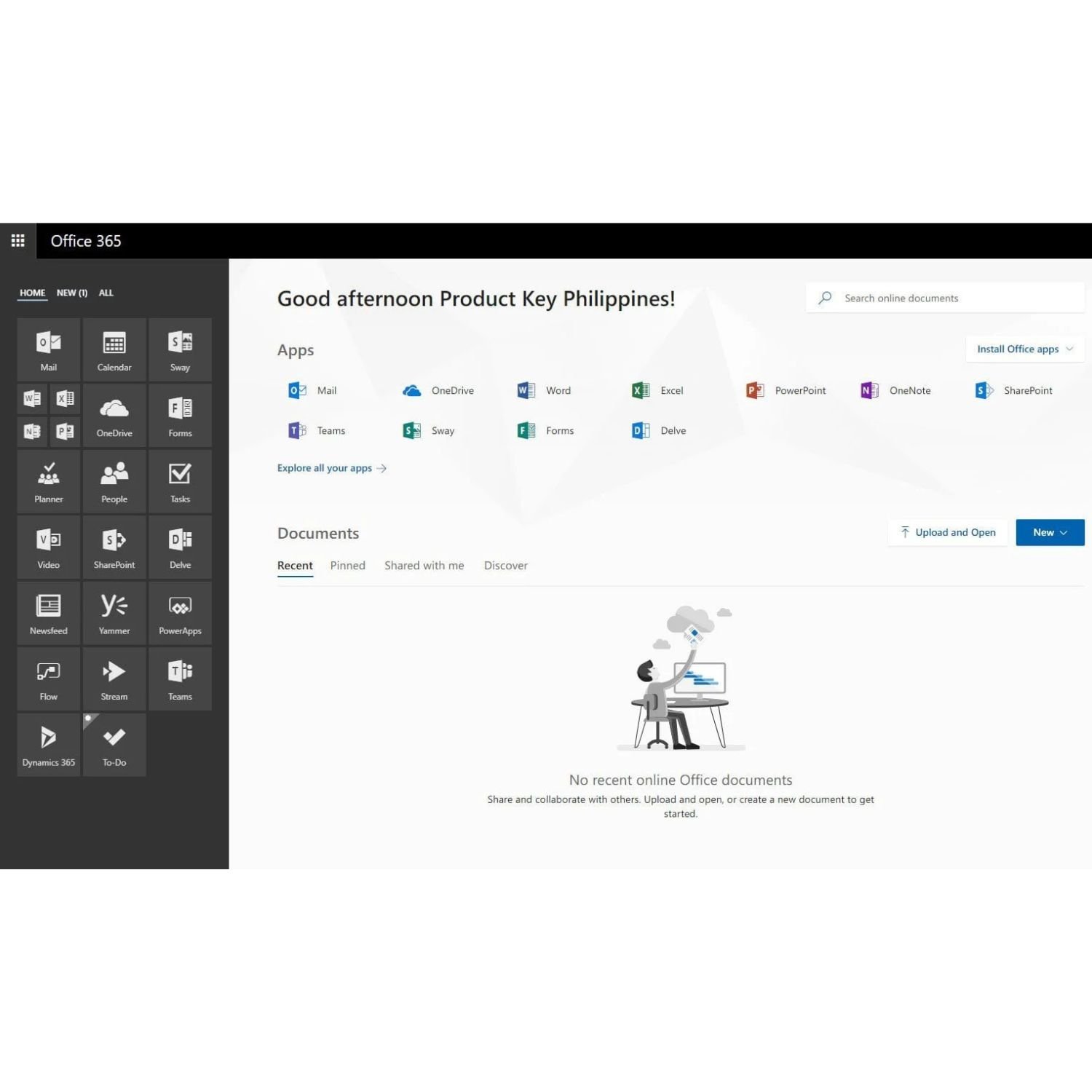
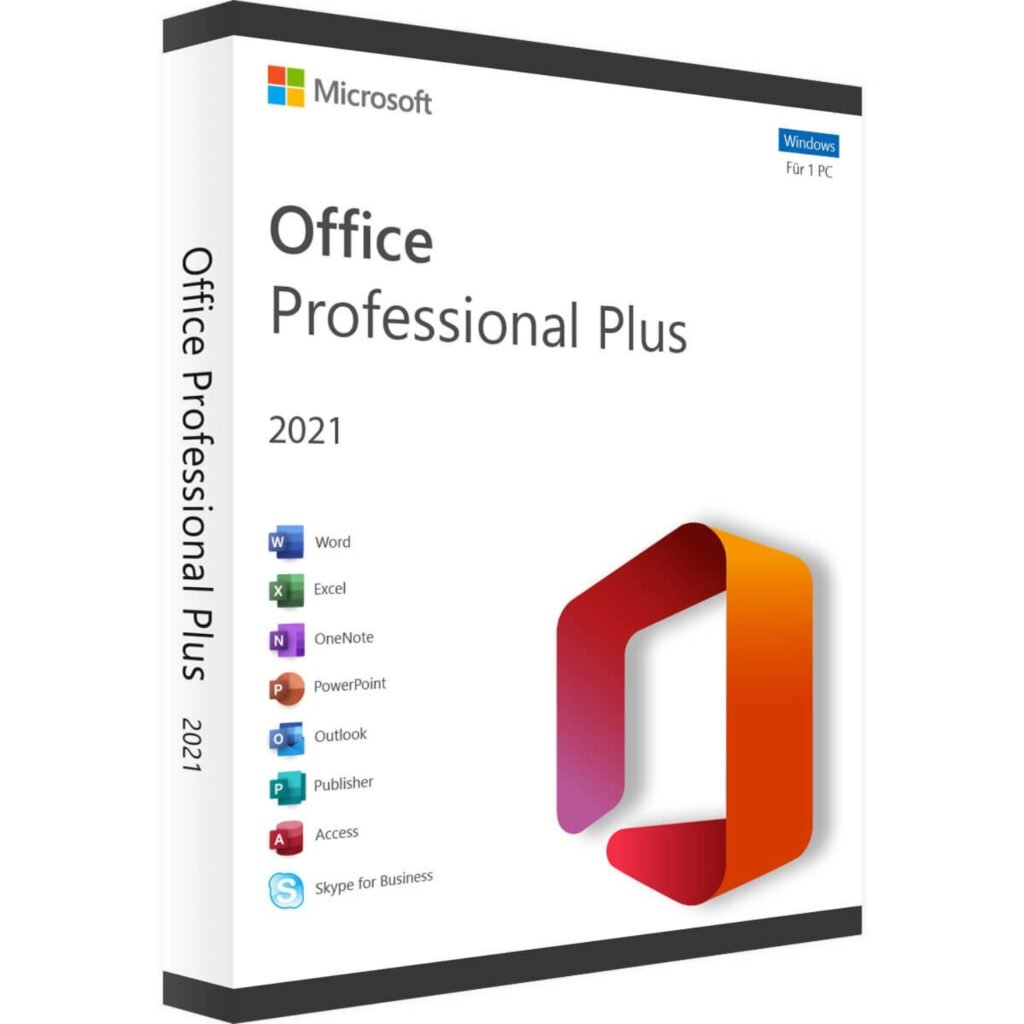
Desktop apps: Word, Excel, PowerPoint, Outlook and OneNote, plus Access and Publisher on Windows PCs.
-
Around 100GB of OneDrive cloud storage for documents, photos and other files.
-
Use on Windows 10/11, recent macOS versions and mobile apps on iOS and Android (where supported).
-
Ongoing app updates and security fixes from Microsoft while the subscription is active.
Who it’s Microsoft Office 365 Pro Plus Account for?
-
Families who want Office on several computers, laptops and phones.
-
Small offices that share documents, email and calendars every day.
-
Students and freelancers who move between devices and want the same tools on each one.
System requirements for Microsoft Office 365 Pro Plus Account
To use this Office 365 Pro Plus account, you need:
-
A device with Windows 10 / Windows 11 or a recent macOS version for the desktop apps.
-
Optional mobile devices running iOS or Android for the mobile apps.
-
An internet connection for first sign-in, downloads and cloud features.
Once installed, the main desktop apps can run offline for a while; they sync again when you reconnect.
Microsoft Office 365 Pro Plus Account Product details
-
Subscription length: 1 year from activation.
-
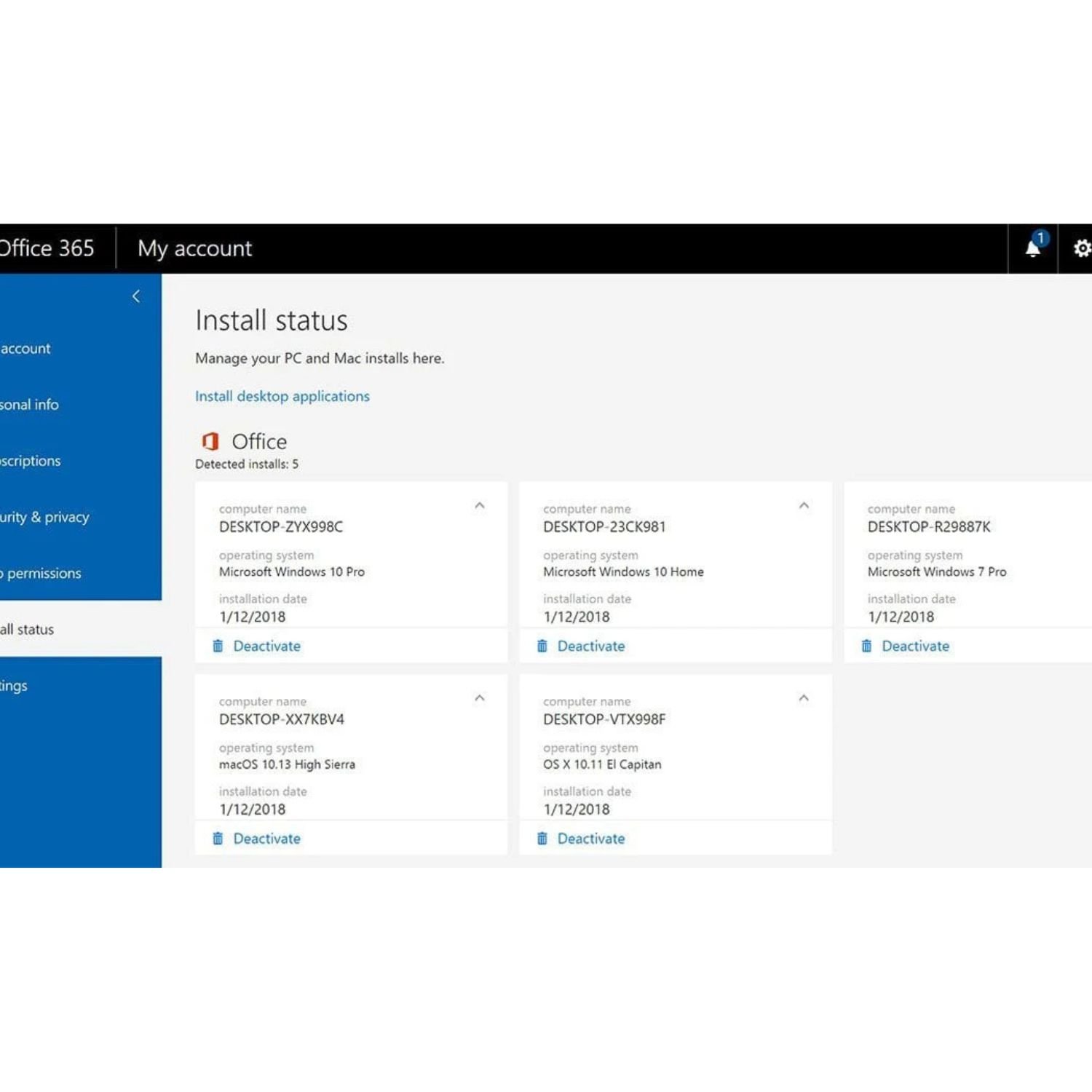
Up to 5 users can sign in and use the Office apps under this account.
-
Apps can be installed on several devices per user within Microsoft’s device limits.
-
No physical box, DVD or USB is sent — everything is digital and handled online.
-
When the year ends, access stops unless you renew. Renewal is not billed automatically by Egodget; you choose whether to buy another year from us or renew through Microsoft.
Delivery and support
-
After payment, Egodget sends your Office 365 account email and password plus setup steps, usually within 1–12 hours.
-
Use the instructions to sign in at Microsoft’s site, download the apps and install them on your devices.
-
Your order includes a 90-day money-back guarantee if activation fails due to an account issue.
-
Egodget support is available by email to help with common activation or setup problems.





Mike (verified owner) –
Everything works Fine!
Anonymous (verified owner) –
It’s working fine! but I are my information secure? Save? confidential? not so sure.
Anonymous (verified owner) –
Very professional work
Enzo Corderó (verified owner) –
It’s exactly what i need
Kasee Ferguson (verified owner) –
No product key or licence key
ADAM (store manager) –
Please Contact us on my personal email for quick support:
rob kellum (verified owner) –
i have lost the email key to activate – please send again
Matt Adams (verified owner) –
Fast delivery and so far, everything working Okay