


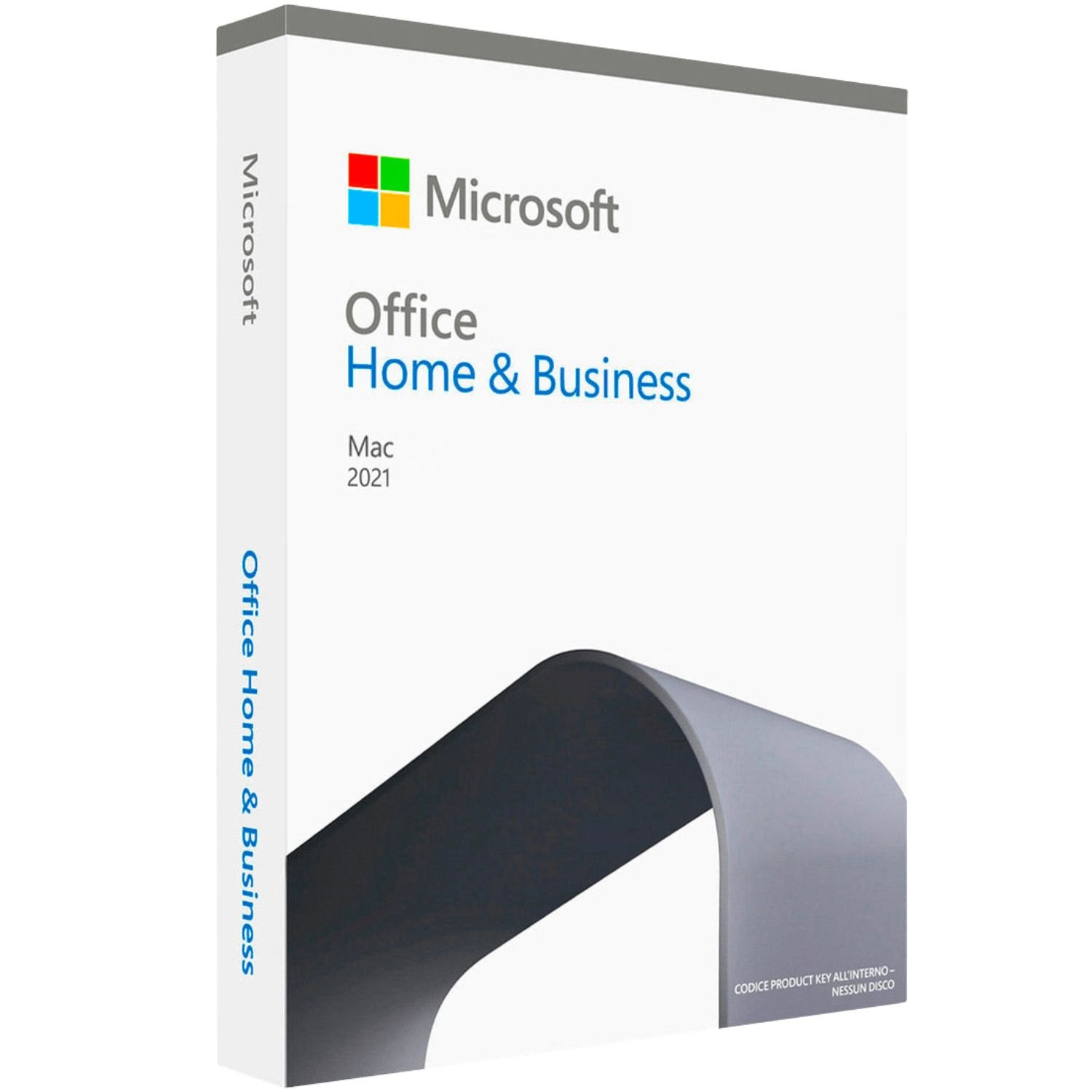

Microsoft Office 2021 Home and Business for Mac license key – Overview
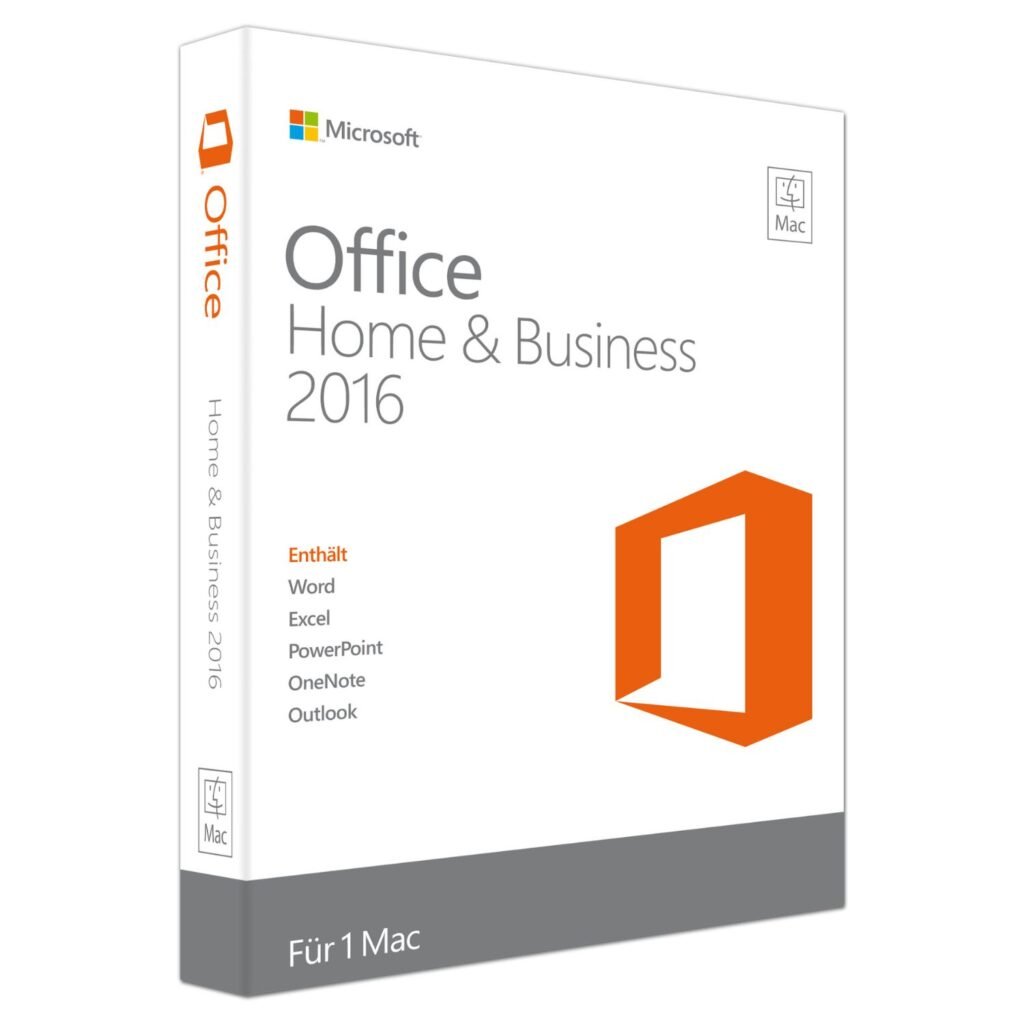
The Microsoft Office 2021 Home and Business for Mac license key gives you a complete, one-time purchase of Office 2021 for a single Mac. This genuine Microsoft Office 2021 Home and Business for Mac license key is a bind license linked to your Microsoft account, so you can keep lifetime rights to Word, Excel, PowerPoint and Outlook on one device without any subscription fees. Your key and step-by-step instructions are delivered by email, usually within 1–12 hours of purchase.
Office 2021 Home and Business for Mac is built for modern macOS, from Big Sur upwards, with support for Apple Silicon processors, Retina displays and features such as Dark Mode and Continuity Camera. Egodget supplies digital keys through trusted channels and backs your purchase with a 30-day money-back guarantee if activation fails due to a license issue, giving you a safe way to upgrade your Mac’s productivity tools.
Main features of Microsoft Office 2021 Home and Business for Mac
- Includes the Office 2021 Home and Business apps for Mac: Microsoft Word, Excel, PowerPoint and Outlook in a single package.
- Bind license model: redeem your key once on a Microsoft account and keep lifetime access for one Mac registered to that account.
- Designed for macOS 11 Big Sur and later, with full support for Apple Silicon and Intel-based Macs.
- Word 2021 for polished documents, letters and reports, with improved comments and collaboration features.
- Excel 2021 for modern data analysis using updated functions, dynamic arrays and flexible charting tools.
- PowerPoint 2021 for presentations that use updated transitions, visual effects and media options tuned for Mac displays.
- Outlook 2021 for email, calendar and contacts in one place, with support for dark appearance and focused inbox layouts.
- Lifetime activation on the licensed device: pay once and keep using Office 2021 as long as it runs on your Mac.
Who it’s Microsoft Office 2021 Home and Business for Mac for
- Small businesses that need reliable Office apps on a Mac for quotes, proposals, spreadsheets and client communication.
- Students and educators who want a one-time purchase of Office for essays, coursework, presentations and group projects.
- Remote workers who prefer installed desktop apps with offline access and a familiar interface on macOS.
- Freelancers, consultants and creatives who prepare documents, budgets and slide decks on a single main work Mac.
- Mac users who want to own their Office 2021 Home and Business for Mac suite outright instead of paying ongoing subscription fees.
Microsoft Office 2021 Home and Business for Mac System requirements
Check that your Mac meets the minimum requirements before installing Microsoft Office 2021 Home and Business for Mac.
- Operating system: macOS 11 Big Sur or later (including newer macOS versions supported by Office 2021).
- Processor: Intel or Apple Silicon (64-bit) Mac.
- RAM: At least 4 GB (8 GB or more recommended if you often work in several Office apps at once).
- Storage: Around 10 GB of available disk space for the Office 2021 installation and related files.
- Other: 1280 × 800 or higher display and an internet connection for downloading, signing in and activating the license.
License details
- Digital Microsoft Office 2021 Home and Business for Mac license key for one Mac.
- Bind license: the key is redeemed through a Microsoft account and attached to that account for ongoing management.
- Single-device activation with lifetime rights on the active Mac; designed as a one-time purchase, not a subscription.
- License can be moved to a new Mac a limited number of times by deactivating the old device via your Microsoft account and activating on another, following the provider’s guidance.
- Covers the Mac edition of Office 2021 Home and Business only; it does not include Windows desktop licenses.
- Includes Word, Excel, PowerPoint and Outlook; Microsoft Teams and bundled cloud storage are not part of this standalone package.
- Your Office 2021 Home and Business Mac product key is sent as a digital code; no DVD, USB or retail box is shipped.
Download and activation
Getting started with Office 2021 Home and Business on your Mac involves a few simple steps: purchase, redeem, download and sign in.
- Complete your purchase of the Microsoft Office 2021 Home and Business for Mac license key from Egodget using your preferred email address.
- Check your inbox for your Microsoft Office 2021 Home and Business for Mac license key, a Microsoft redemption link and written installation instructions.
- Sign in to your Microsoft account, redeem the key and add Office 2021 Home and Business for Mac to your account’s services page.
- Download the official Office 2021 installer for Mac from Microsoft, run the package and move the apps into your Applications folder.
- Open an Office app, sign in with the same Microsoft account and complete activation when prompted on your Mac.
Delivery and support
- Digital-only delivery: your license key and Microsoft redemption link are sent to your email, usually within 1–12 hours of payment.
- No physical media or printed card is provided; all downloads are made from Microsoft’s official servers.
- 30-day money-back guarantee if activation fails due to a license issue.
- Support by email (and live chat when available) for questions about binding the key, downloading the installer and activating Office.
Important notes About Microsoft Office 2021 Home and Business for Mac license key
- This is a one-time purchase of Microsoft Office 2021 Home and Business for Mac; it is not a Microsoft 365 subscription and does not renew automatically.
- The license is intended for one Mac, with transfers limited and managed through your Microsoft account according to the rules provided with your purchase.
- Office 2021 for Mac does not include Microsoft Teams or bundled cloud storage; you can use your own storage service if needed.
- Use a Microsoft account you control, and keep your login details safe so you can manage your Office 2021 entitlements in future.
- Keep a copy of your Egodget order confirmation and license email in case you need to reinstall or review your activation later.
FAQ
Is this Microsoft Office 2021 Home and Business for Mac license key genuine?
Yes. Egodget supplies genuine Microsoft Office keys from trusted distribution channels. You redeem your Microsoft Office 2021 Home and Business for Mac license key on your own Microsoft account and download the installer directly from Microsoft.
How many Macs can I use with this license?
This license is designed for one Mac. Because it is a bind license, it is attached to the Microsoft account and device you activate. You can move it to a new Mac a limited number of times by deactivating the old one and then activating on the new device, following the instructions included with your purchase.
Will Office 2021 Home and Business for Mac run on Apple Silicon?
Yes. Office 2021 for Mac supports both Intel and Apple Silicon Macs, so you can run Word, Excel, PowerPoint and Outlook on newer Mac models as well as older Intel-based systems that meet the requirements.
What is the difference between this and Microsoft 365?
This product is a one-time purchase of Office 2021 Home and Business for Mac for a single Mac. You pay once and can keep using the included apps, while Microsoft 365 is a subscription with ongoing payments and extra cloud services.
Does this license include Teams or cloud storage?
No. This standalone Office 2021 Home and Business for Mac package includes Word, Excel, PowerPoint and Outlook. Services such as Microsoft Teams or additional cloud storage are not bundled with this license.
What if my Office 2021 key does not activate?
If you have trouble activating, contact Egodget with your order number and details of the issue. We’ll help you go through the steps, and if the problem is caused by the license itself, your purchase is covered by our 30-day money-back guarantee.




David Barker (verified owner) –
Would buy from this vendor again
Anonymous (verified owner) –
Worked perfectly