


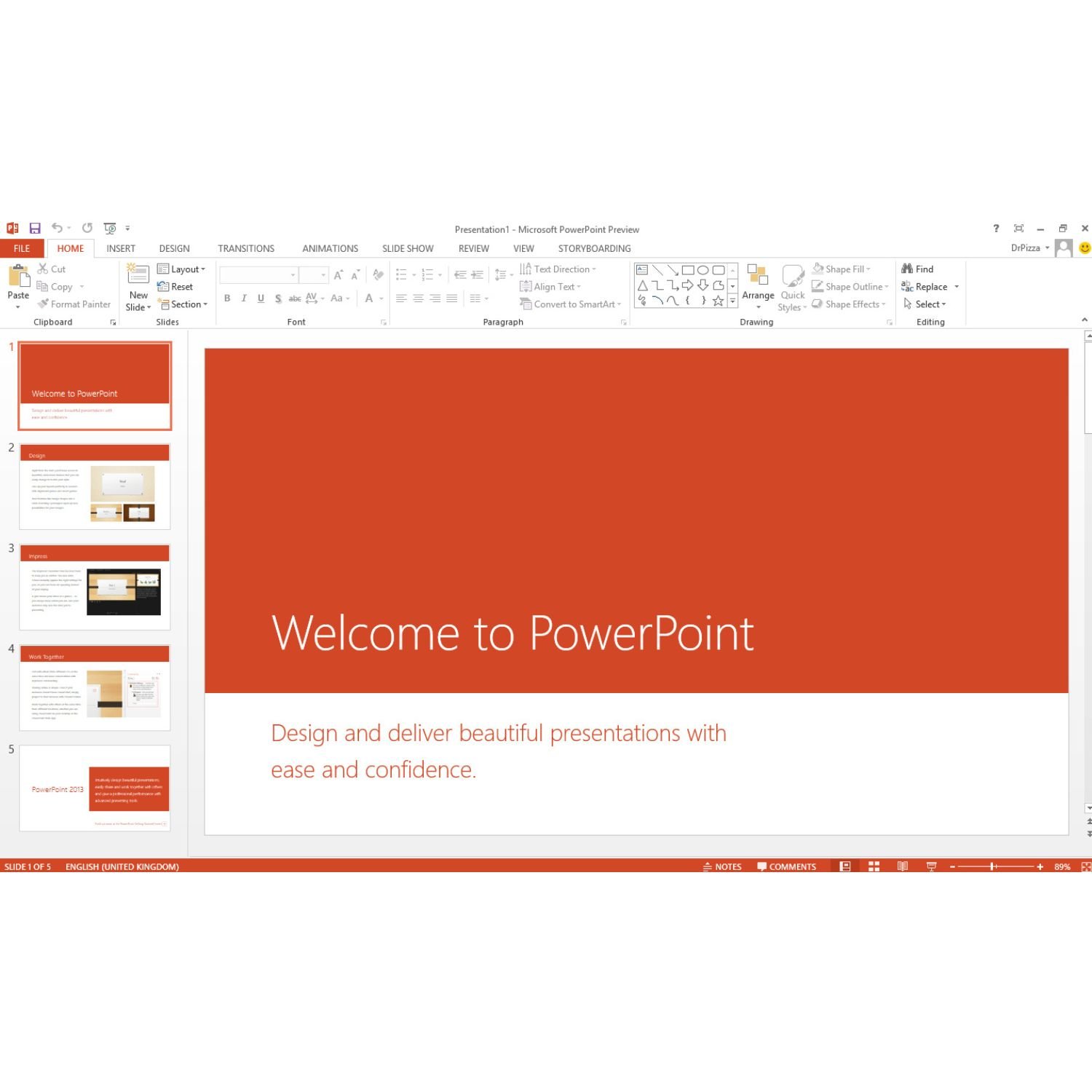

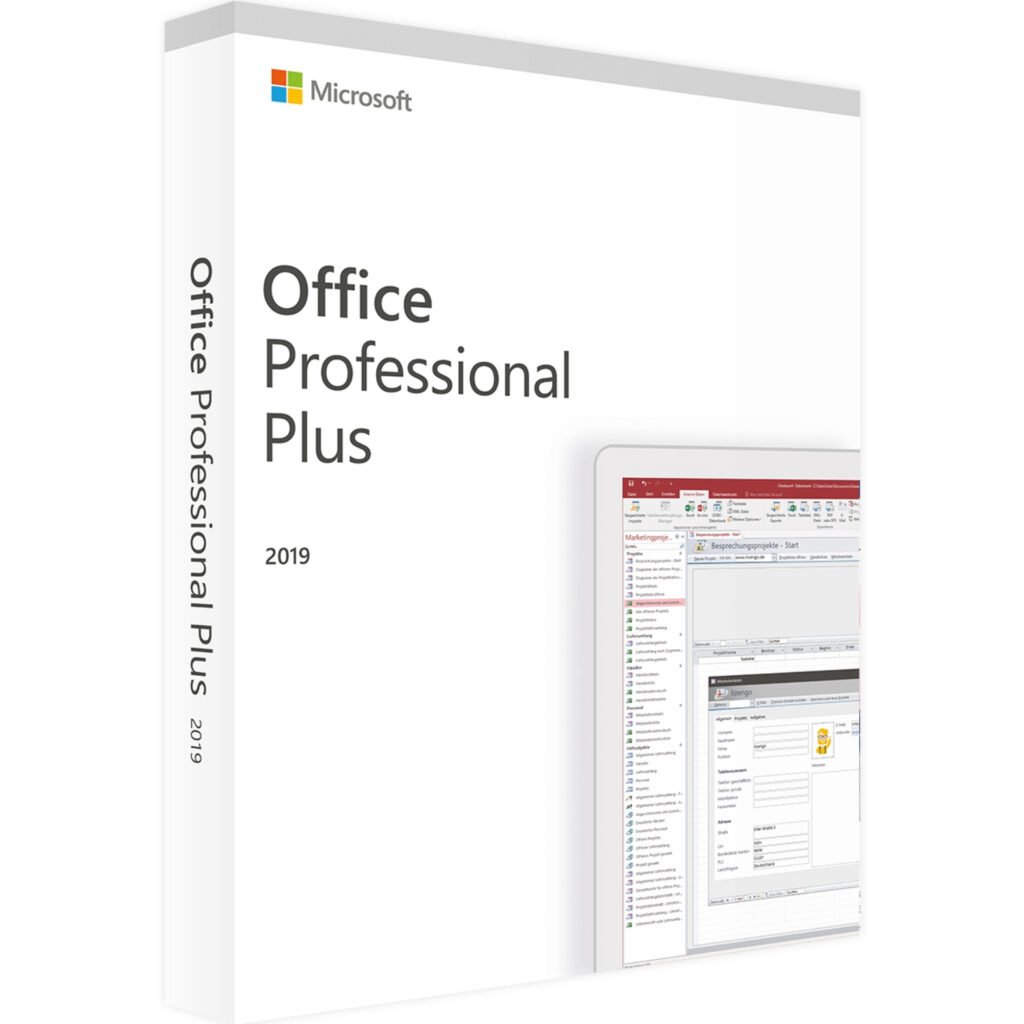
Overview About Our Microsoft Office 2019 Professional Plus Lifetime License Key – 1 PC
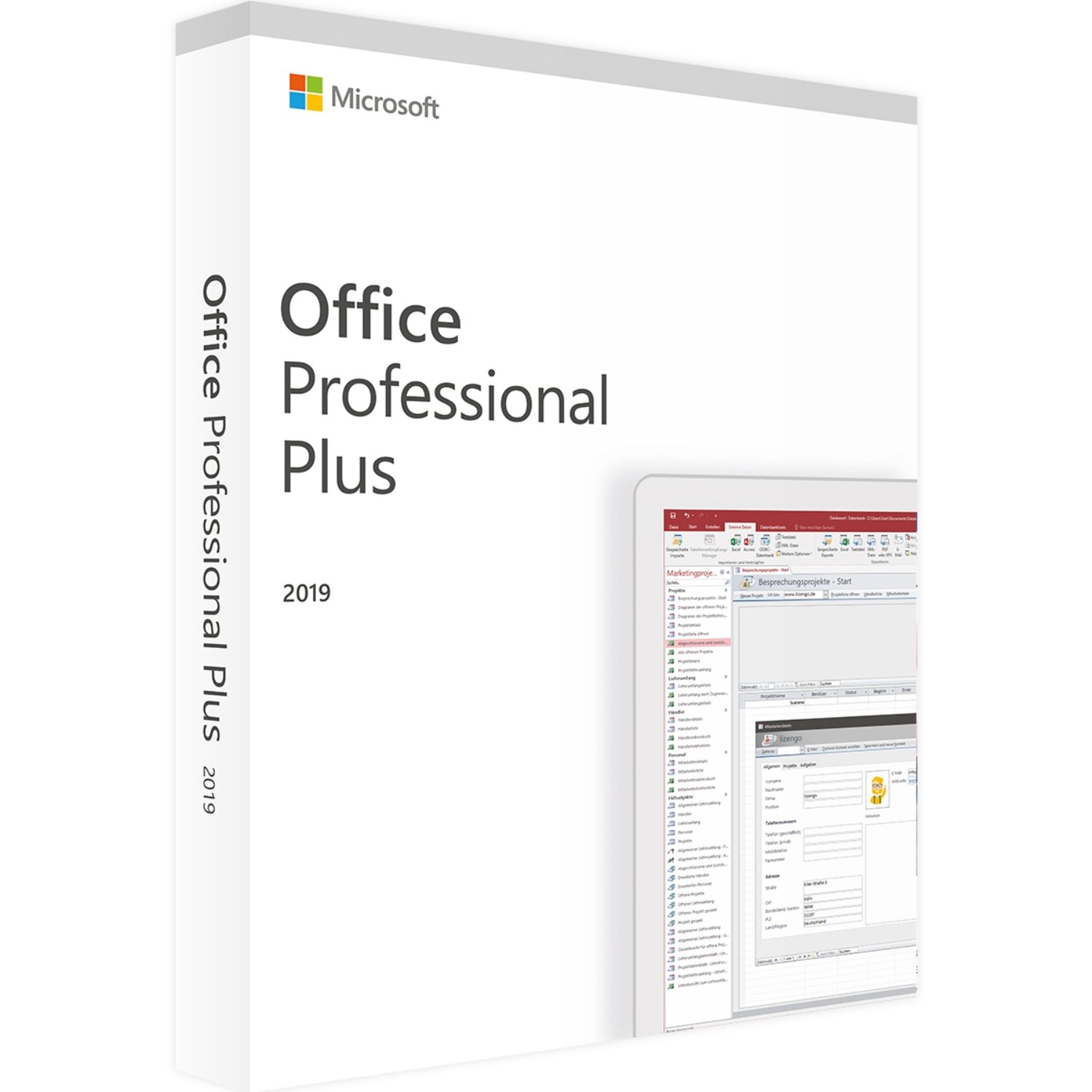
Our Microsoft Office 2019 Professional Plus Lifetime License Key gives you the classic desktop Office apps in one lifetime package. With this license key from Egodget, you activate Office 2019 on a single Windows PC and keep using it for as long as that device is in service.
The key is sent by email, along with clear install and activation steps, so you can get started without guesswork or subscriptions.
What you will Get with Our Microsoft Office 2019 Professional Plus Lifetime License Key?
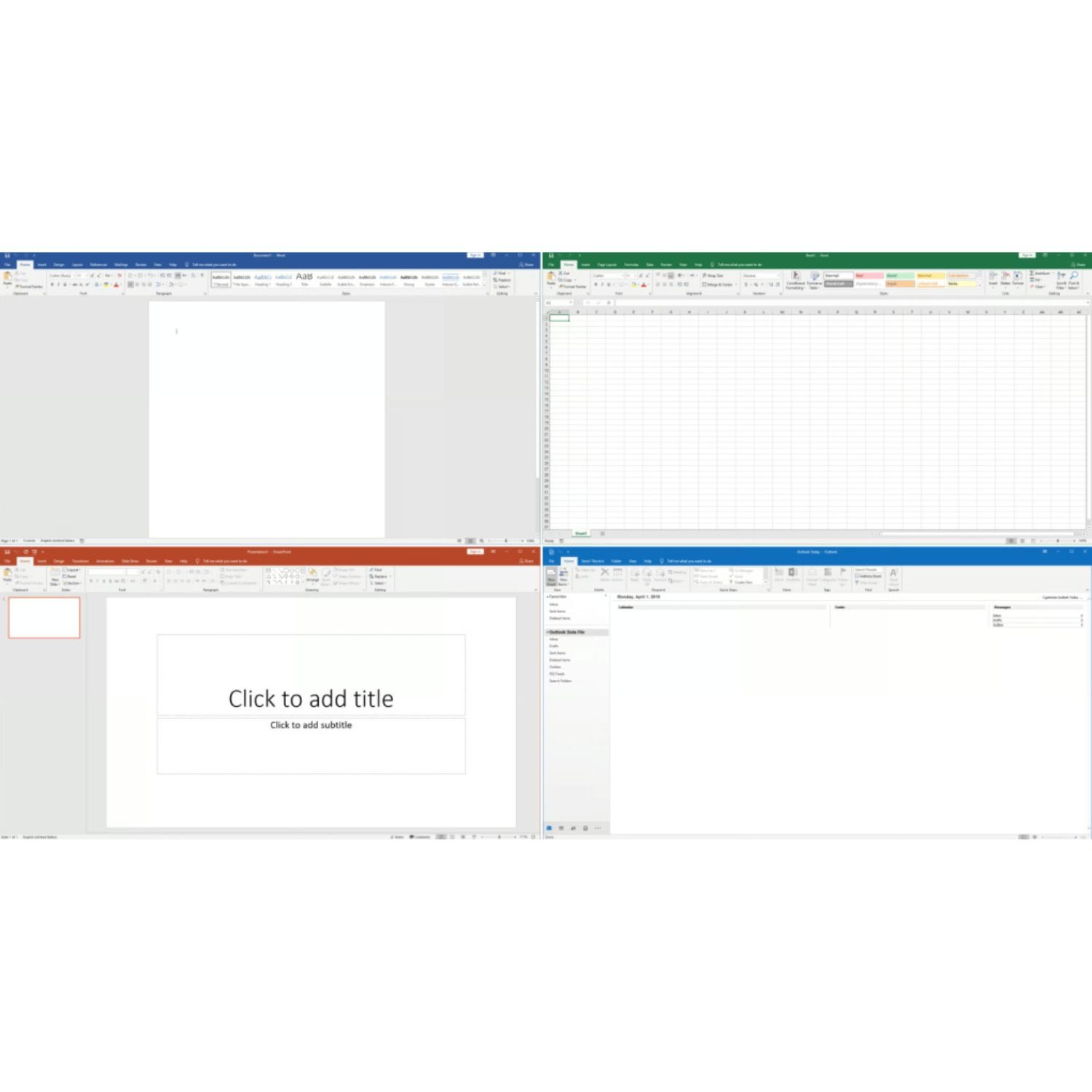
With Our Microsoft Office 2019 Professional Plus Lifetime License Key you get these full desktop apps:
-
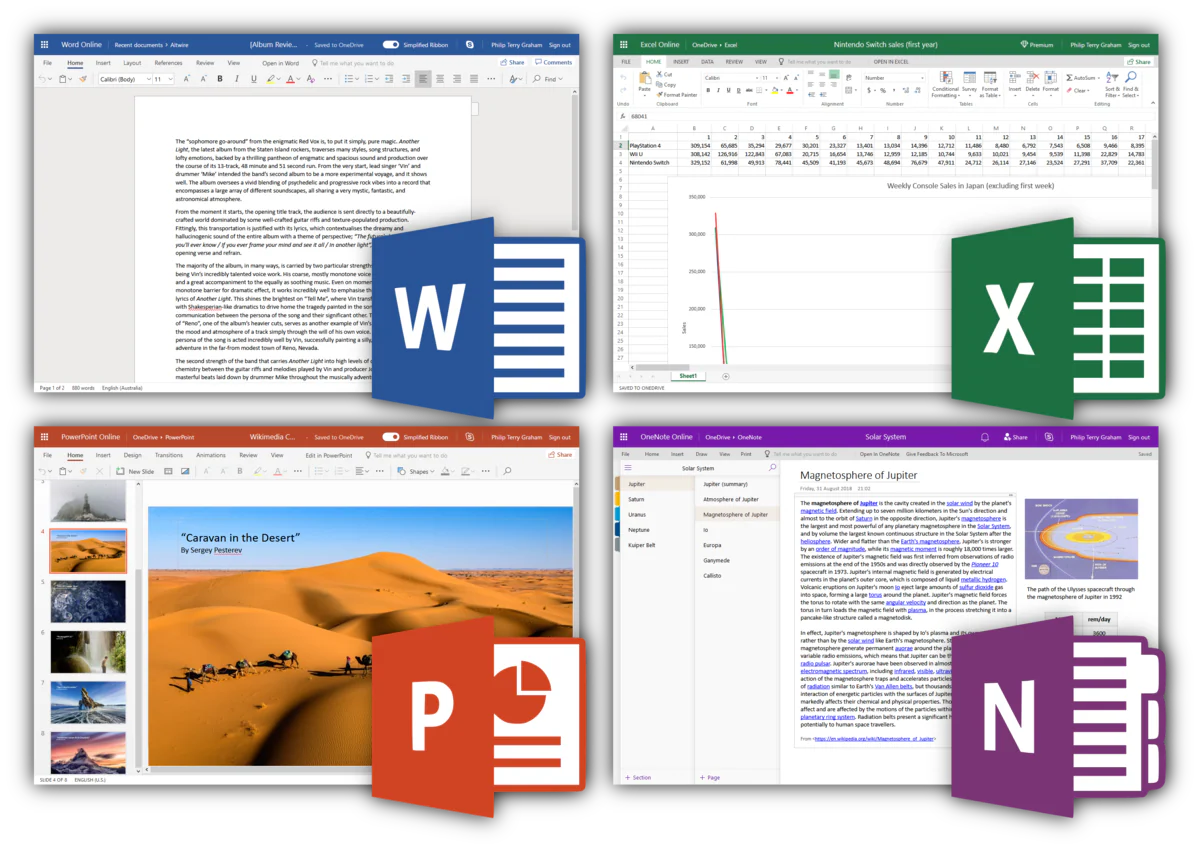
Word 2019 – Write letters, reports, essays and other documents with styles, spell-check and track changes.
-
Excel 2019 – Work with sheets, numbers, charts and pivot tables for finance, data or planning.
-
PowerPoint 2019 – Build slide decks with images, video, animations and speaker notes.
-
Outlook 2019 – Handle email, calendar, contacts and tasks in one place.
-
Publisher 2019 – Lay out flyers, brochures, simple catalogues and other printed material.
-
Access 2019 – Create desktop databases to store and search structured data.
All apps are installed locally on your PC and work even when you are offline. An internet connection is only needed for download, activation and updates.
Microsoft Office 2019 Professional Plus Main features
-
Lifetime license for 1 PC
One key activates Office 2019 Professional Plus on a single Windows computer. Pay once and keep using the apps on that device with no monthly charges. -
One-time purchase, no subscription
This is a classic “buy it once” Office license. You do not need a Microsoft 365 subscription to run these desktop apps. -
Binds to your Microsoft account
You can attach the key to your Microsoft account, so reinstalling Office on the same PC or a replacement machine is simpler if hardware changes are needed. -
Works with common file formats
Open and save .docx, .xlsx, .pptx and other widely used Office formats so you can share files with colleagues and clients without conversion issues. -
Good for home, study and office work
Suitable for small businesses, freelancers, students and home users who want reliable Office apps on a single PC.
Microsoft Office 2019 Professional Plus System requirements
To run Microsoft Office 2019 Professional Plus, your PC should meet these requirements:
-
Operating system: 64-bit Windows 10 or Windows 11 (recommended: latest updates installed)
-
Processor: 1.6 GHz or faster, 2-core CPU
-
RAM: 4 GB or more
-
Storage: At least 10 GB free space for Office installation
-
Display: 1280 × 768 resolution or higher
-
Internet: Needed for download, activation and updates
This license is for Windows PCs only. It does not work on macOS, Linux, phones or tablets.
Microsoft Office 2019 Professional Plus Lifetime License Key All details:
-
Type: Lifetime license key for Microsoft Office 2019 Professional Plus
-
Devices: 1 Windows PC (desktop or laptop)
-
Use: Home, study or business work on that single device
-
Binding: The key can be linked to your Microsoft account for easier re-install on the same or replacement hardware
-
Scope: Perpetual use of Office 2019 on that PC; no expiry date and no renewal fee
Only one active installation is allowed per key. For extra PCs, you need extra licenses.
Download and activation
-
Purchase from Egodget
Place your order for Microsoft Office 2019 Professional Plus Lifetime License Key. -
Check your email (within 1–12 hours)
Egodget sends you:-
Your unique Office 2019 Professional Plus license key
-
Official Microsoft download link
-
Simple step-by-step instructions
-
-
Download Office from Microsoft
Use the link in the email or the one above to download the Office 2019 installer from Microsoft’s servers in your preferred language (where available). -
Install Office 2019 Professional Plus
Run the installer, choose your language and follow the on-screen prompts. -
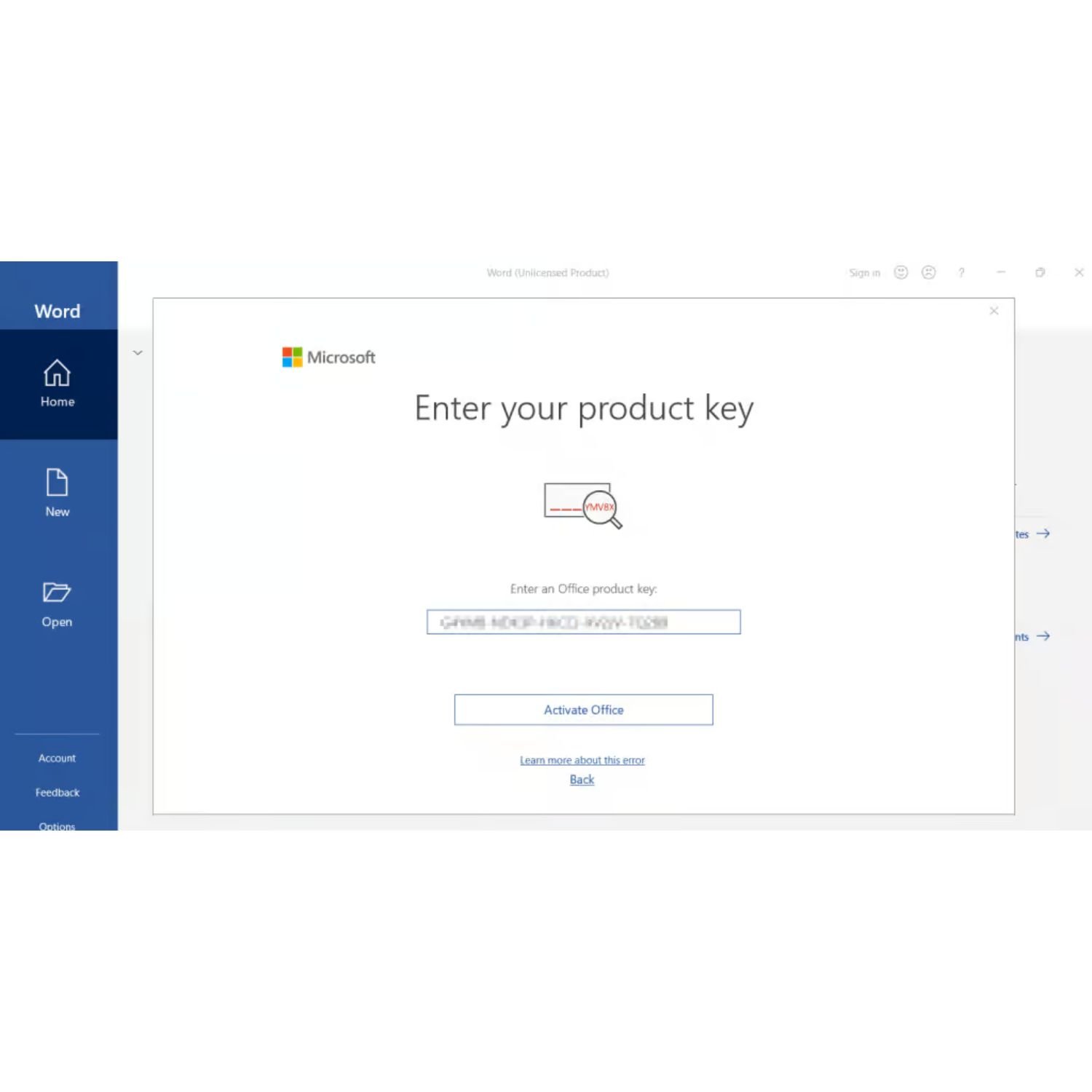
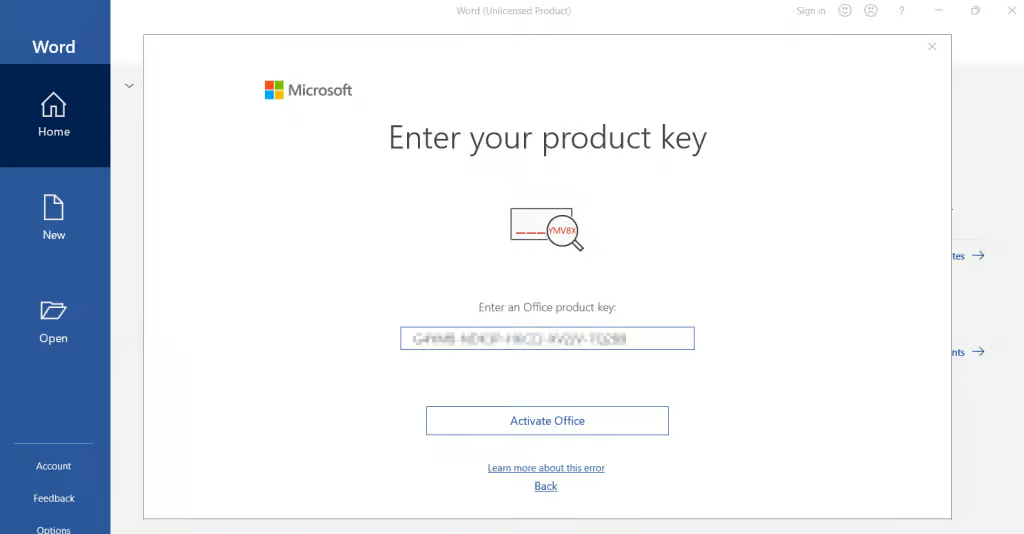
Enter your product key
When asked, sign in with your Microsoft account and enter the key you received from Egodget. -
Finish setup and confirm activation
After installation, open any Office app (for instance Word) and check the account or activation section to confirm it is licensed.
Delivery and support
-
Delivery method: Email only, no DVD or USB sent
-
Delivery time: Usually within a few hours, always within 1–12 hours of payment
-
Guarantee: 90-day money-back guarantee if the key cannot be activated due to a license issue
-
Support: Egodget support is available via email and chat to help with download, install or activation questions
Important notes
-
The license is for one PC at a time. If you change computers, uninstall Office from the old device before moving to the new one.
-
This key works for Office 2019 Professional Plus only, not for Office 2016, 2021 or Microsoft 365 plans.
-
Updates are limited to the Office 2019 generation; it does not convert into a license for later Office versions.
-
Keep a copy of your product key and Microsoft account details in a safe place so you can reinstall if needed.





Thomas Fabyanski (verified owner) –
Everything working Alright, thank you
David Brown (verified owner) –
The support received was excellent and with the advice provided the activation worked perfectly, thank you
Anonymous (verified owner) –
Thank you very much I loved your services.
Pawel M. (verified owner) –
good product
ed s. (verified owner) –
Great support, Worked great! So easy to purchase and use. thanks
Alan (verified owner) –
They send Office 2021 Pro Plus. Working fine. No cheating. Genuine for me. Again thanks to ADAM
Mark Kirby (verified owner) –
Outstanding experience !!!