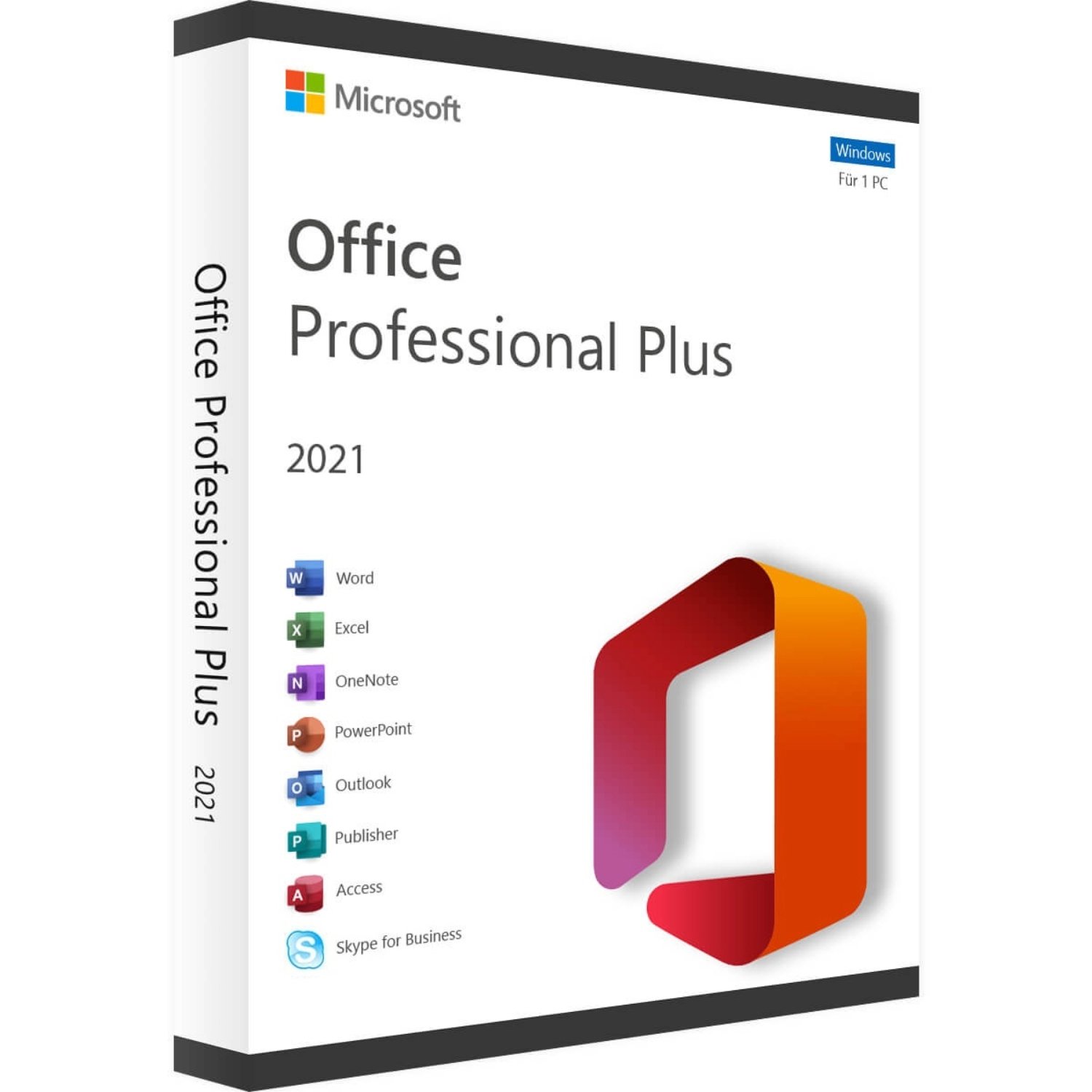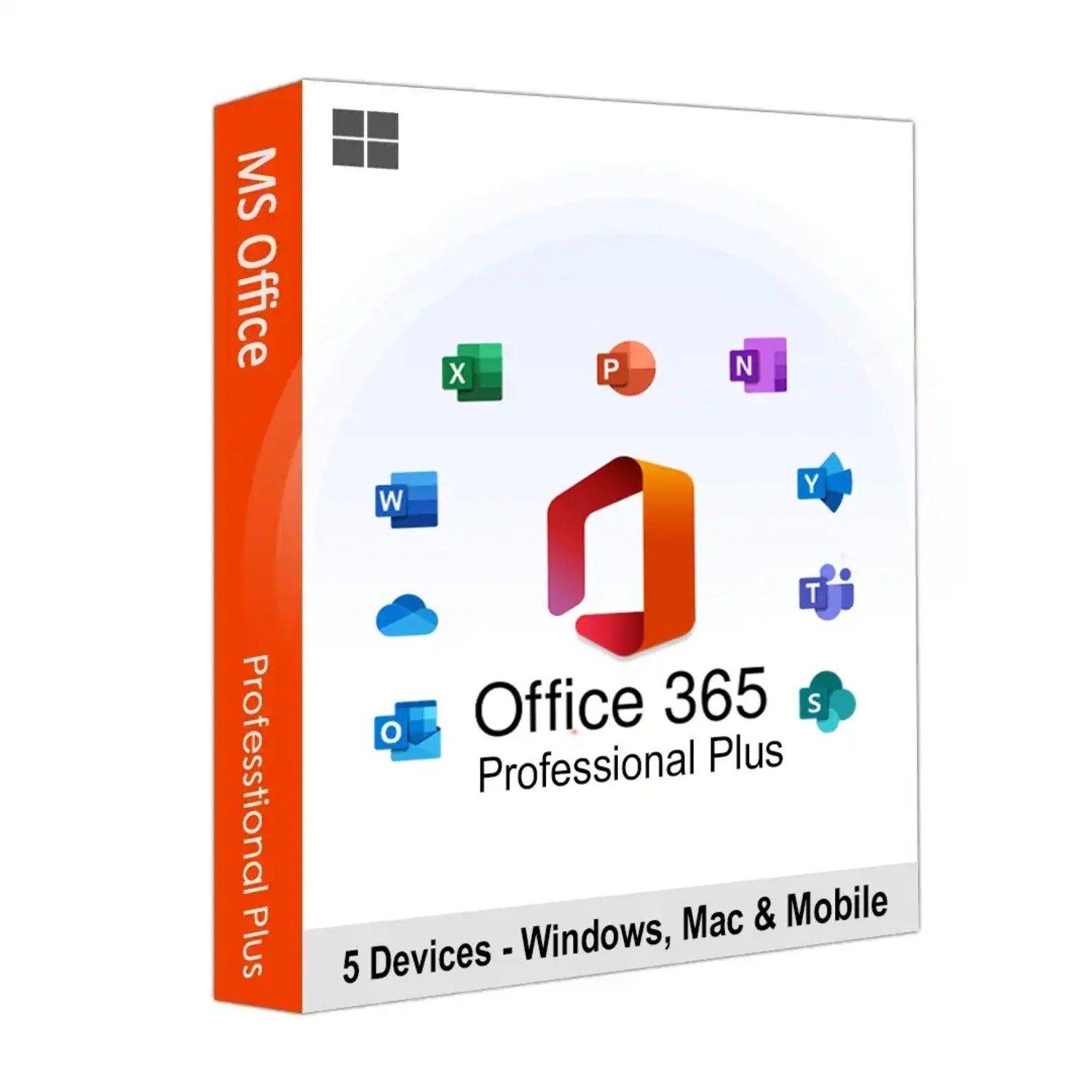

Microsoft Office 2016 Home and Student Product Key – Lifetime

- Instant Email Delivery (1-12 Hrs Max)
- Verified Microsoft Partner (ID: 7185d602...)
- 90-Day Money Back Guarantee
Retail Account Bind
This Microsoft Office 2016 Home and Student Product Key binds directly to your personal Microsoft account for permanent, transferable ownership.
Global Activation
Zero regional restrictions. Deploy and authenticate your software from any location globally without any geo-blocking issues.
100% Online Validation
Fast, frictionless deployment. Enter your unique 25-digit code directly into the official Microsoft setup portal to download your software.
Legacy OS Compatible
Maximum hardware compatibility. This license is fully authorized to install and activate on older Windows 7, Windows 8.1, and Windows 10 PCs.
Deployment Overview: Microsoft Office 2016 Home and Student Product Key
Microsoft Office 2016 Home and Student Product Key deployments offer the most stable, cost-effective strategy for students, home users, and small families looking to secure classic Microsoft productivity applications. While the software industry pushes users toward expensive, cloud-dependent Microsoft 365 subscriptions that expire annually, this classic suite remains highly sought after. By purchasing this specific digital code, you secure a 100% genuine Microsoft suite that you pay for only once.
This specific package provides a unique retail license for a single Windows PC. The greatest advantage of securing a Microsoft Office 2016 Home and Student Product Key is its account-binding capability. Once you redeem the code on Microsoft's website, the software is permanently bound to your personal email address. If your computer crashes or you buy a new laptop years later, you can simply log into your Microsoft account and reinstall the software without having to purchase a new license.
Capabilities of your Office 2016 Home and Student suite
Why do thousands of users still choose to deploy this specific edition over newer versions like 2019 or 2021? The primary reason is legacy compatibility. Applying this Office 2016 Home and Student license guarantees flawless operation on older operating systems while still providing powerful desktop tools. It includes the following core applications:
- Microsoft Word 2016: Create, edit, and format professional documents, academic essays, and letters with advanced styling tools and spelling/grammar checking.
- Microsoft Excel 2016: Manage household budgets, analyze personal data, and organize information using familiar spreadsheets, pivot tables, and charting tools.
- Microsoft PowerPoint 2016: Design impactful slideshows and academic presentations with rich multimedia support, custom transitions, and animation effects.
- Microsoft OneNote 2016: Organize your life. Capture typed notes, hand-drawn sketches, family recipes, and web clippings in a searchable digital notebook.
- Cloud Syncing: While these are fully installed offline desktop apps, you can easily save your files to your free OneDrive account to access your documents from anywhere.
System Requirements for a Microsoft Office 2016 Home and Student Product Key
Before executing the deployment of your Microsoft Office 2016 Home and Student Product Key, verify that your computer hardware meets the following forgiving OS prerequisites:
- Operating System: Highly compatible with legacy systems. Runs flawlessly on Windows 7 Service Pack 1, Windows 8.1, Windows 10, and Windows 11. *Note: This key will not function on macOS.*
- Processor: 1 GHz or faster x86- or x64-bit processor with SSE2 instruction set.
- Memory (RAM): Minimum 2 GB of RAM (very lightweight on system resources compared to newer versions).
- Storage: A minimum of 3 GB of available hard-disk space is required for the installation.
- Graphics: DirectX 10 graphics card is required for hardware acceleration.
Download and Setup Instructions
Egodget guarantees a rapid delivery process. Once your order clears, your unique 25-digit Microsoft Office 2016 Home and Student Product Key will be securely dispatched to your inbox within 1 to 12 hours.
Activation Process via Office.com:
Because this is a retail license that binds to your personal account, you do not use a standard ISO download link. You must redeem the code through Microsoft's official portal.
- Go to the official Microsoft setup portal: office.com/setup.
- Sign in with your existing personal Microsoft account (or create a new free account).
- Enter your Microsoft Office 2016 Home and Student Product Key into the provided fields without any spaces or hyphens.
- Select your country and preferred language.
- Once validated, the software is permanently bound to your account. Click "Download" to install the suite directly onto your PC.
Software FAQs
1. Is this a genuine Microsoft Office 2016 Home and Student Product Key?
2. Can I move this license to a new computer later?
3. Does this suite include Microsoft Outlook?
4. Can I use this key on a Mac?
Complete Your Digital Infrastructure
Pair your new office suite with these essential Microsoft desktop applications.