
Buy genuine Windows Server product keys, SQL Server and RDS CALs
Egodget sells Windows Server product keys for the 2025, 2022, 2019, 2016 and 2012 R2 versions in Standard and Datacenter editions, SQL Server 2019 and 2017 Standard with one CAL, and Remote Desktop Services CALs in packs of 50 users. Every key is a one-time purchase, sent by email within 1 to 12 hours, with a replacement guarantee.
- Retail license, one-time purchase
- Key by email in 1 to 12 hours
- Replacement key if activation fails
- 90 days of support
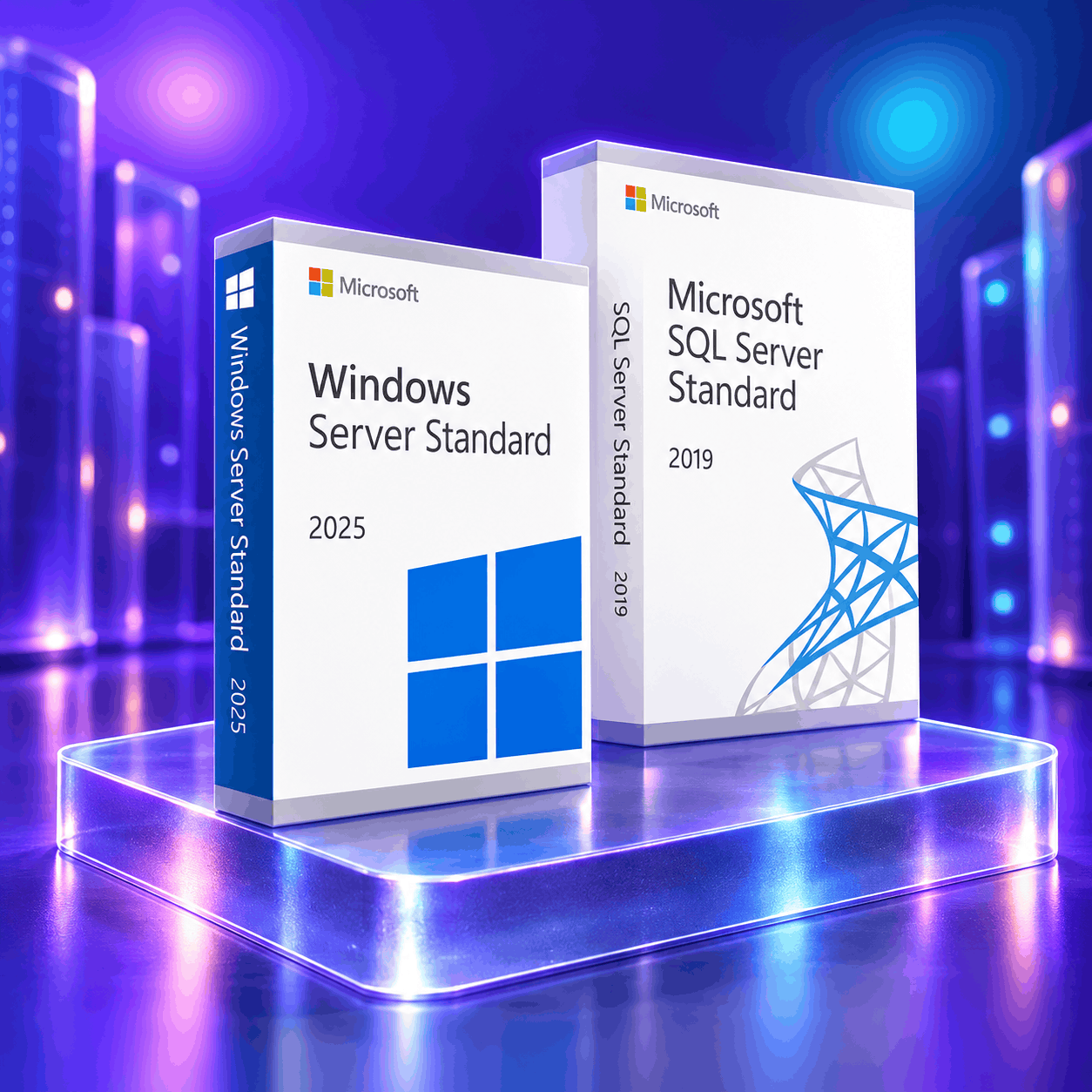
Windows Server, SQL Server and RDS CAL product keys
Twelve keys in three families. A Windows Server key activates one server. An RDS CAL pack lets 50 users connect by Remote Desktop. A SQL Server key activates the database and includes one CAL.
No product matches your search. Try another word, for example "2025" or "SQL".
Which Windows Server version do you need?
For a new server, choose Windows Server 2025: Microsoft sends it security updates until October 10, 2034. Choose Windows Server 2022 or 2019 to match servers you already run. Windows Server 2016 receives updates until January 12, 2027. Windows Server 2012 R2 has been out of support since October 10, 2023 and suits only legacy systems.
What are you setting up?
| Version | Editions at Egodget | Microsoft security updates | Best for | View key |
|---|---|---|---|---|
| Windows Server 2025 | Editions at EgodgetStandard and Datacenter | Microsoft security updatesUntil October 10, 2034 | Best forNew servers and the longest support | View key |
| Windows Server 2022 | Editions at EgodgetStandard and Datacenter | Microsoft security updatesUntil October 14, 2031 | Best forMatching servers already on 2022 | View key |
| Windows Server 2019 | Editions at EgodgetStandard and Datacenter | Microsoft security updatesUntil January 9, 2029 | Best forSoftware certified for 2019 | View key |
| Windows Server 2016 | Editions at EgodgetStandard | Microsoft security updatesUntil January 12, 2027 | Best forOlder hardware; plan an upgrade before 2027 | View key |
| Windows Server 2012 R2 | Editions at EgodgetStandard | Microsoft security updatesEnded October 10, 2023 | Best forLegacy systems that cannot be upgraded | View key |
Standard, Datacenter, RDS CALs and SQL Server explained
Windows Server Standard is for physical servers or light virtualisation, with rights to run two virtual machines. Datacenter is for hosts that run many virtual machines, with no limit on their number. An RDS CAL gives one user the right to connect by Remote Desktop. SQL Server Standard is licensed per server, with one CAL for each user or device.
- Standard
For physical servers and up to two virtual machines
The usual choice for a file server, a domain controller or one application server.
- Datacenter
For hosts with many virtual machines
No limit on the number of virtual machines, plus Storage Spaces Direct and Shielded Virtual Machines.
- RDS User CALs
For Remote Desktop users
One pack covers 50 users. The CAL version must be the same as your server version, or newer.
- SQL Server Standard
For databases, with one CAL included
The key activates SQL Server Standard on one server and includes one client access license.
How to activate a Windows Server key
A Windows Server key must match both the version and the edition installed: a 2022 Standard key activates Windows Server 2022 Standard only. Activation is done online, on the server itself.
Install the matching version and edition
Download Windows Server with the official Microsoft link in your order email and install the version and edition named on your key.
Enter the key
Open Settings, then Activation, choose "Change product key" and type the 25 characters. On an evaluation copy, convert it to the full edition first.
Stay online until it confirms
The server checks the key with Microsoft and shows that Windows is activated. If you see an error code, send it to us: we replace the key.
Step-by-step guides
Questions about Windows Server and SQL Server keys
What is the difference between Windows Server Standard and Datacenter?
Both editions run the same Windows Server. Standard gives rights to run two virtual machines and suits physical servers or light virtualisation. Datacenter has no limit on virtual machines and adds Storage Spaces Direct and Shielded Virtual Machines. Choose Datacenter for a host that runs many virtual machines; otherwise Standard is enough.
Are client access licenses (CALs) included with a Windows Server key?
No. A Windows Server key activates the server software itself. Remote Desktop access for your users needs RDS CALs, which Egodget sells separately in packs of 50 users for Windows Server 2022 and 2012. The SQL Server Standard keys are different: each one includes one CAL.
Which RDS CALs work with my Windows Server version?
RDS CALs must be the same version as the server your users connect to, or a newer one. The Windows Server 2022 RDS CALs therefore work with Windows Server 2022, 2019 and 2016, but not with Windows Server 2025. The Windows Server 2012 RDS CALs work with Windows Server 2012 and 2012 R2 only.
Can I use a key to convert a Windows Server evaluation copy to the full version?
Yes. An evaluation copy of Windows Server Standard or Datacenter can be converted to the full edition with a key for the same version, using the DISM command in an administrator prompt. You do not need to reinstall. Our guide gives the exact command and the errors to expect.
How long does Microsoft support each Windows Server version?
Microsoft sends security updates to Windows Server 2025 until October 10, 2034, to Windows Server 2022 until October 14, 2031, to Windows Server 2019 until January 9, 2029, and to Windows Server 2016 until January 12, 2027. Support for Windows Server 2012 R2 ended on October 10, 2023.
Is a Windows Server or SQL Server key a one-time purchase?
Yes. Every Windows Server, SQL Server and RDS CAL key at Egodget is a Retail license bought once, with no subscription and no renewal. The license does not expire when Microsoft support for that version ends: the server keeps running, without new security updates.
Need Windows or Office for your workstations?
Egodget also sells Windows 11 and Windows 10 keys, and Office keys for PC and Mac, with the same delivery time and guarantee.