
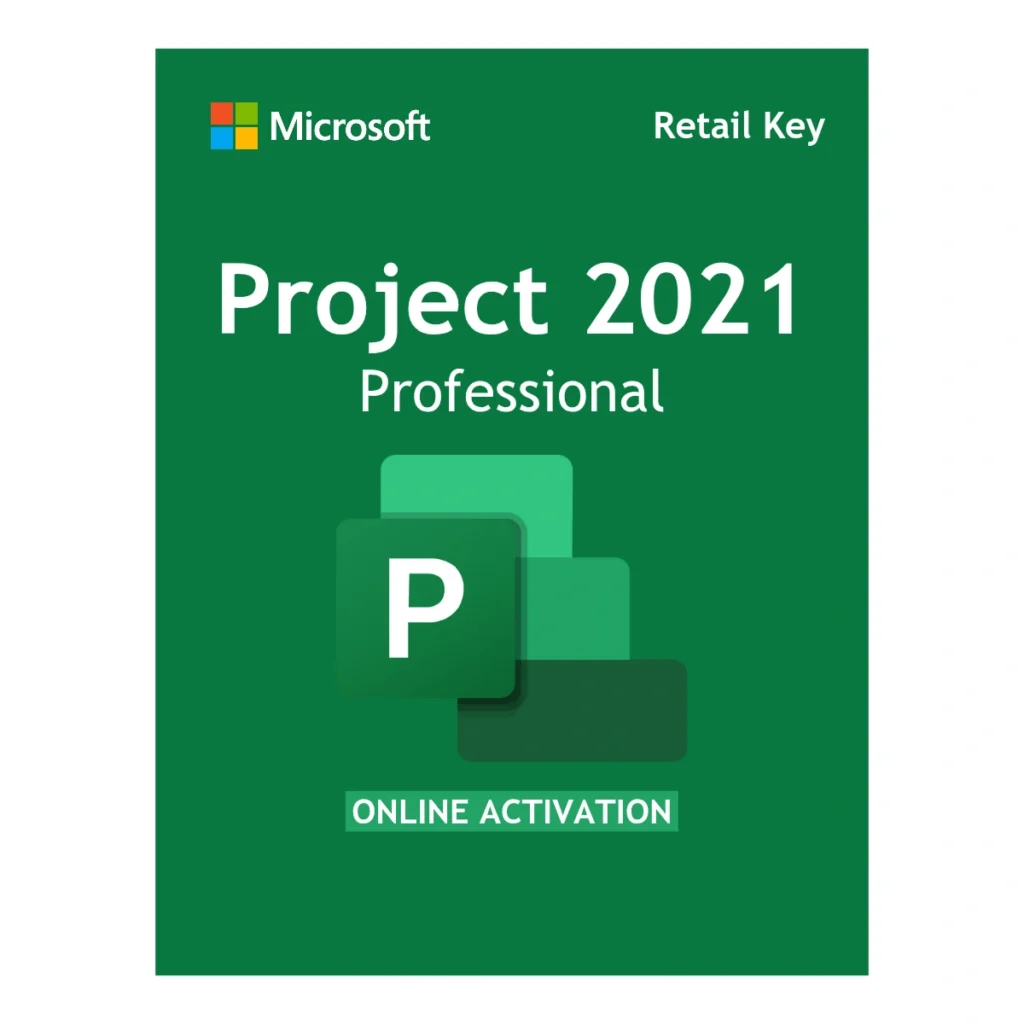
Microsoft Project 2021 Professional Key – 1 PC Windows Retail License
0.0 (0 Verified Reviews)Manage complex projects with Gantt charts, resource allocation, and timeline tracking offline. Genuine Microsoft Project 2021 Professional key for 1 Windows PC, perpetual retail license. License delivered by email within 1 business day, official download included.

- License delivered by email within 1 business day
- Verified Microsoft Partner
- 90-Day Money Back Guarantee
- 100% Lifetime Valid License
Retail Lifetime License
Pay once. Use it forever. You secure your workflow permanently and skip the monthly Microsoft 365 subscriptions entirely.
Global Version
Zero geographical restrictions. Buy with confidence knowing you can install and activate your software anywhere in the world.
Secure Deployment
Fast, frictionless setup. Enter your unique product code directly into the setup wizard to activate through Microsoft's servers.
Official Download
We provide a secure, direct link to download the official setup image directly from Microsoft's Content Delivery Network.
Deployment Overview: Microsoft Project 2021 Professional Key – 1 PC Windows Retail License
Look, renting your software through subscriptions drains your budget. Microsoft Project 2021 Professional Key – 1 PC Windows Retail License gives project managers exactly what they need to translate complex workflows into clear schedules. When you buy this software through Egodget.com | Microsoft License Key, you guarantee a highly capable, offline-ready management environment.
This package provides a genuine retail license for a single Windows PC. A retail license ensures the software binds permanently to your device. Whether you chart a new software development lifecycle or draft an enterprise timeline, securing a Microsoft Project 2021 Professional Product Key is the most cost-effective method to keep teams aligned.
Management Capabilities
Why do certified Project Management Professionals demand the Professional tier? Because it includes advanced resource allocation tools unavailable in the standard version. Applying this license unlocks enterprise features:
- Interactive Gantt Charts: Map your project lifecycle perfectly. Use visual timelines to understand task relationships, track critical paths, and foresee bottlenecks before they impact delivery.
- Resource Management & Leveling: Prevent team burnout. You input staff, equipment, and material costs to highlight overallocation and automatically adjust schedules.
- Task Dependencies: Link tasks logically. Create Finish-to-Start dependencies so you instantly see how a delay cascades down to affect the final milestone.
- What-If Scenarios: Run hypothetical scenarios. Assess how potential delays or budget cuts impact your overall delivery schedule.
System Requirements
Keep in mind, you need to verify your hardware meets Microsoft’s exact specs before buying your Project 2021 Professional Product Key:
- Operating System: Strictly requires Windows 10 or Windows 11. *Note: This key is not compatible with Windows 7, Windows 8, or macOS.*
- Processor: Modern dual-core CPU or better (1.6 GHz or faster).
- Memory (RAM): At least 4 GB of RAM is required to handle large, resource-heavy project files smoothly.
- Storage: A minimum of 4 GB of available hard-disk space is required for the setup.
- Display: A monitor with at least HD resolution (1280 x 768) is required for precise chart viewing.
Download and Setup Instructions
Egodget.com | Microsoft License Key makes digital delivery fast and easy. Once your payment clears, your 25-digit key hits your inbox within 1 business day.
Installation Process:
You do not need a physical DVD. We provide the official setup image directly from Microsoft’s secure servers. Download the file, double-click to mount it on your Windows PC, and run the setup. Enter your Microsoft Project 2021 Professional Product Key when prompted to validate your software online permanently.
Software FAQs
1. Is this a genuine Microsoft Project 2021 Professional Product Key?
Yes. We are an authorized Microsoft Certified Partner. This is a 100% genuine retail license sourced directly from verified enterprise distributors, guaranteeing full compliance.
2. Is this a lifetime license or an annual subscription?
This is a strict one-time purchase. Your license provides a perpetual lifetime activation on the installed computer with zero recurring monthly or annual fees.
3. How long does delivery take?
License key delivered by email within 1 business day. Most orders fulfilled within a few hours.
4. What is your return policy?
We provide a 90-day money back guarantee. If the key does not work, we replace it immediately or issue a full refund.
Verified Customer Reviews
You must be logged in to post a review.


Reviews
There are no reviews yet