
How to Convert Windows Server Evaluation to Full Version (2016, 2019, 2022, 2025)
Drafted with AI assistance and reviewed by our support team. Illustrations are AI-generated.
Short answer: To convert Windows Server evaluation to full, open an elevated Command Prompt and run the DISM command specifying your retail or volume product key and target edition. Ensure your current installation matches the correct upgrade path, as Datacenter evaluation can only convert to Datacenter and domain controllers cannot be converted.
Applies to: Windows Server 2012 R2 Evaluation, Windows Server 2016 Evaluation, Windows Server 2019 Evaluation, Windows Server 2022 Evaluation, Windows Server 2025 Evaluation
Prerequisites and Limitations Before You Begin
Before you attempt to convert Windows Server evaluation to full, you must verify your current edition, secure administrative rights, and obtain a genuine product key. You will need a retail or Volume Licensing key that matches your exact version and edition. For Windows Server 2022 Standard, you can acquire a permanent key directly from Microsoft Windows Server 2022 Standard. For other versions, reference our guide on Server and SQL keys.
Microsoft enforces strict conversion boundaries that you must respect:
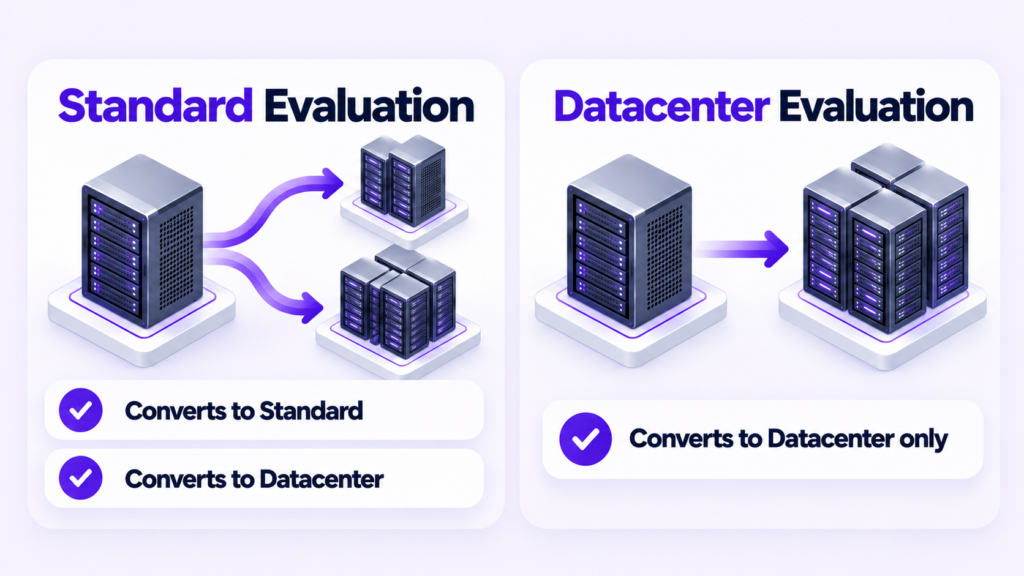
- Datacenter limitation: A Datacenter evaluation install can only be converted to full Datacenter. It cannot be converted to Standard.
- Desktop Experience limit: An evaluation install deployed with Desktop Experience cannot be converted to a Server Core retail installation.
- Domain Controller restriction: If the evaluation server is currently configured as an Active Directory Domain Controller, DISM will block the conversion. You must demote the domain controller before performing the upgrade.
Run the following commands in an elevated Command Prompt to check your starting state.
DISM /Online /Get-CurrentEditionDISM /Online /Get-TargetEditions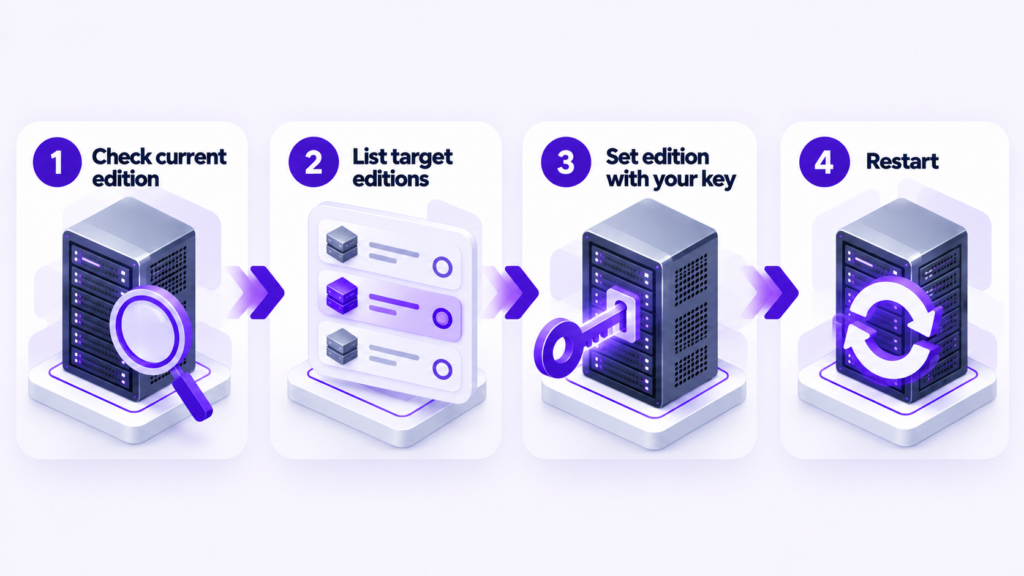
Step-by-Step Conversion Procedure
To execute the conversion, open an elevated Command Prompt and supply the appropriate DISM command for your specific operating system version and target edition. Make sure you replace the placeholder with your actual product key.
For Windows Server Standard editions, run:
DISM /Online /Set-Edition:ServerStandard /ProductKey: /AcceptEulaFor Windows Server Datacenter editions, run:
DISM /Online /Set-Edition:ServerDatacenter /ProductKey: /AcceptEulaIf you are working with older supported releases like Windows Server 2012 R2, the servicing framework follows the same syntax through DISM or slmgr depending on the specific build media, but DISM remains the primary servicing tool for evaluation upgrades as outlined in official documentation from Microsoft Learn.
Confirming Successful Conversion
After the DISM command completes successfully, restart your server to finalize the system file changes. Once the machine boots back up, verify that the evaluation watermark is gone and the operating system reports as fully licensed.
Open an elevated Command Prompt and run the detailed license check command to confirm the channel status.
slmgr.vbs /dlv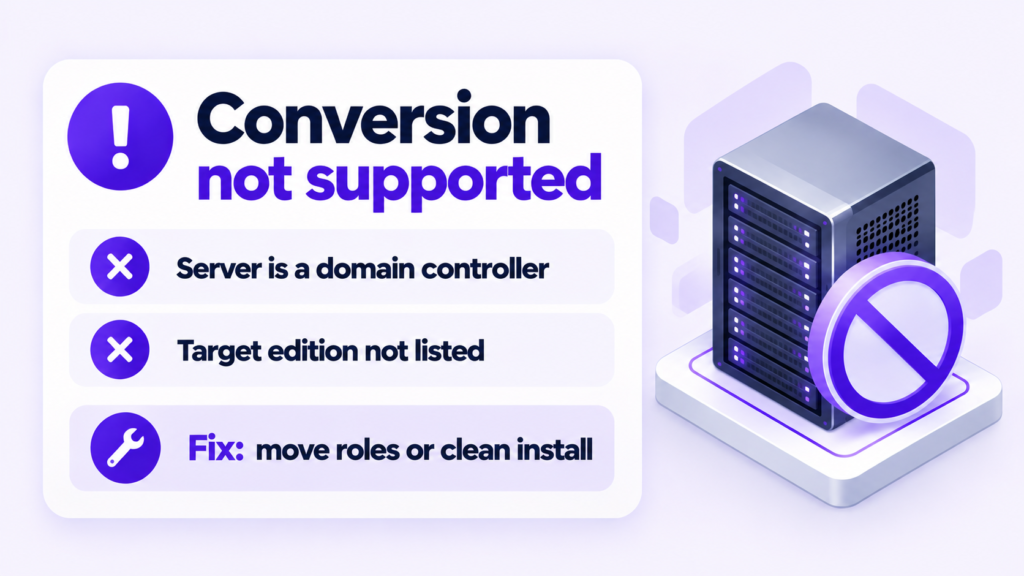
Quick diagnosis
| What you see | Likely cause | Fix | Confirm with |
|---|---|---|---|
| DISM reports error 50 or states that the operation is not supported on this image. | The server is running Active Directory Domain Services and cannot be converted while acting as a domain controller. | Demote the domain controller, perform the edition conversion, and promote it again after activation. | |
| DISM fails with an invalid product key error. | An evaluation product key was used instead of a retail or volume license key, or the key edition does not match the target edition. | Obtain a genuine retail or Volume Licensing key matching the exact target edition (Standard or Datacenter). |