Deployment Overview: Microsoft Office 365 Pro Plus Account
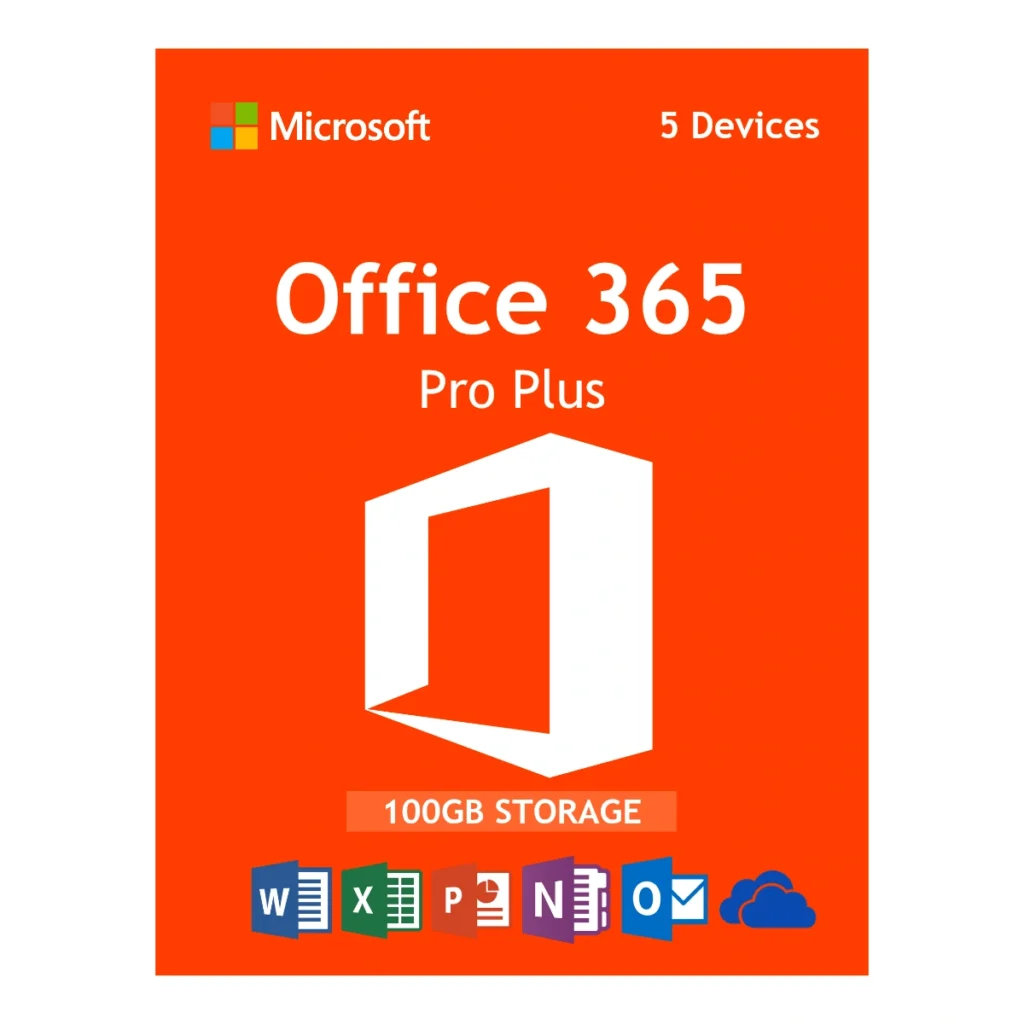
Microsoft Office 365 Pro Plus Account deployments are the most flexible and cost-effective way to get your entire family or small business up and running on the latest Microsoft productivity suite. Instead of paying hundreds of dollars directly to Microsoft for a multi-user subscription, Egodget provides you with a fully provisioned, secure login credential that is ready to use instantly.
This specific package is a 1-year subscription account. It is designed for maximum coverage, allowing you to install the premium desktop versions of Word, Excel, PowerPoint, and Outlook on up to 5 different devices. Whether you are typing an essay on your MacBook, building a spreadsheet on your Windows PC, or checking email on your iPhone, this account keeps all your devices synced through the included 100GB OneDrive cloud storage.
Capabilities of your Office 365 subscription
Because this is a live subscription rather than a static lifetime key (like Office 2021 or 2019), you are guaranteed to receive the absolute latest feature drops and security patches from Microsoft as soon as they are released. Your account provides the following benefits:
- Premium Desktop Apps: Download and install the full versions of Word, Excel, PowerPoint, Outlook, and OneNote. (Access and Publisher are also included, but are strictly for Windows PCs).
- 100GB OneDrive Storage: Safely back up your documents, photos, and critical files to the cloud. Start a project on your office PC and finish it on your iPad seamlessly.
- Real-Time Collaboration: Co-author documents simultaneously with team members or classmates. See their edits happen in real time and leave contextual comments within the file.
- Mobile Optimization: Gain access to premium editing features in the Office mobile apps for iOS and Android, which are normally locked for free users.
System Requirements for a Microsoft Office 365 Pro Plus Account
To ensure smooth operation of the downloaded desktop and mobile apps, please verify your devices meet these minimum requirements:
- Windows PC: Windows 10 or Windows 11. (Older operating systems like Windows 7 and 8 are not supported by the Microsoft 365 desktop apps).
- Mac: Microsoft supports the three most recent versions of macOS.
- Mobile: The latest versions of iOS (iPhone/iPad) and Android.
- Internet: A stable internet connection is required to initially download the apps, sign into the account, and sync your OneDrive files. (The desktop apps can be used offline once installed).
Setup and Login Instructions
Egodget guarantees a rapid delivery process. Once your order clears, your unique login credentials (Username and Password) will be securely dispatched to your inbox within 1 to 12 hours.
How to access your software:
Because you are purchasing an account and not a product key, the setup process is incredibly simple.
- Go to the official Microsoft portal: www.office.com.
- Click the “Sign In” button in the top right corner.
- Enter the specific Microsoft Office 365 Pro Plus Account username and password we emailed to you.
- Upon your first login, Microsoft may prompt you to change the password to something private.
- Once in your dashboard, click the “Install Office” button in the top right to download the software directly to your device.
Administrator FAQs
1. Why didn’t I receive a 25-digit product key?
Because this is a pre-provisioned Microsoft Office 365 Pro Plus Account, you do not receive a traditional 25-digit product key. Instead, we email you a secure username and password. You simply use those credentials to log directly into Office.com and download your software.
2. Can I renew this account after 1 year?
When the 1-year subscription period ends, access to the premium features and OneDrive storage will stop. You will need to purchase a new account or subscription plan at that time to continue using the services. Ensure you back up important OneDrive files before the year ends.
3. Is my data secure on this account?
Yes. Upon your very first login, you will be prompted to change the temporary password we provide to a secure, private password of your choosing. Egodget does not have access to your account or files after you take ownership.
4. Can I use this to renew my personal email account?
No. This purchase provides you with a brand new, separate account credential. It cannot be used as a “renewal code” applied to an existing @outlook.com or @hotmail.com email address.
Fast delivery and so far, everything working Okay
i have lost the email key to activate - please send again
Please Contact us on my personal email for quick support:
No product key or licence key
It's exactly what i need
Very professional work
It's working fine! but I are my information secure? Save? confidential? not so sure.
Everything works Fine!