
By Egodget Tech Team
•
Updated: October 2026
Is Windows 7 Safe to Use in 2026? Risks and Alternatives
Short answer: No. Windows 7 is not safe to use in 2026 on a PC that connects to the internet. Microsoft released the last security update for it in January 2023, so every flaw found since then is still open. It is reasonable to keep Windows 7 only on a machine that stays offline, such as a PC that runs old equipment or old games. For anything online, move to Windows 11, or to Linux if the hardware is too old.
Applies to: Windows 7 Home Premium, Professional and Ultimate with Service Pack 1.
Table of Contents
When Windows 7 support ended
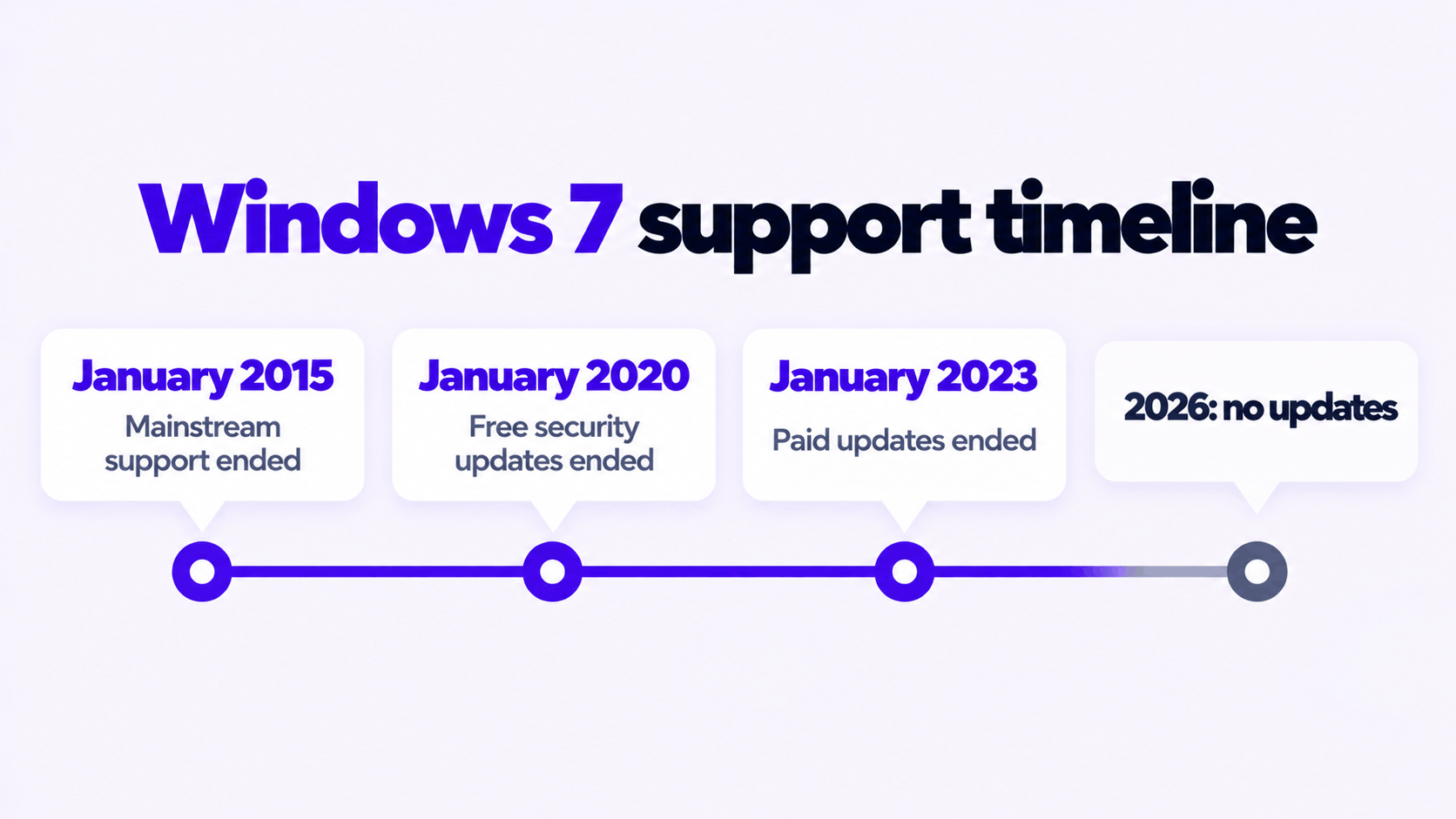
These are the dates on Microsoft’s lifecycle page for Windows 7.
| Milestone | Date | What stopped |
|---|---|---|
| Mainstream support ended | January 13, 2015 | New features and design changes |
| Extended support ended | January 14, 2020 | Free security updates for everyone |
| Extended Security Updates, year 3, ended | January 10, 2023 | Paid security updates for organizations |
Nothing has been released for Windows 7 since the last of those dates. A Windows 7 PC that is “fully updated” today is patched to January 2023 at best, and to January 2020 if it was never enrolled in the paid program, which is true of almost every home PC.
What an unsupported Windows 7 is missing
Security patches. Flaws in Windows are found every month. On supported versions they are fixed on the second Tuesday of the month. On Windows 7 they stay open, and many flaws found in Windows 10 and 11 exist in the older code too. Antivirus software does not close them. It can block known malicious files, but it cannot repair a flaw in Windows itself.
Current browsers. The browser is where most attacks arrive, and it is the weakest point on Windows 7:
- Chrome and Edge stopped at version 109 in early 2023 and have had no fixes since.
- Firefox is the exception. Mozilla still releases security updates for Firefox 115 ESR on Windows 7, and says it will do so until March 2027. It is the only mainstream browser still being patched there, and it is an old version that many newer sites are not tested against.
Modern encryption defaults. Windows 7’s built-in security layer does not support TLS 1.3, and Microsoft’s documentation lists TLS 1.2 as disabled by default on it. Programs that rely on Windows for secure connections, including older email clients and software updaters, can fail to connect or fall back to weaker protocols.
A network protocol that should be off. SMBv1, the 1980s file-sharing protocol that the WannaCry worm spread through in 2017, is enabled by default on Windows 7. Windows 11 does not install it at all.
Software and drivers. New versions of most applications no longer install on Windows 7, and new printers, graphics cards and other hardware ship without Windows 7 drivers.
When is Windows 7 safe to use in 2026?
The risk comes almost entirely from the network. Take that away and most of it goes with it.
| How the PC is used | Risk | Verdict |
|---|---|---|
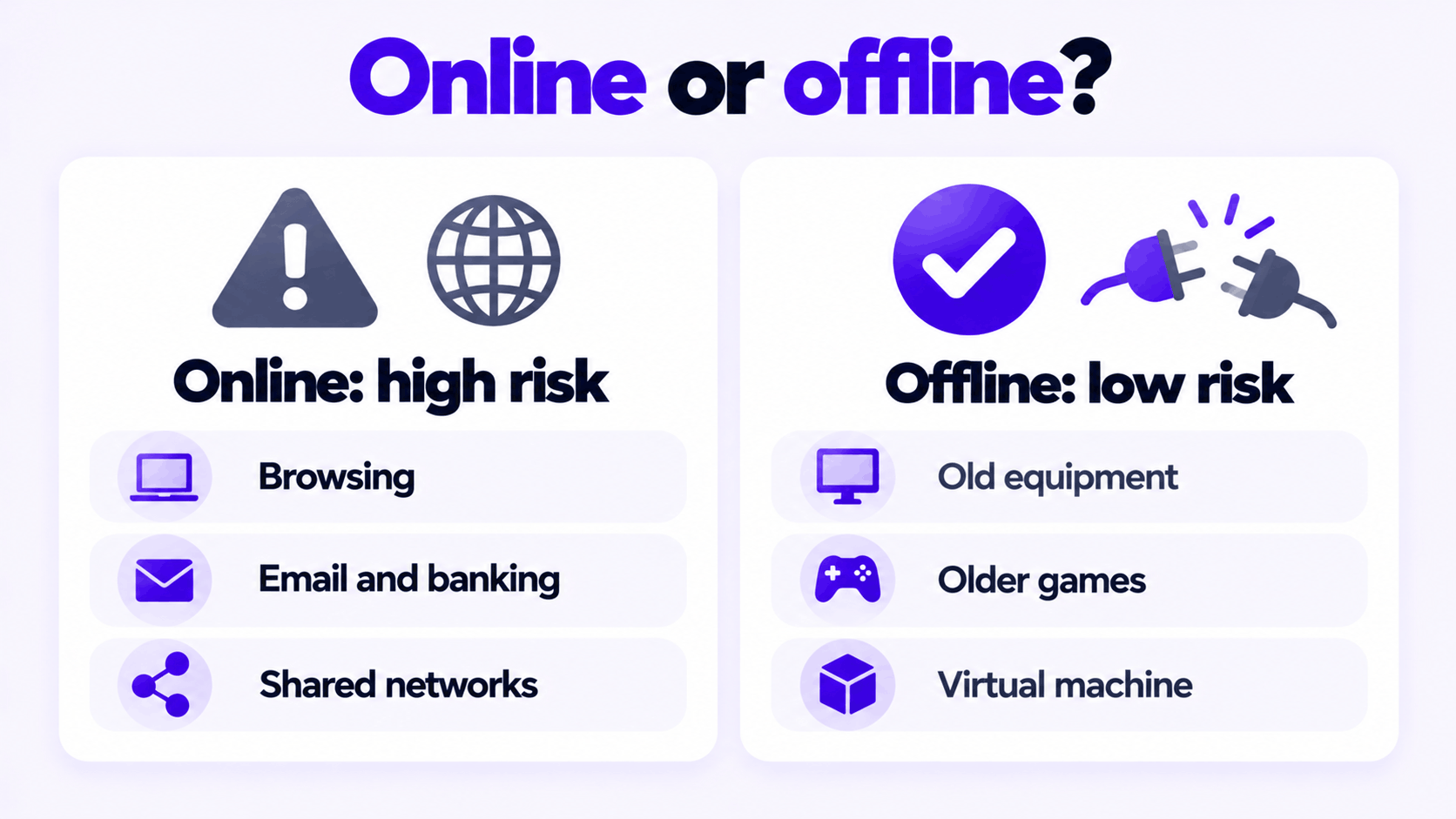
| Web browsing, email, banking, shopping | High | Do not use Windows 7 |
| On a home or office network with other PCs, even without browsing | Medium to high | Move it off the network or replace it |
| Offline, running old equipment: CNC machines, diagnostic tools, lab instruments | Low | Reasonable, with care over USB drives |
| Offline, for older games or software that will not run on newer Windows | Low | Reasonable |
| Inside a virtual machine with networking turned off | Low | Reasonable, and safer than a spare PC |
“Offline” has to mean it. A PC that is plugged into the router “just for updates” or “just for one download” is an online PC.
If you have to keep it: reduce the risk
None of this makes Windows 7 safe online. It makes an offline or tightly limited machine harder to compromise.
- Disconnect it. Unplug the network cable and turn off Wi-Fi in the adapter settings. If the machine must talk to one other device, connect only those two.
- Install the updates that do exist. Make sure Service Pack 1 and the updates released up to January 2020 are installed before you take it offline.
- Use a standard account. Do everyday work from a standard user account and keep the administrator account for installing software.
- Treat USB drives as the way in. On an offline PC, a USB drive is the only route for malware. Scan drives on an up-to-date PC first and turn off AutoPlay.
- Keep sensitive data off it. No saved passwords, no banking, no personal documents you could not afford to lose.
- Back up what it produces. Old hardware fails. Copy the machine’s working files to another drive on a schedule.
- If it must go online briefly, use Firefox 115 ESR, sign in to nothing, and disconnect again when you are done.
Turn off SMBv1
If the Windows 7 PC shares a network with anything else, turn off the SMBv1 server. Microsoft documents this registry setting for Windows 7. Open PowerShell as administrator.
To check the current state:
Get-Item HKLM:\SYSTEM\CurrentControlSet\Services\LanmanServer\Parameters | ForEach-Object {Get-ItemProperty $_.pspath}If the output has no SMB1 line, SMBv1 is on, because enabled is the default and no value is created for it. To turn it off:
Set-ItemProperty -Path "HKLM:\SYSTEM\CurrentControlSet\Services\LanmanServer\Parameters" SMB1 -Type DWORD -Value 0 -ForceRestart the PC for the change to take effect. One caution: very old network storage devices and printers that scan to a shared folder may only speak SMBv1 and will stop working with this PC until you set the value back to 1.
What to move to
| Option | Security updates | Good fit when |
|---|---|---|
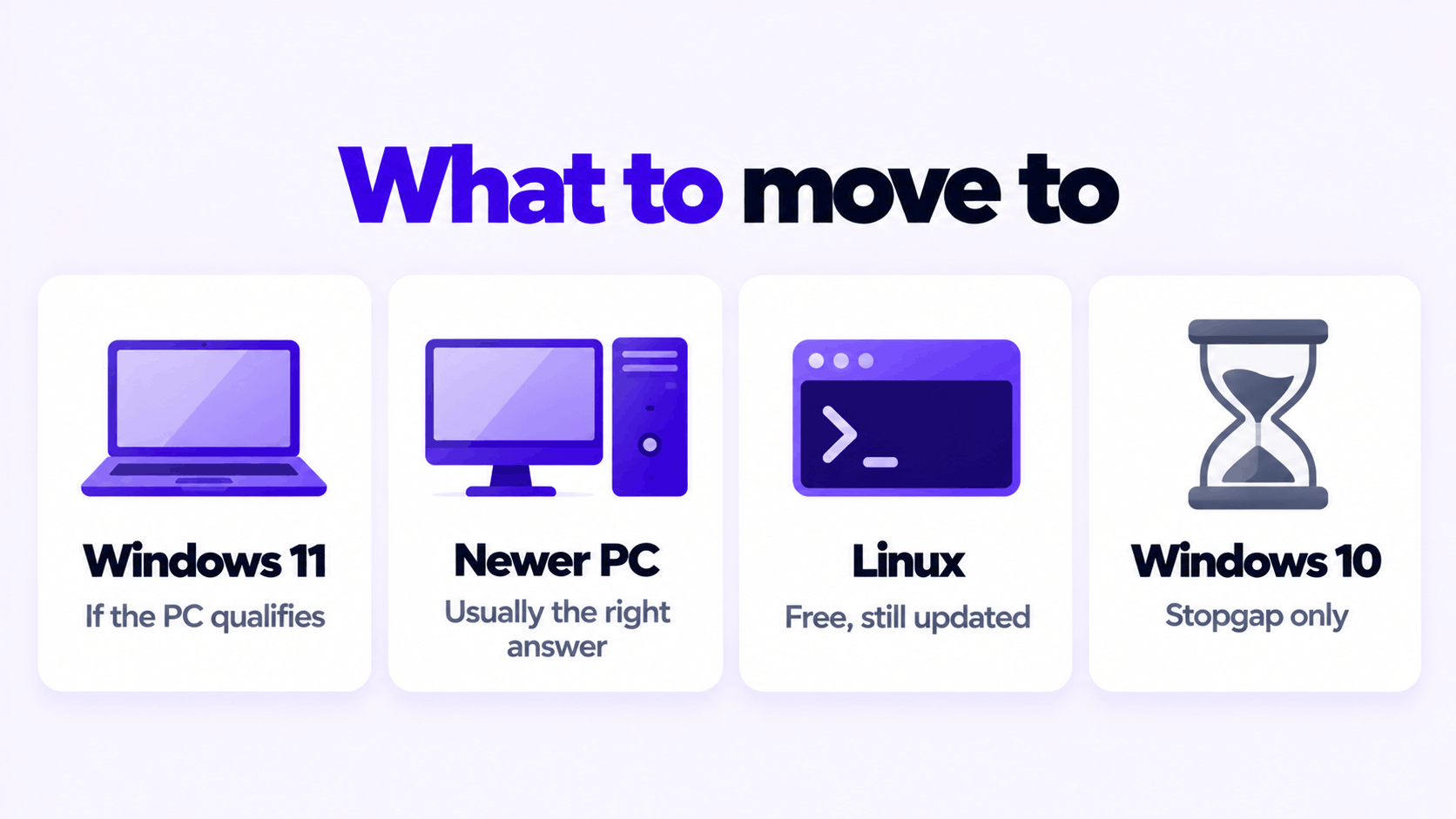
| Windows 11 | Yes, current | The PC meets the requirements: TPM 2.0, Secure Boot and a supported processor. Most PCs sold with Windows 7 do not. |
| A newer PC with Windows 11 | Yes, current | The Windows 7 PC is over ten years old. This is usually the right answer. |
| Linux Mint or another Linux desktop | Yes, current, free | The hardware still works and you mainly browse, email and write documents. |
| Windows 10 | No. Support ended October 14, 2025. | Only as a stopgap. It runs on Windows 7 era hardware and still gets current browsers, but it is on the same road Windows 7 went down. |
Windows 10 used to be the obvious step up from Windows 7. That is no longer true. It is far better protected than Windows 7 today, mainly because browsers still support it, but it is no longer patched either, so do not buy a license for it expecting years of use.
One licensing point: a Windows 7 product key does not activate Windows 10 or Windows 11 anymore. Microsoft closed that route in 2023, so a move to a newer Windows needs a new license.
How to move off Windows 7
There is no direct upgrade from Windows 7 to Windows 11 that keeps your programs. It is a clean installation.
- Check the hardware. Look up the PC’s processor against Microsoft’s Windows 11 requirements. If it does not qualify, choose Linux or a newer PC.
- Back up your files to an external drive: documents, photos, browser bookmarks, and license keys for software you will reinstall.
- Create installation media on a working PC with Microsoft’s Media Creation Tool and a USB drive of 8 GB or more.
- Start the old PC from the USB drive and choose a custom installation. This erases the drive.
- Activate with a product key for the edition you installed, then copy your files back.
Related guides: create a Windows 11 bootable USB and how to activate Windows 11 Pro with an OEM product key.
Keys we sell for each case: Windows 11 Pro for a PC that qualifies, Windows 10 Pro as a stopgap on older hardware, and Windows 7 Professional for an offline machine that has to stay on Windows 7.
Moving to Windows 11?
One key for one PC. If it does not activate, we replace it or refund it.
Email Delivery in 1 to 12 Hours • 90-Day Money-Back Guarantee